Short answer: Wi-Fi roaming is a decision the client makes, not one the network can force, and a client normally goes looking for a better access point because its signal got worse — which is what walking around a building does. A phone bolted to a shelf has a stable mediocre signal, so that trigger rarely fires. It keeps the association it made during setup, and can keep it after you install a new mesh node three feet away. Nothing errors, nothing stops, and the recording is unaffected because it never touches the network at all. Only the live view is worse, and the diagnosis lives on your router rather than in any app — for a reason I will be specific about at the end.
Here is a shape of problem no setting in any camera app can fix, described in general because it is a general problem rather than one bad evening.
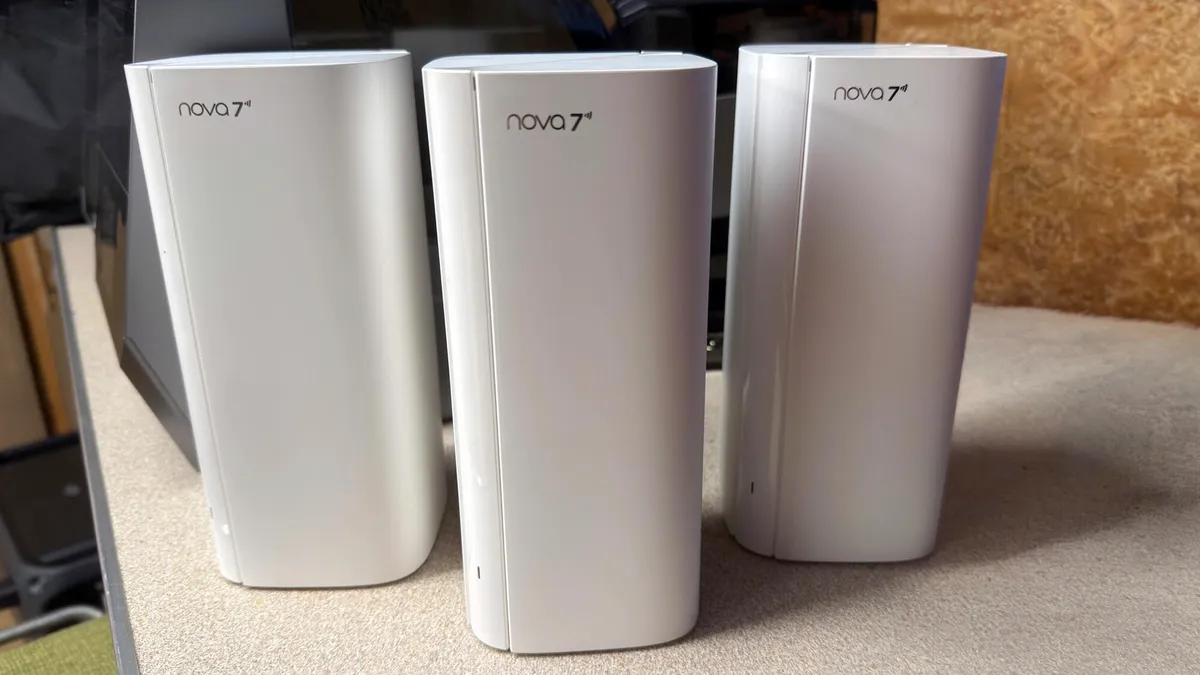
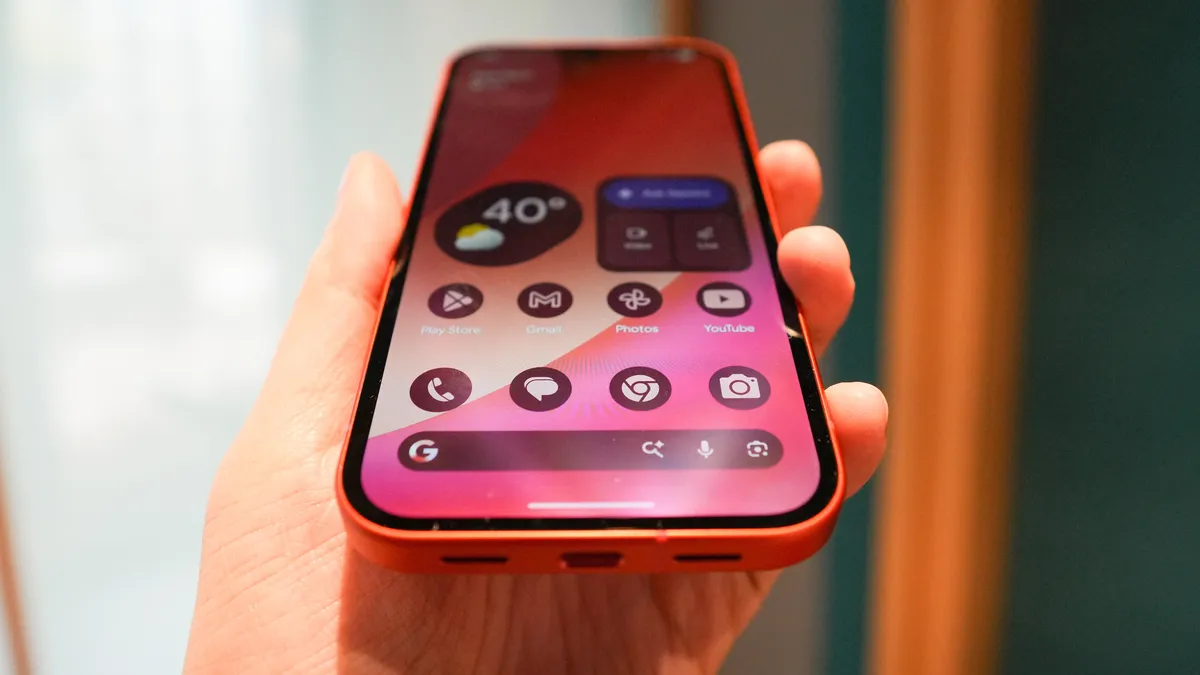
An old Android phone runs as a camera in a garage, a shed, a back bedroom. The live view is fine some days and syrupy on others. The sensible move is made: another mesh node, in the room with the phone. Nothing improves. A week later, nothing has improved. Power-cycle the node, reboot the router, reinstall the app.
The admin page then shows the phone still associated with the original router at the other end of the building, which it has been talking to, contentedly, since long before the new node arrived.