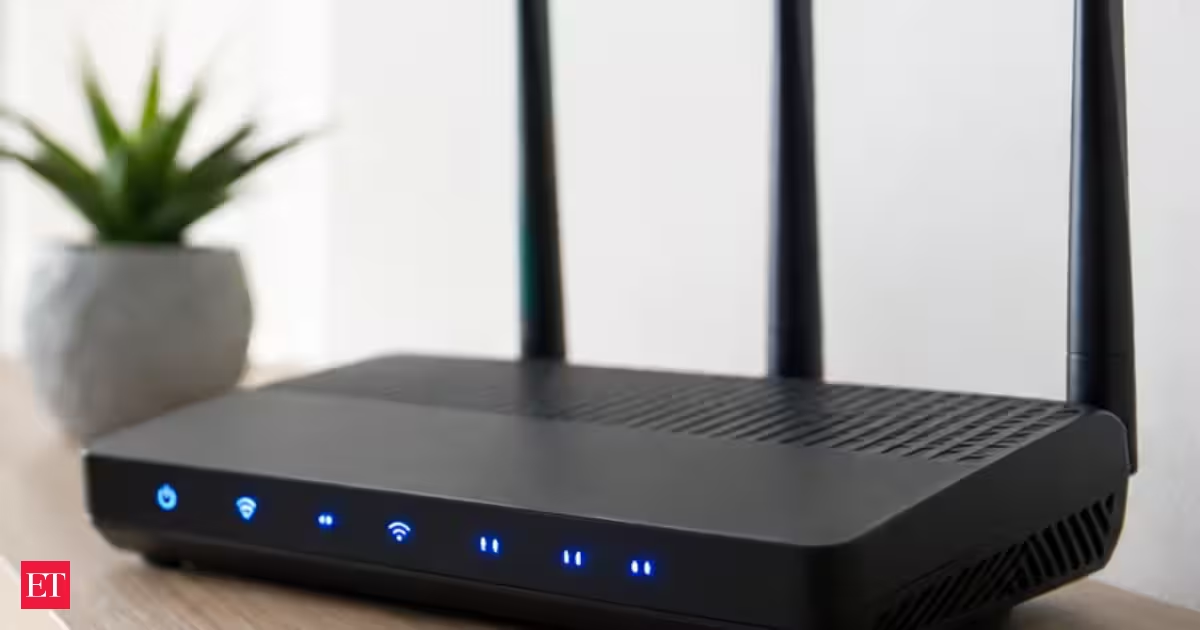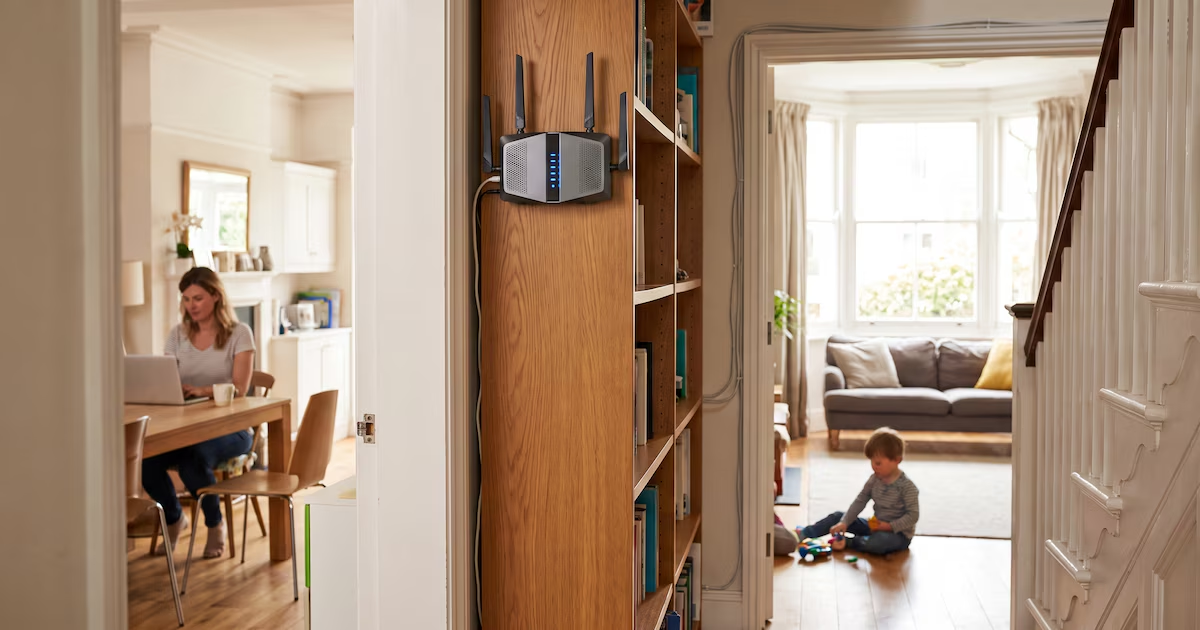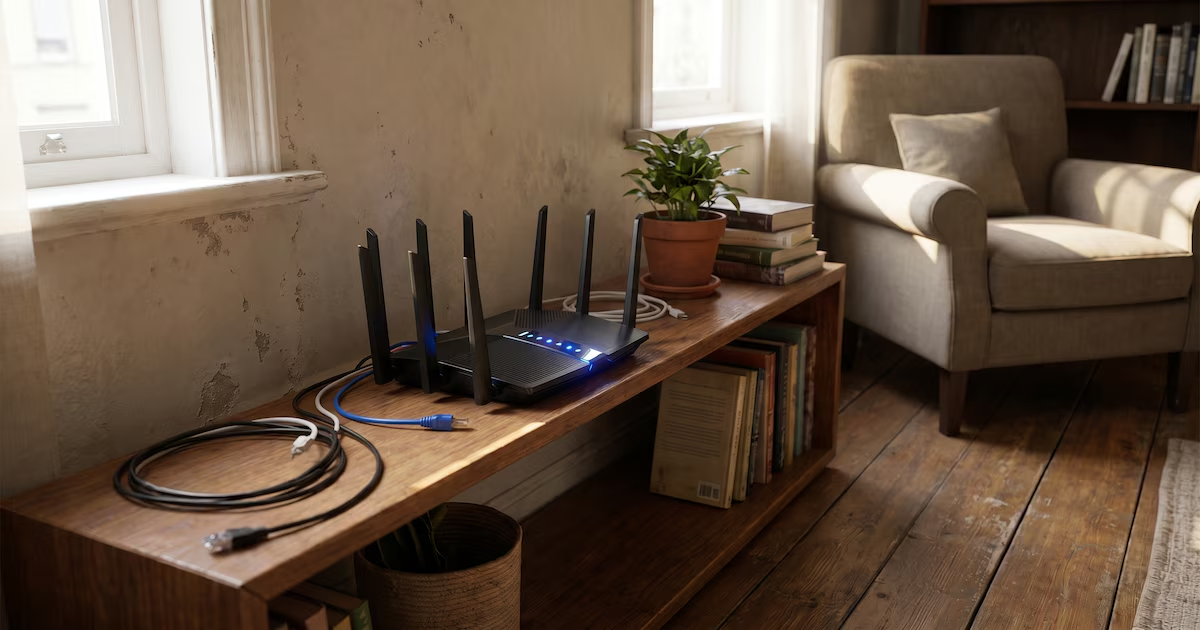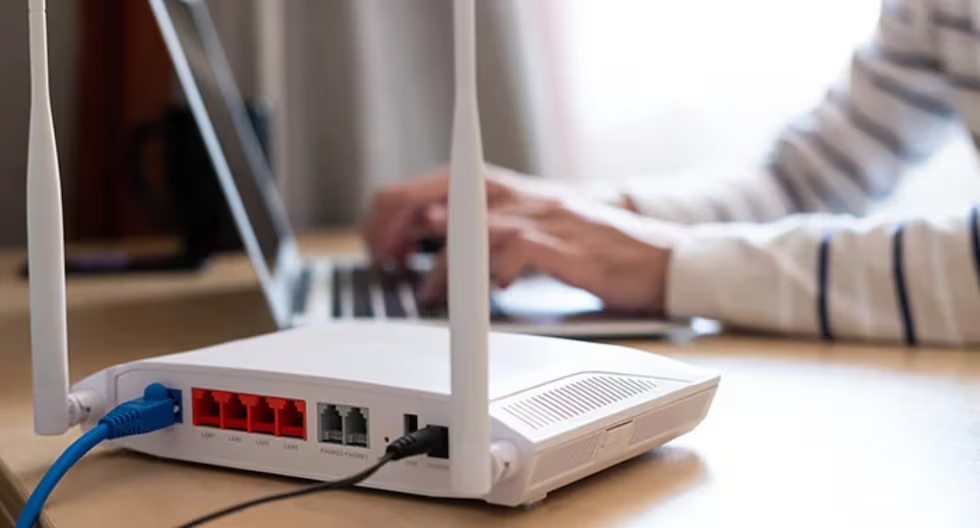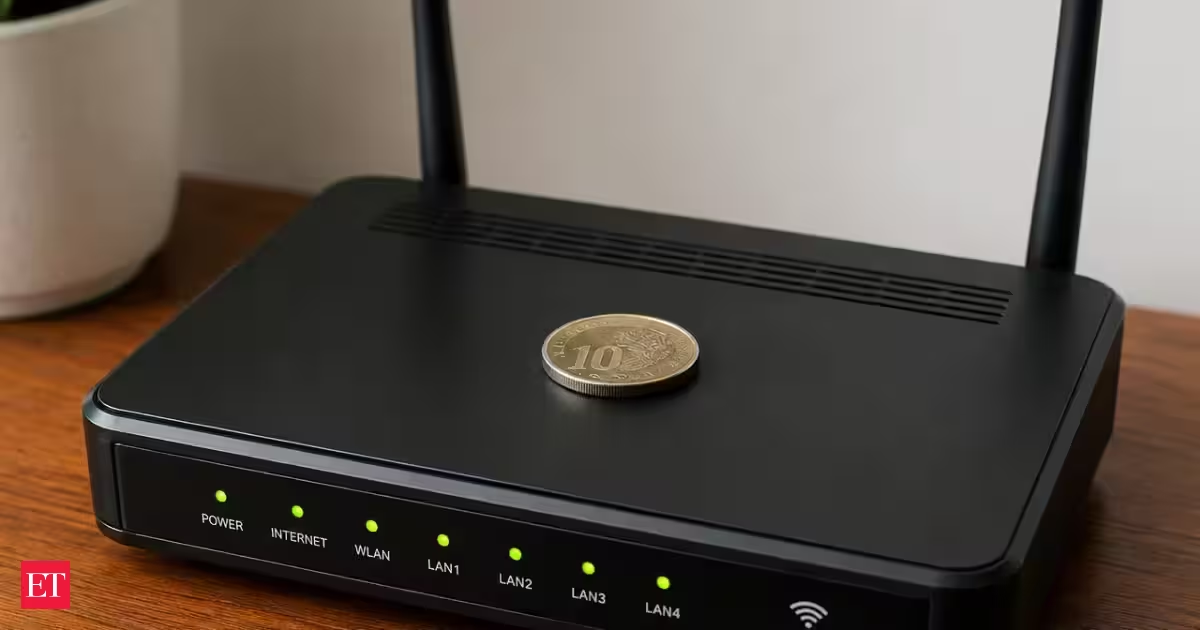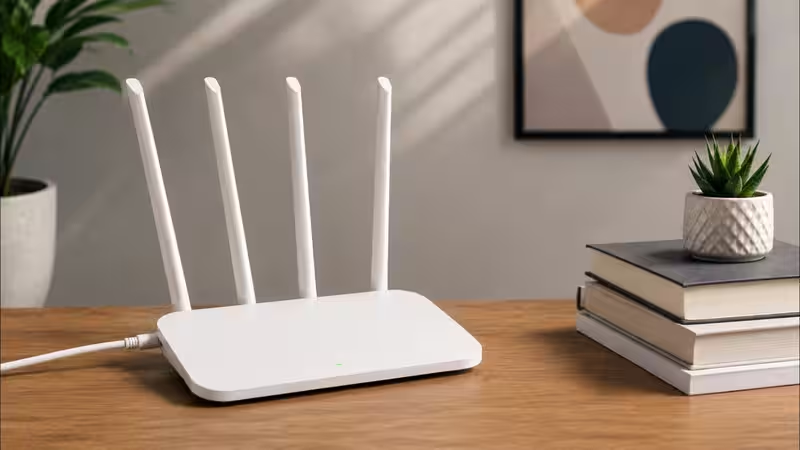
If your home Internet is slow in the bedroom, but fine in the living room, or your video calls keep dropping when you move to the kitchen, the first people you would accuse would be your Internet provider and your house’s architecture. Very few people think to check the one thing actually causing it: where the router itself is sitting.The router’s job is to broadcast a wireless signal that reaches every corner of your home and allows your devices to connect to the Internet. This is why it is important to give it enough space, elevate it, and avoid placing it in areas with many obstacles around it. However, few realise that the router is not as glamorous as a modem or a PS5, and that it does not look good in the corner of the room with blinking lights, cables, and a power button.About The AuthorAshna is a content writer who focuses on making everyday choices easier and smarter. With a strong eye for detail and a natural sense of what works in real life, she creates content that feels honest, relatable, and genuinely helpful. She is a geek for writing stories around fashion, beauty, and influential products, while bringing the same depth and detail in reviewing tech products and gadgets of day-to-day use.
Don’t hide your Wi-Fi router inside a cabinet, closet, or behind the TV
Router position plays a vital role in home Wi-Fi efficiency. Various obstacles, including cabinets and thick walls, can significantly reduce the wireless signal. Elevating the router and placing it in a central location can enhance the overall coverage. Avoid situating routers next to metal objects or large water containers. Frequently adjusting your router's placement can often remedy slow internet connectivity.
1,156 words~5 min read