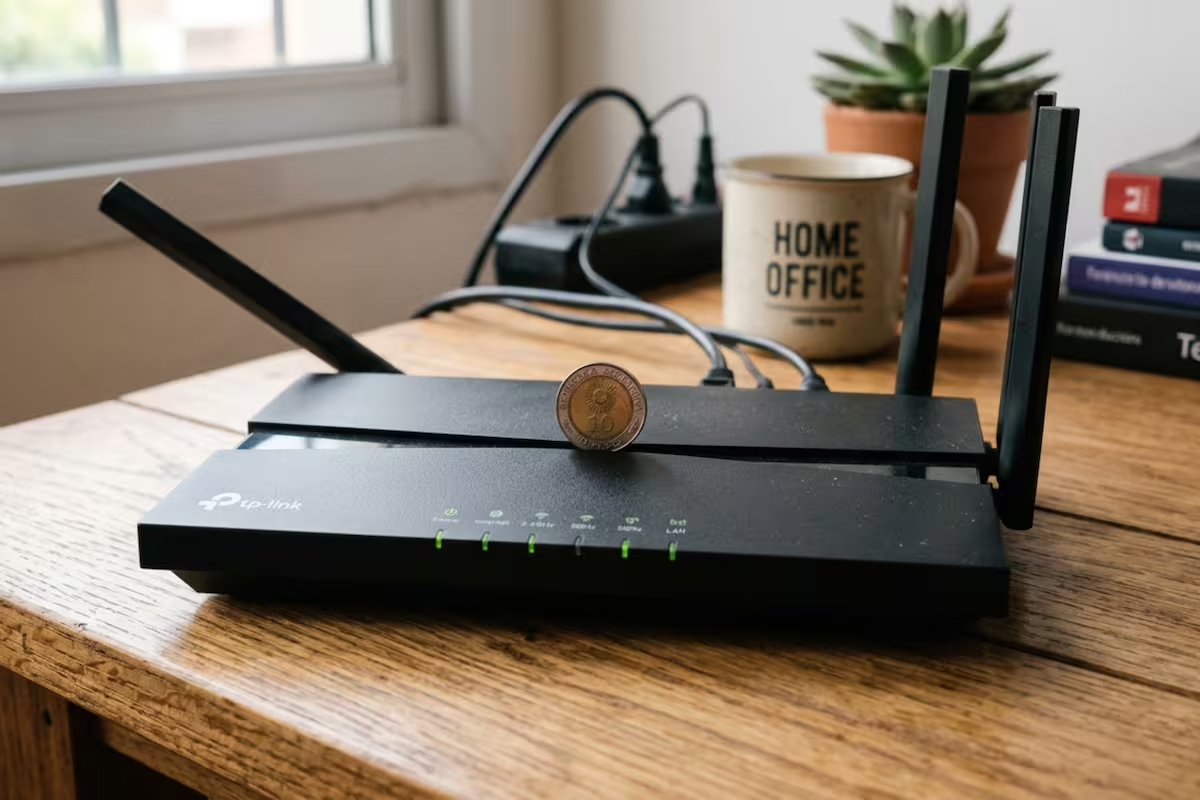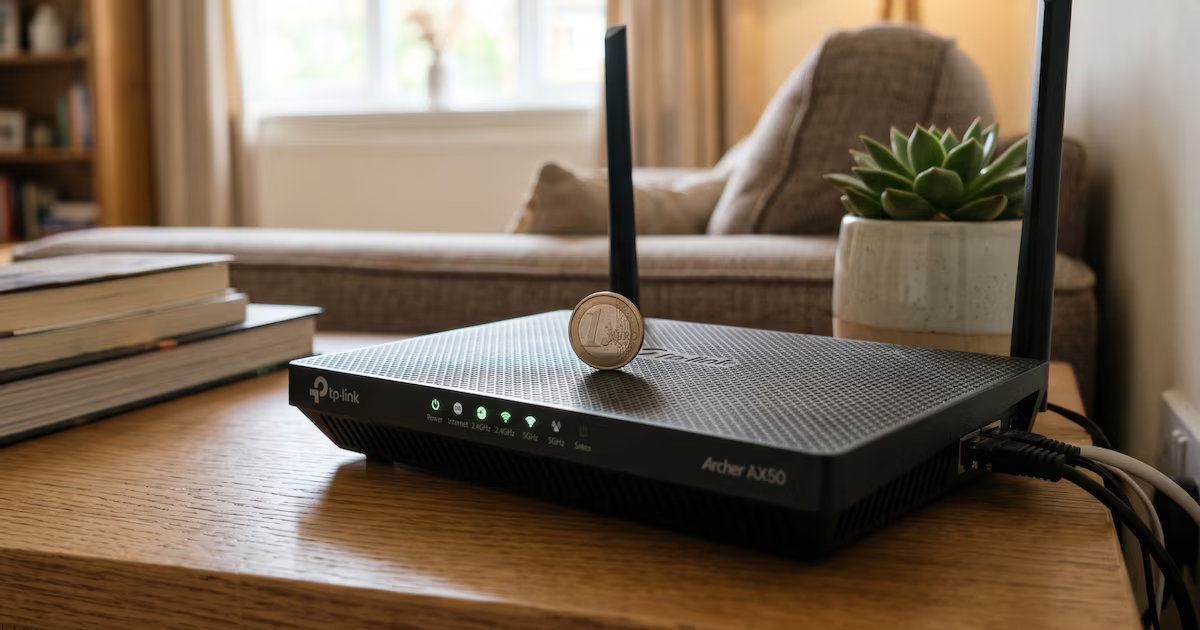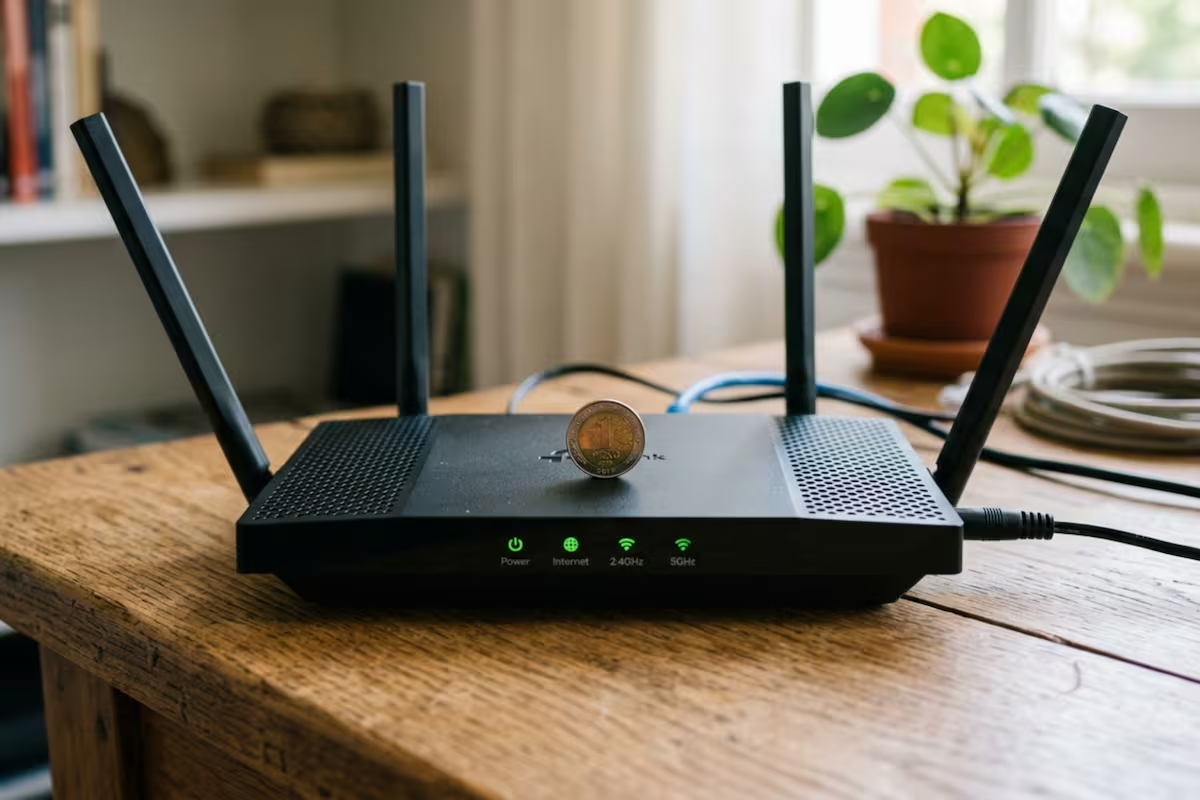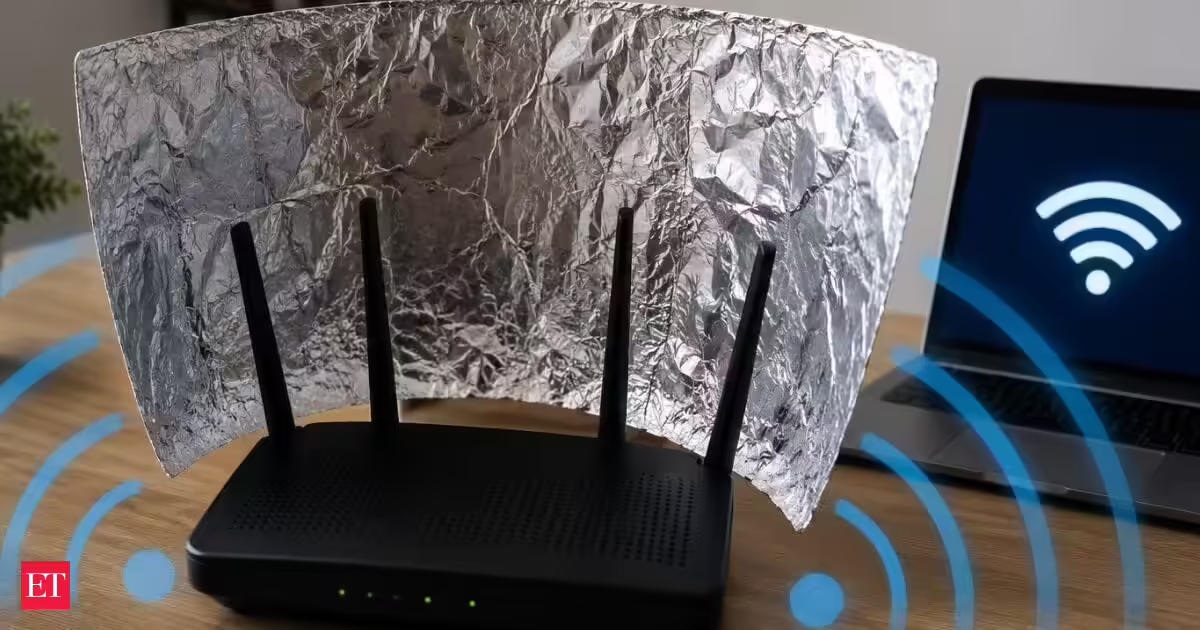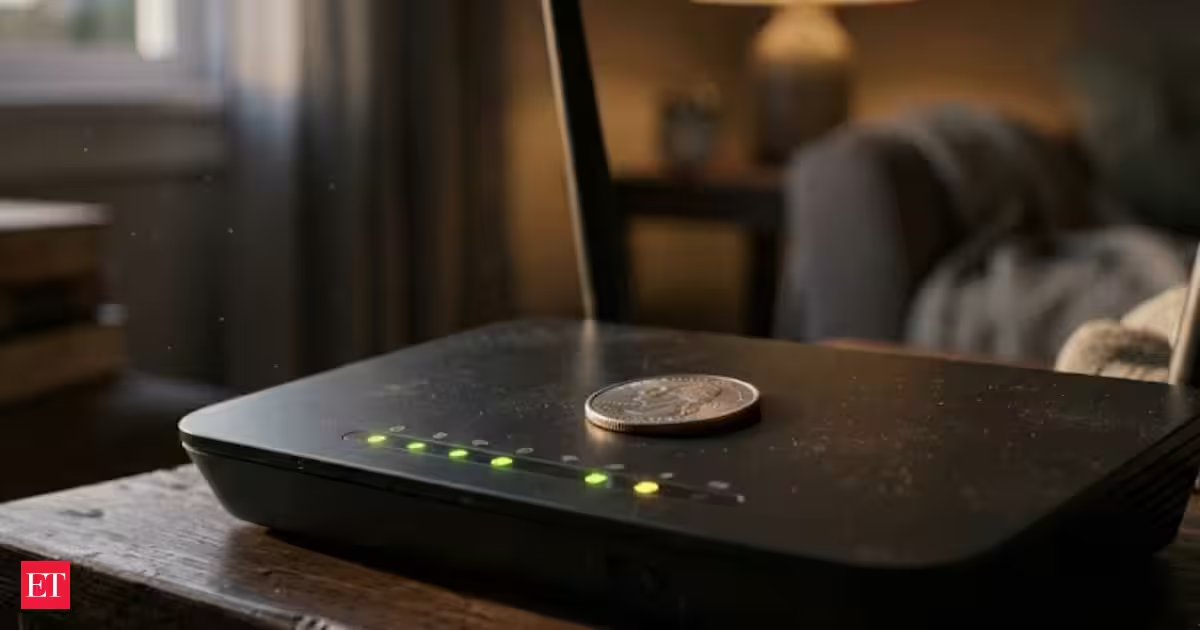
Placing a coin on top of a Wi-Fi router or modem has become a popular online suggestion for improving internet connectivity. The claim suggests that the metal in the coin can influence the distribution of Wi-Fi waves, helping the signal reach certain areas more effectively.However, there is no technological evidence that placing a coin on a router improves Wi-Fi strength or prevents connection drops. Experts instead point to router placement, interference and equipment quality as more important factors affecting home connectivity.Also Read: Aluminium foil hack to clean your refrigerator: How it works, benefits and why it keeps your fridge freshWhy people put a coin on the routerThe idea behind the coin method is that its metal could alter the way Wi-Fi signals are distributed inside a home. According to the claim, the coin could redirect the waves towards particular areas, potentially increasing signal strength and reducing losses.While some users may report noticing an improvement, proper router configuration and placement are considered more reliable ways to improve Wi-Fi performance.Why metal objects can be a problemTechnology, telecommunications and internet installation experts generally do not recommend placing metal objects on or close to a router to improve its signal. Metal can block or deflect electromagnetic waves, potentially affecting connection quality.Covering part of the router with an object can also restrict ventilation. Poor airflow around the equipment may contribute to malfunctions over an extended period.How to improve your home Wi-FiSeveral factors can affect the strength and stability of a Wi-Fi connection. Instead of relying on the coin method, users can make adjustments to the router and surrounding environment.Keep the router away from obstructions: Metal objects, thick walls and large furniture can interfere with signal distribution.Choose a central location: Positioning the router in a central, elevated spot can help distribute the signal more evenly across the home.Keep it away from other equipment: Some household appliances and electronic equipment can interfere with connectivity, so the router should be placed away from them.Restart the router: Turning the device off and back on periodically can help maintain its performance.Upgrade older equipment: Newer routers and related devices can offer better range and connection stability.Use repeaters: Wi-Fi repeaters or amplifiers can extend coverage in larger homes or properties with multiple rooms.Places to avoid when installing a routerExperts also advise against placing a Wi-Fi router in certain areas of the home.Kitchen: Cooking equipment can cause interference with the Wi-Fi signal and may also create safety concerns.Near windows: External or public networks can potentially interfere with the router's signal.Near large metal objects: Metal can obstruct or deflect electromagnetic waves, which may affect the quality of the connection.
Wi-Fi signal weak? What happens when you place a coin on your router
Wifi signal hacks: Placing a coin on a Wi-Fi router does not improve internet connectivity. Experts state metal objects can block Wi-Fi waves and restrict ventilation. Proper router placement in a central, elevated location is recommended for better signal distribution. Keeping the router away from obstructions and other equipment also enhances performance. Restarting the router and upgrading older equipment are effective solutions.
435 words~2 min read