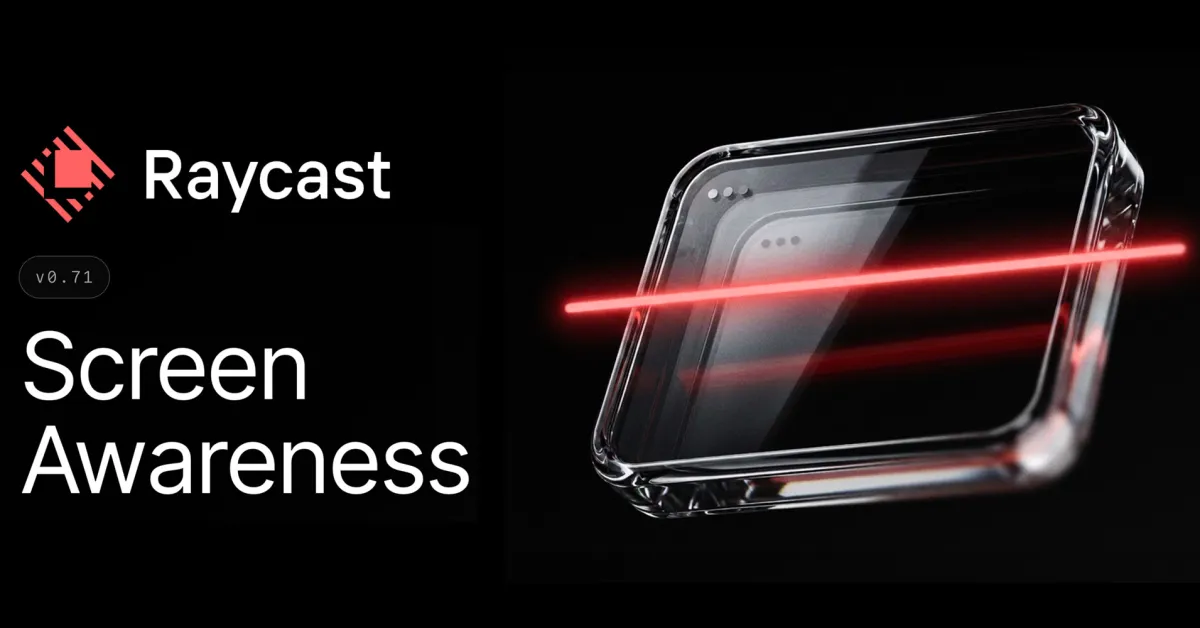
Raycast has a new feature called Screen Awareness, which lets users bring context from their active app or window directly into AI Chat. Here are the details.
Raycast AI can now work with what’s on your screen
Depending on how you use AI chatbots such as ChatGPT, Claude, or Raycast AI, there is a good chance you have to keep copying and pasting text, uploading screenshots, or explaining the context of what you are working on before asking for help.
Raycast was recently updated with a feature that is intended to streamline this workflow, giving Raycast AI direct access to the content of the focused window.
The feature, called Screen Awareness, “brings context from your focused app or window into AI Chat or Quick AI, so you don’t have to copy text, attach screenshots, or explain what you’re looking at,” says Raycast.