The new Siri app on iOS 27 defaults to the new Siri AI, but there is a way to quickly switch to ChatGPT at any time. Here’s how it works.
You can use ChatGPT from the Siri app, with caveats
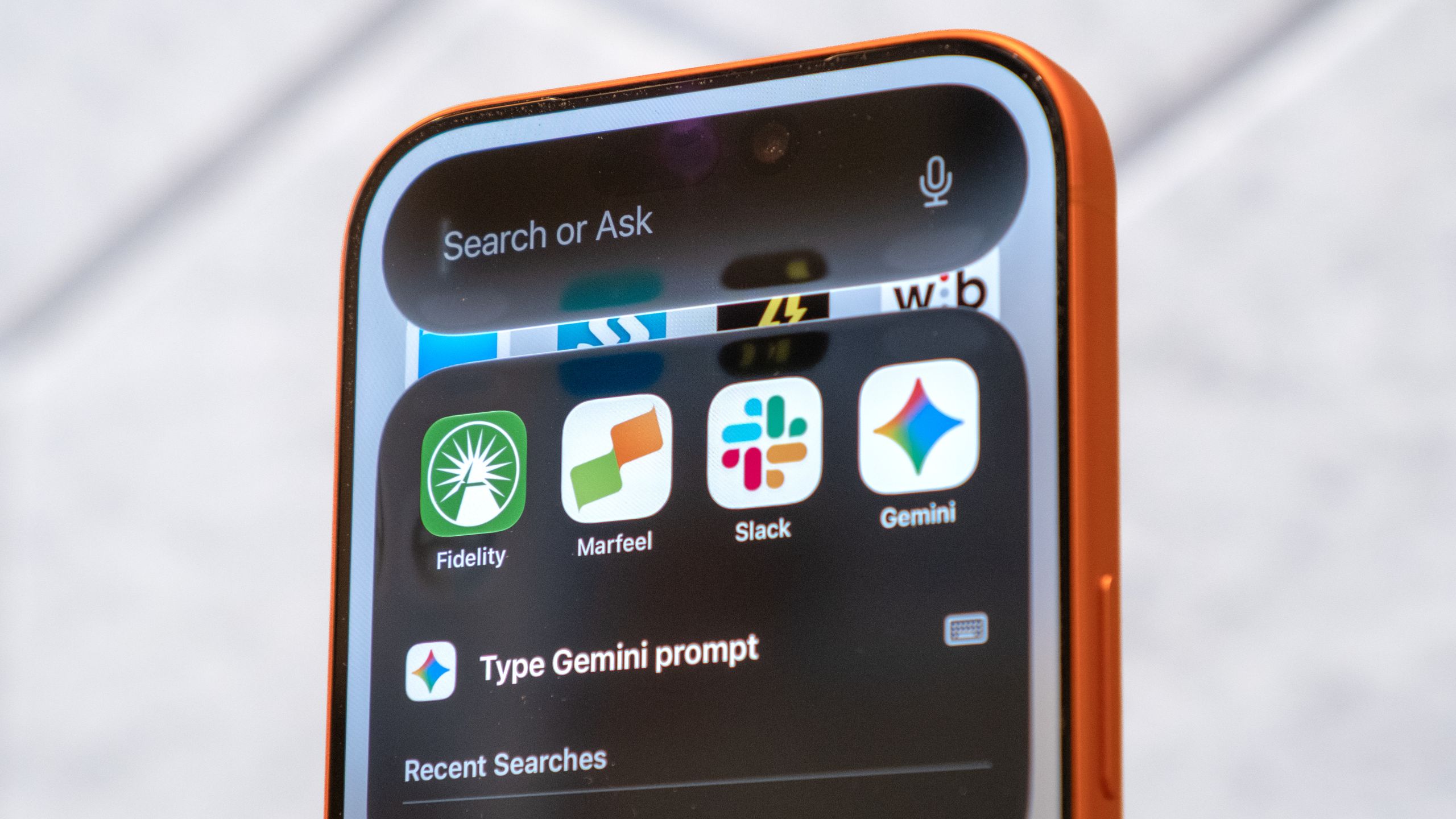
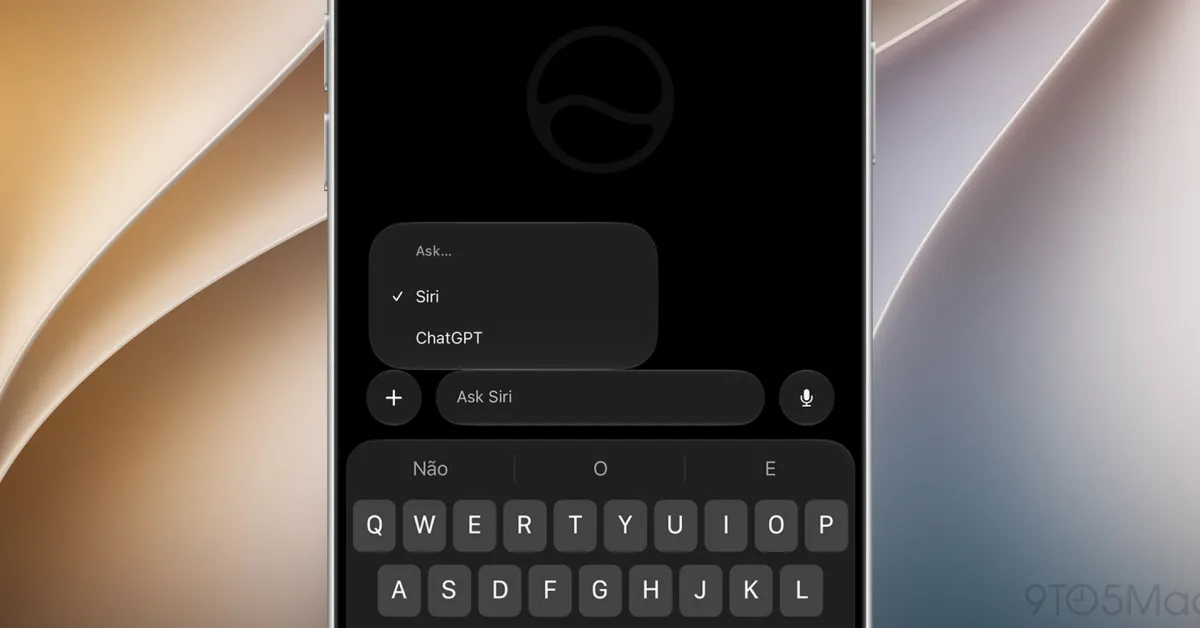
iOS 27 includes a dedicated Siri app with a familiar chatbot-style interface, including a text input field, support for image and file attachments, and a menu for accessing previous conversations.
However, while the app unsurprisingly currently defaults to Siri AI, users can quickly switch to ChatGPT by long-pressing the input field and then tapping on “Ask…”.
That brings up a pop-up that lets them choose between Siri and ChatGPT. Apple could potentially add support for other chatbots in the future, though only those two options are currently available.