One of the most annoying elements of the iPhone user interface is the guessing game we have to play when changing settings for an app.
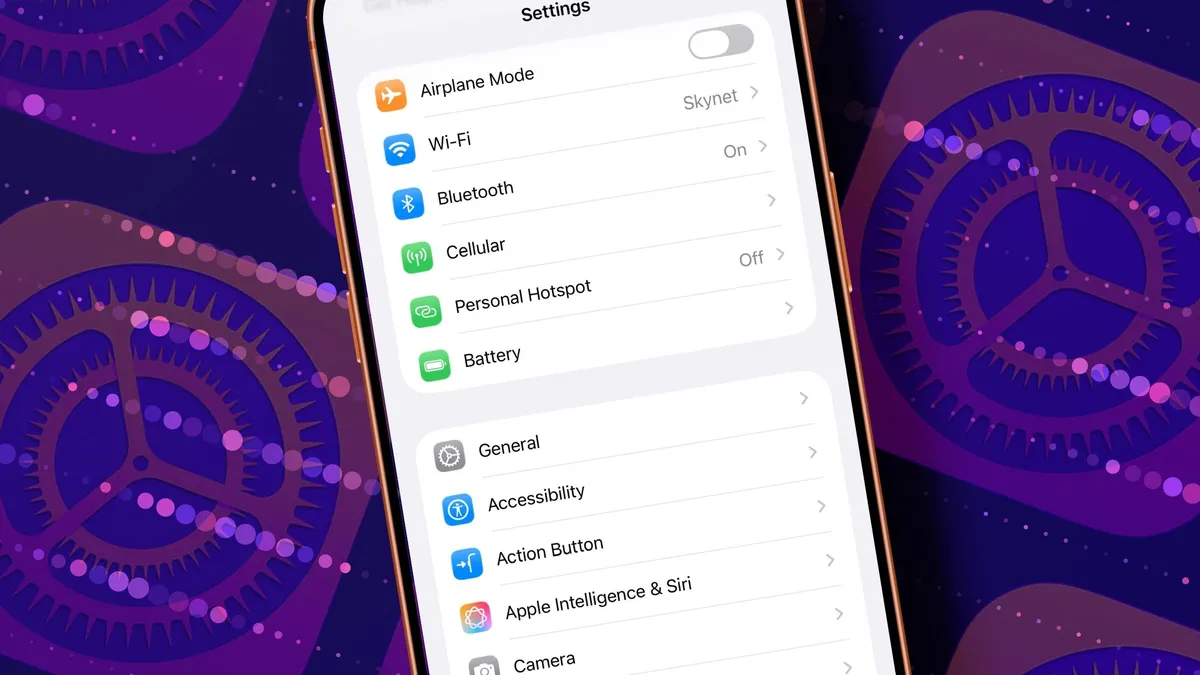
Some of the time we open the app itself and go to its built-in settings menu. Other times we have to exit the app and open the completely separate Apple Settings app, which is a clunky experience to say the least (though a free shortcut helps) …
The problem with Settings
We’ve all been there. We want to change a setting for an app, so we go to the hamburger menu, select Settings and search for the one we want. We fail to find it and then realize we need to exit the app, open Apple’s own Settings app, search for the app, and make the change there before finally reopening the app we wanted to use.
It’s a clunky process to start with, and the fact that we have to begin it by making a guess as to where we should be looking in the first place makes it even worse.