(Image credit: Tom's Guide/Apple/Shutterstock)
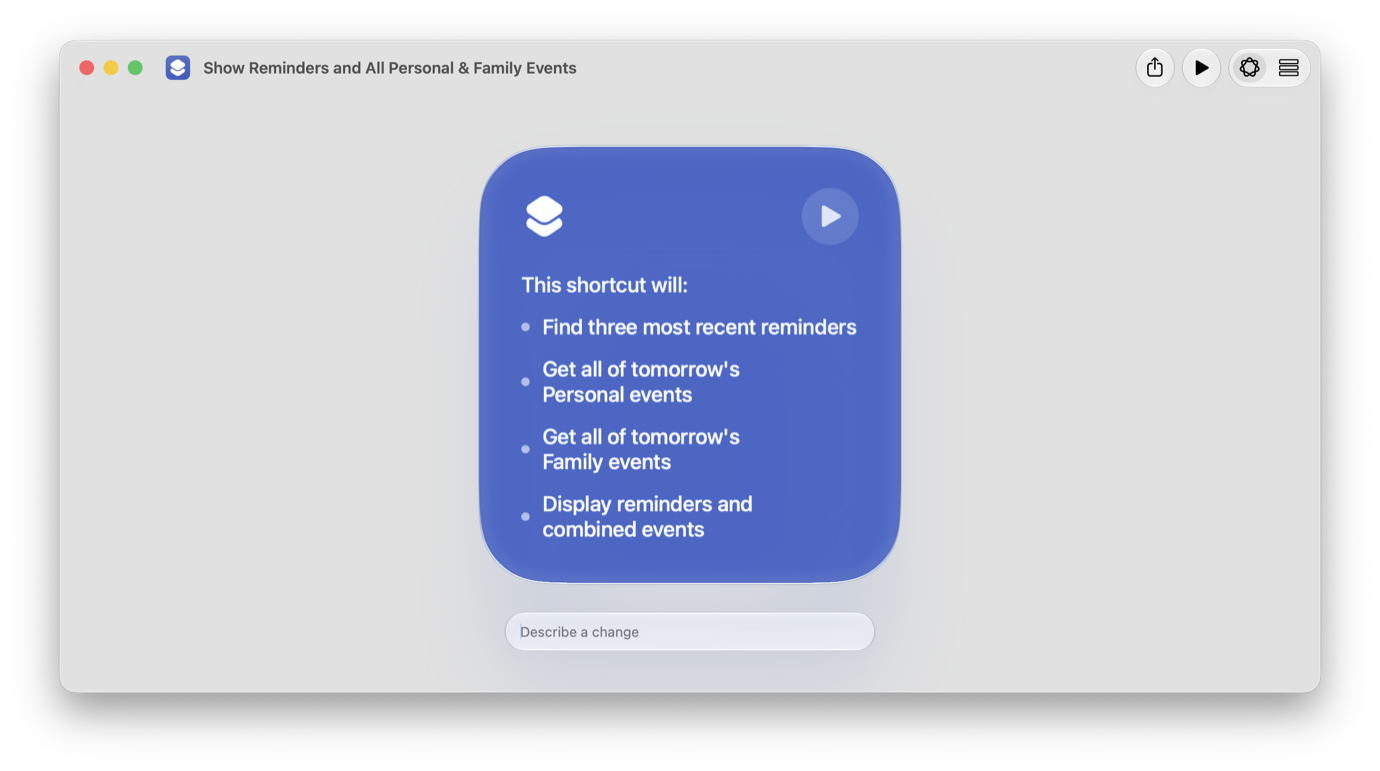
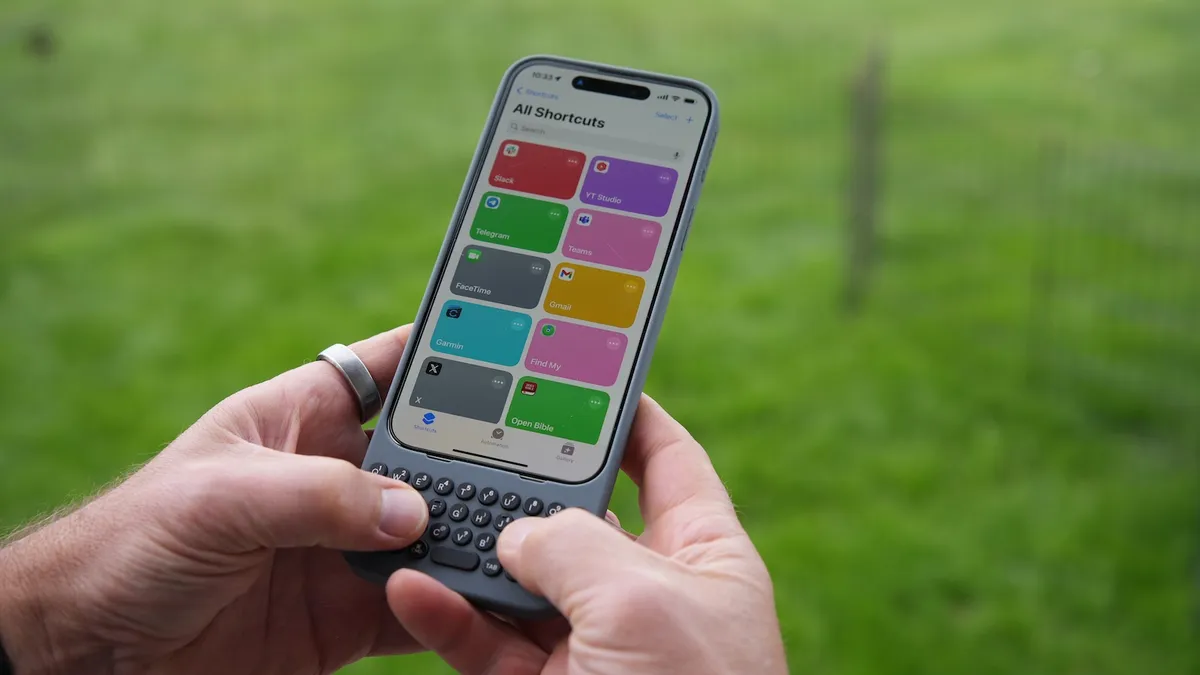
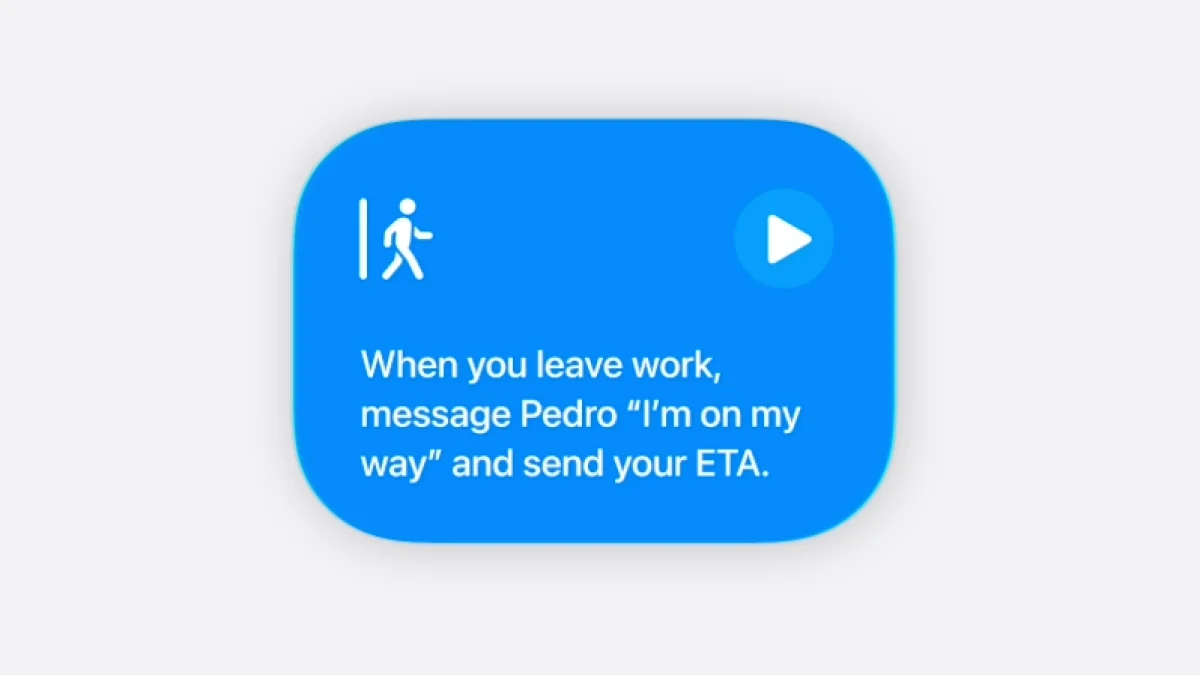
For a long time, my iPhone's Shortcuts app sat completely untouched. Every time I opened it, I was staring down an overwhelming maze of workflows, actions, and conditional logic — concepts that felt way too close to coding for my liking. So, I did what a lot of us do: I gave up on it entirely.But iOS 27 completely changed how I use my phone, thanks to a new Apple Intelligence feature called Describe a Shortcut. Instead of forcing you to manually construct complex workflows, the AI lets you prompt exactly what you want your iPhone to do, and it builds the shortcut for you in seconds.If you want to try it out yourself, you'll just need the iOS 27 beta running on an iPhone 15 Pro or newer to get started.Download iOS 27 beta to access Apple Intelligence shortcutsFirst, back up your iPhone by going to Settings, Your Name, iCloud, iCloud Backup and tapping Back Up Now.If you’ve never used an Apple beta before, you'll need to register for a free developer account to get started. Once you’ve done that and are off the Apple Intelligence waitlist, you can update your phone.If you’ve used any Apple beta in the past, you can skip the registration entirely and download iOS 27 straight away. Just open Settings, go to General, Software Update, Beta Updates, and select the iOS 27 Developer Beta.