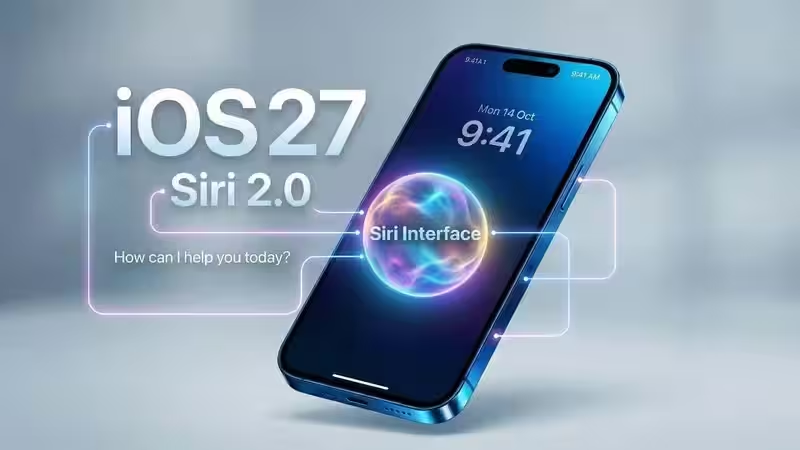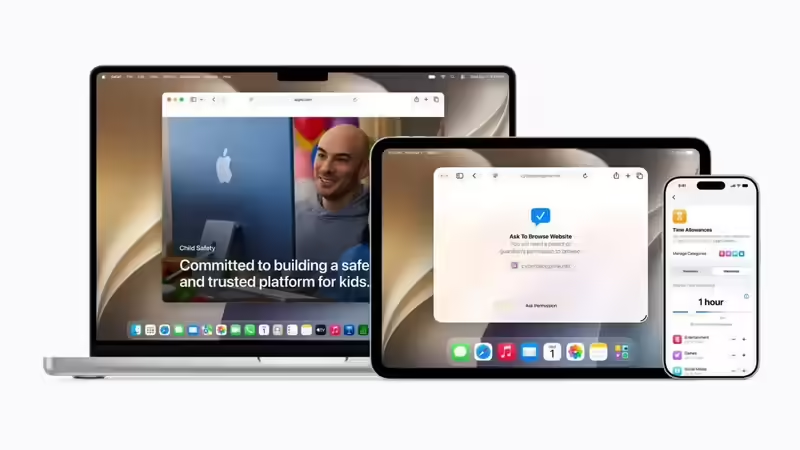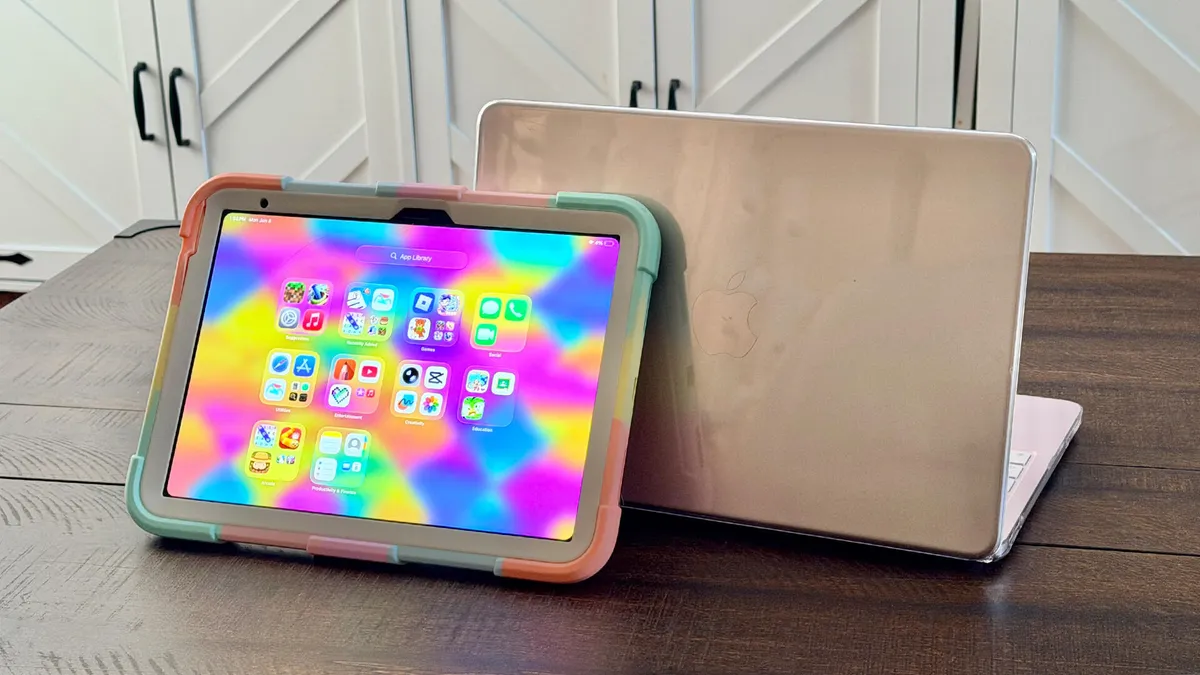
With iOS 27, you can hand an iPhone to a child with far greater confidence. Apple has overhauled its parental controls with a new guided setup assistant, making it simpler than ever to apply smart restrictions and tailor the device to a younger user.There are several powerful features worth exploring. Beyond capping app availability and blocking in-app purchases, you can restrict adult websites, set strict time limits on games or social media, and automatically blur images containing graphic violence and gore alongside nudity.If your child uses an iPhone, taking a few minutes to walk through these settings is essential. Tech-savvy kids might eventually look for a workaround (don’t they always?), but setting these guardrails now offers invaluable peace of mind.How to set up a child’s accountFirst of all, you will need to create a child's account.
1. Add a child
If you haven’t set up a child’s account before, don’t worry. It’s relatively straightforward.First of all, you’re going to need to set up the account in Family Sharing so open the Settings app and select Family. So long as you’re the family organiser or a parent/guardian, you’ll be able to select the Add Member icon in the top-right corner of the screen.