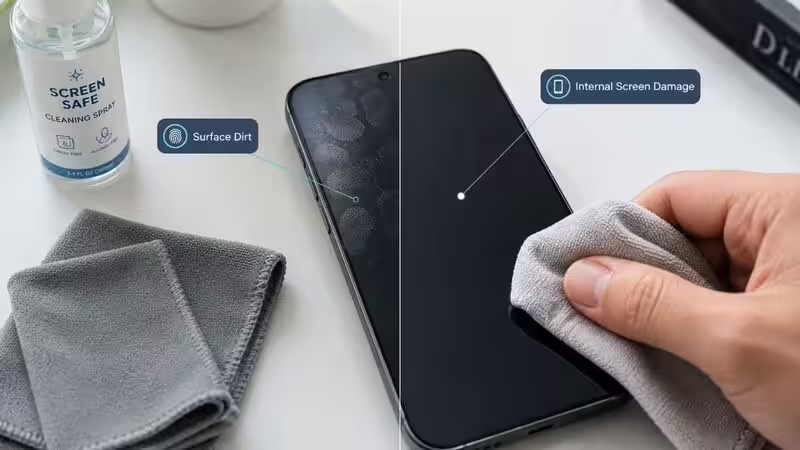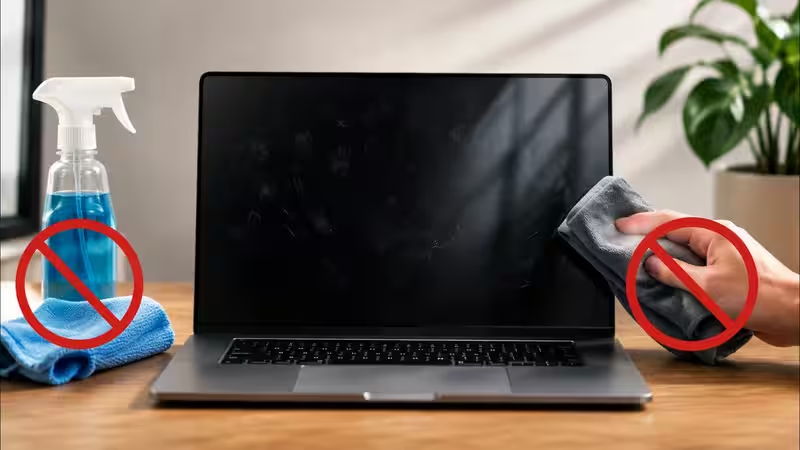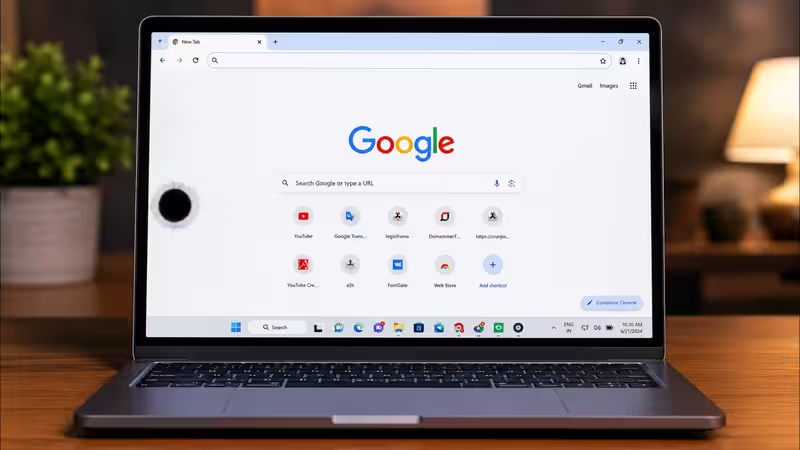
Spotted a tiny black dot on your laptop screen that won't go away? It could be a dead pixel, a stuck pixel, trapped dust, or pressure damage, and each one needs a different fix. Dust can usually be wiped off. Stuck pixels often respond to pixel-refresh software or gentle massage. Dead pixels and cracked internal layers cannot be fixed at home and need a technician or warranty claim. The trick is figuring out which one you're dealing with before you try anything, because the wrong fix on the wrong problem can turn a minor issue into a bigger one.Here's how to diagnose it correctly and what to do next.About The AuthorAshna is a content writer who focuses on making everyday choices easier and smarter. With a strong eye for detail and a natural sense of what works in real life, she creates content that feels honest, relatable, and genuinely helpful. She is a geek for writing stories around fashion, beauty, and influential products, while bringing the same depth and detail in reviewing tech products and gadgets of day-to-day use.
Her work mainly revolves around product reviews, tech buying guides, and lifestyle edits, where she breaks down features in a way that is simple to understand but still meaningful. Instead of just listing specs, she connects products to real needs, whether it’s comfort, style, practicality, or value for money.