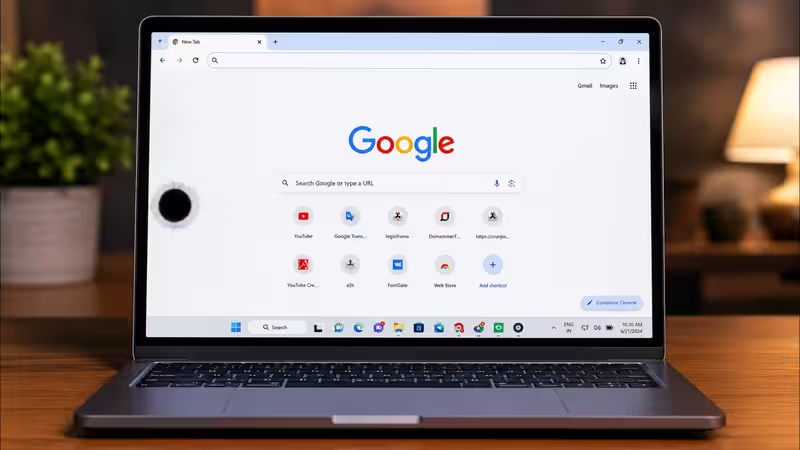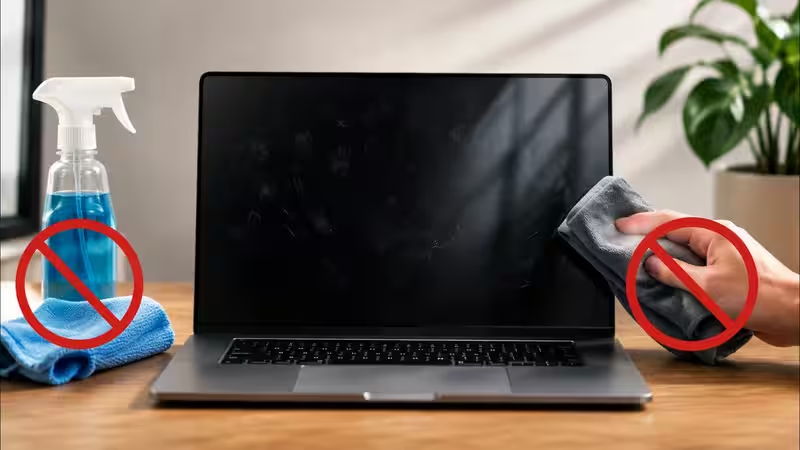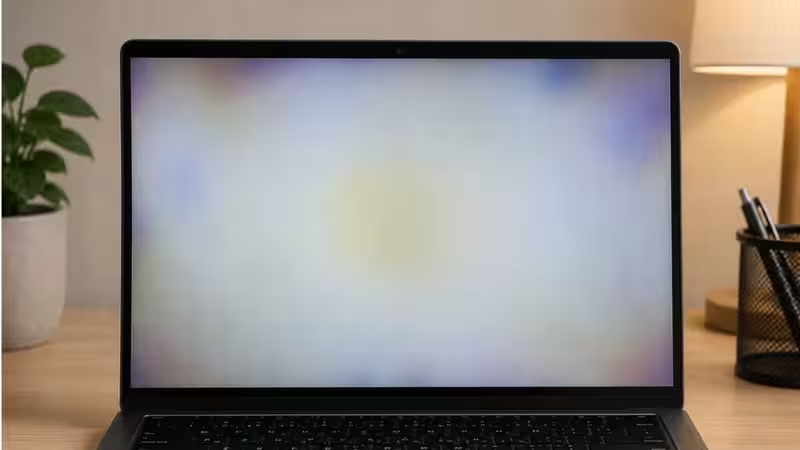
A shadow on your laptop screen can make things difficult, whether you are a student or a professional. Your efficiency will get reduced while reading texts, editing photos, browsing the web or playing games. A shadow on your screen may seem like a dark patch, a faint ghost image, vertical or horizontal bands or even uneven brightness across the display.But, there is some good news in the middle of this display crisis. Not every shadow means that your laptop screen is damaged and you need to get it fixed. In some cases, outdated graphic drivers, incorrect display settings or other issues can cause temporary image retention. Though it does not rule out the possibility of the issues arising due to physical damage, it is important to understand that the initial or basic things can be fixed around your laptop screen without professional help.About The AuthorAarohy Kapoor is a dynamic content producer and editor, known for creating high-impact, consumer-first content across diverse categories including technology, home decor, health & fitness, food, pet care, sports and everyday lifestyle essentials. With a strong editorial experience and an understanding of modern consumer behaviour, she specialises in product reviews, comparison articles, buying guides and deal-led content that simplify decision-making for readers.
How To Fix Shadow On Your Laptop Screen: Causes, Easy Fixes & When To Replace The Display
Got a weird shadow, ghosting, or dark spot on your laptop screen? We will break down the usual culprits, from software glitches you can fix yourself to hardware problems. Discover how to fix shadow on your laptop screen and when it is finally time to consider a new laptop display. Here is everything you need to know.
1,516 words~7 min read