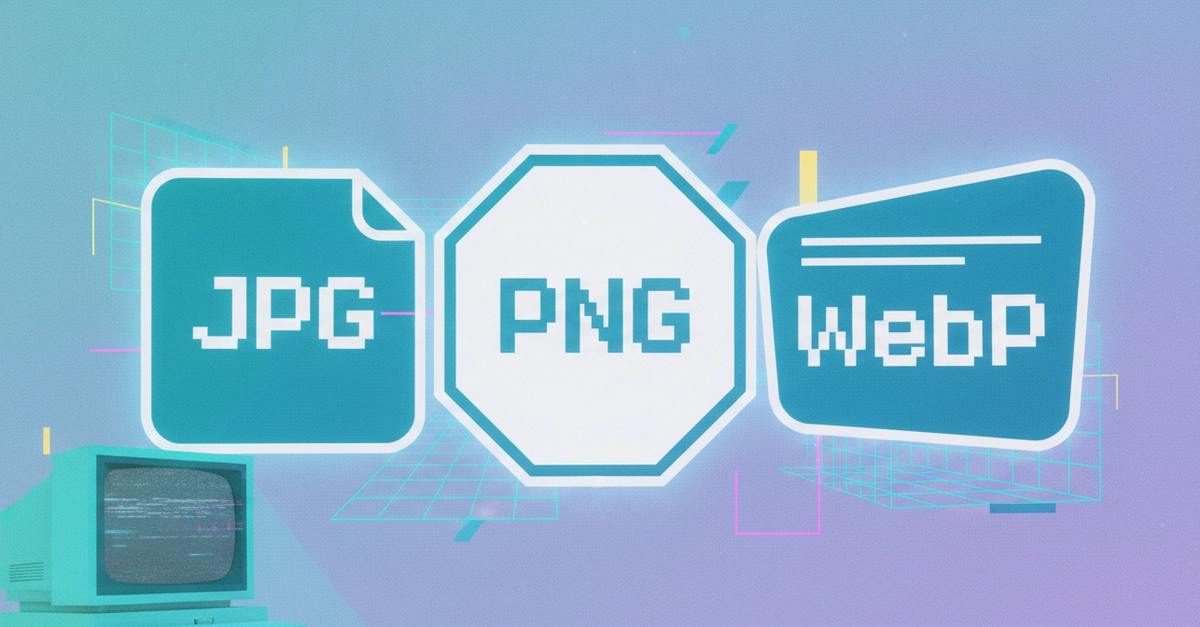
Most people use whatever image format their phone, camera, or screenshot tool happens to save by default, without ever thinking about it, and most of the time that's fine. But if you've ever wondered why some images load faster than others, why a logo looks blurry after conversion, or why a colleague asked you to "send it as a PNG instead," the answer comes down to a genuine, practical difference between these three formats.
JPG: the default for photos
JPG uses lossy compression, meaning it throws away some detail the eye is least likely to notice in exchange for a much smaller file. For photographs, with their gradual color transitions and natural detail, this trade-off is usually invisible at normal viewing sizes, which is exactly why it's the default format for cameras and phones.
JPG's real limitation: no transparency support, and it handles sharp edges (like text or line art) poorly, compression artifacts show up as blurring or blocky patterns around hard edges, which is why a JPG screenshot of a document often looks slightly fuzzy around the text.
PNG: the default for screenshots, logos, and anything needing transparency