If you've ever downloaded an image from WhatsApp, a website, or an Android screenshot and tried to upload it to a government portal or older app — only to get a "format not supported" error — you've hit the WebP problem.
This post explains why it happens, what most tools get wrong, and how browser-based conversion using the HTML5 Canvas API actually solves it cleanly.
Why WebP Breaks on So Many Platforms
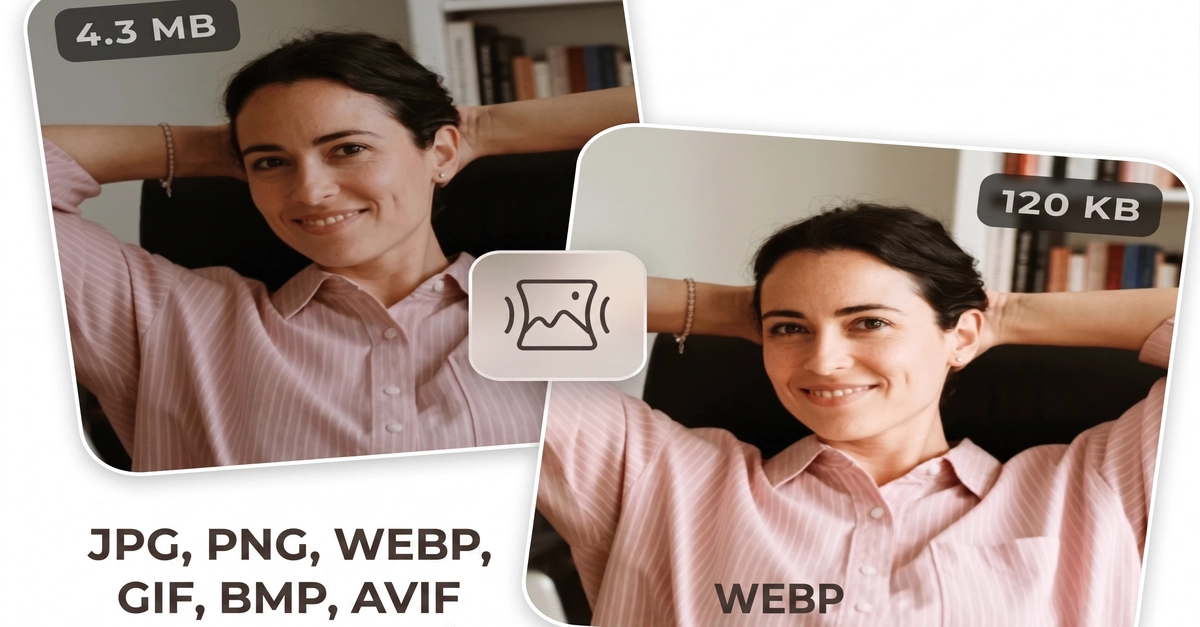
WebP was developed by Google in 2010 and is now the default format for images on Chrome, Android, and most modern websites. It produces files 25–35% smaller than JPG at the same visual quality.
The problem: a huge number of platforms still don't support it.