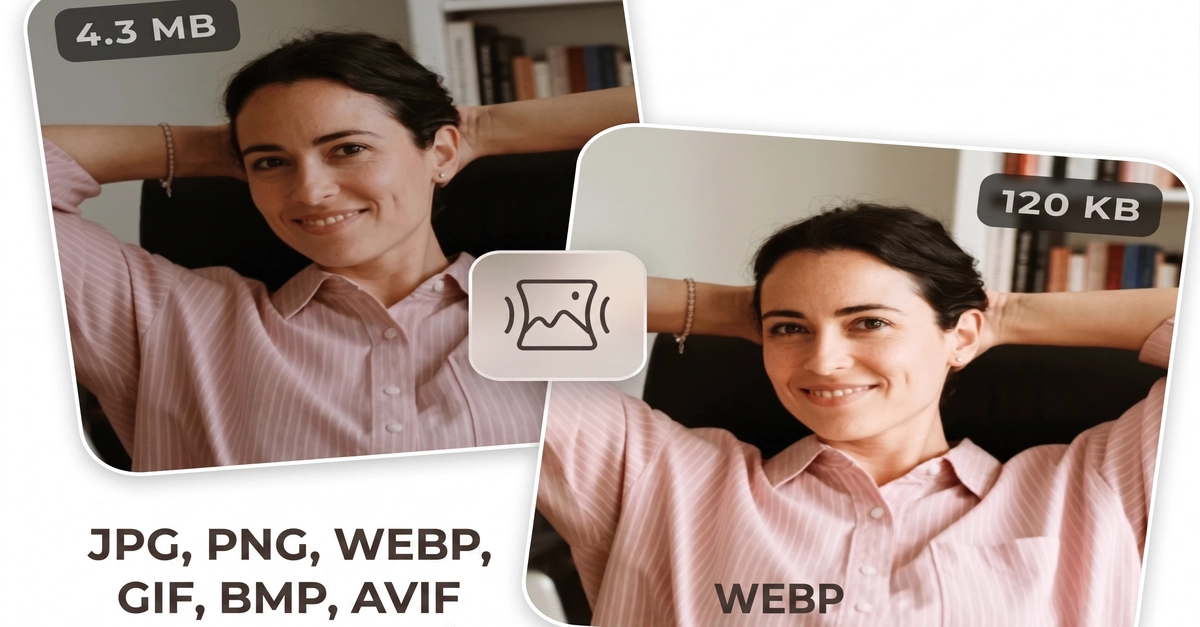
A while ago I wrote about why I built 50+ browser-based tools with zero backend. This time I want to go deeper into one specific tool: image compression that runs entirely in the browser. No upload, no server, no API — just the Canvas API doing all the work on the user's device.
Here's how it works, plus a couple of gotchas that cost me real debugging time.
The core idea
Image compression in the browser is surprisingly simple in principle:
Read the user's file with the File API