You've got a folder of a few hundred screenshots and you want the text out of each one. Or you want to generate a batch of images for a side project. Or you just want to drop a single "summarize this" call into a script you're writing on a Sunday afternoon. So you open the pricing page for the official API, do the math on per-token billing plus setting up keys and a payment method, and it's hard to justify, because the exact same model will do the exact same thing for free in a browser tab.
There are really two ways to get a model like ChatGPT or Gemini to do work for you. The web UI is free, or already covered by a subscription you're paying for anyway, but you drive it by hand. The API is scriptable, but you pay by the token. Most of the time that trade-off is fine. But for a whole category of work like hobby projects, throwaway scripts, research, or anything that doesn't need production-grade reliability, you're stuck picking between "free but manual" and "automated but paid."
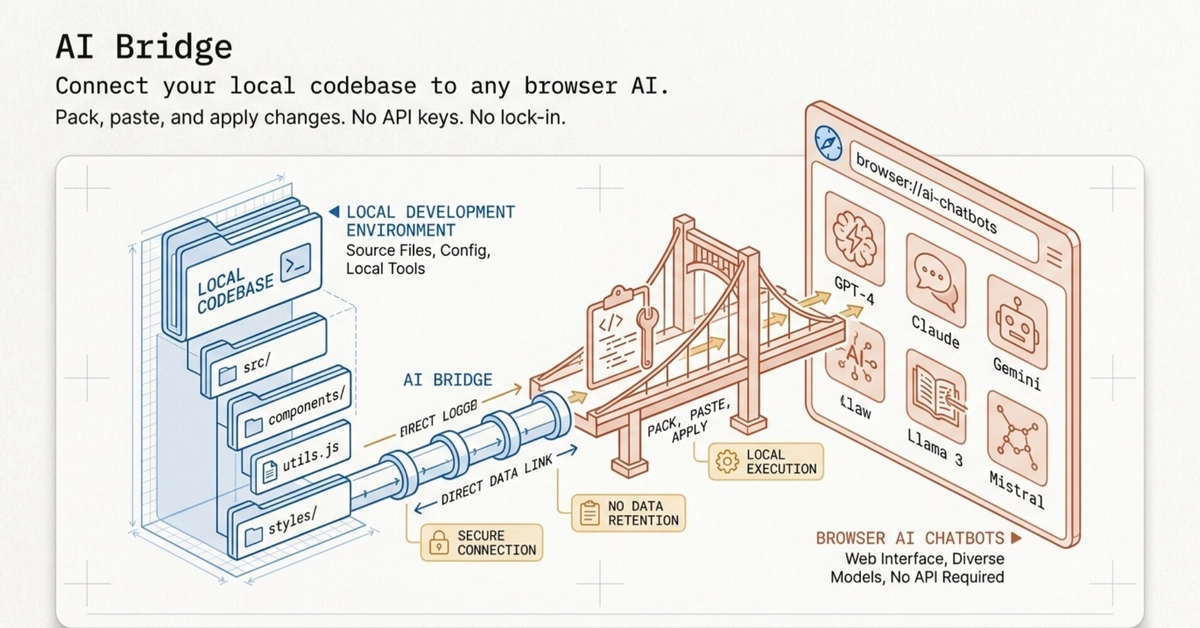
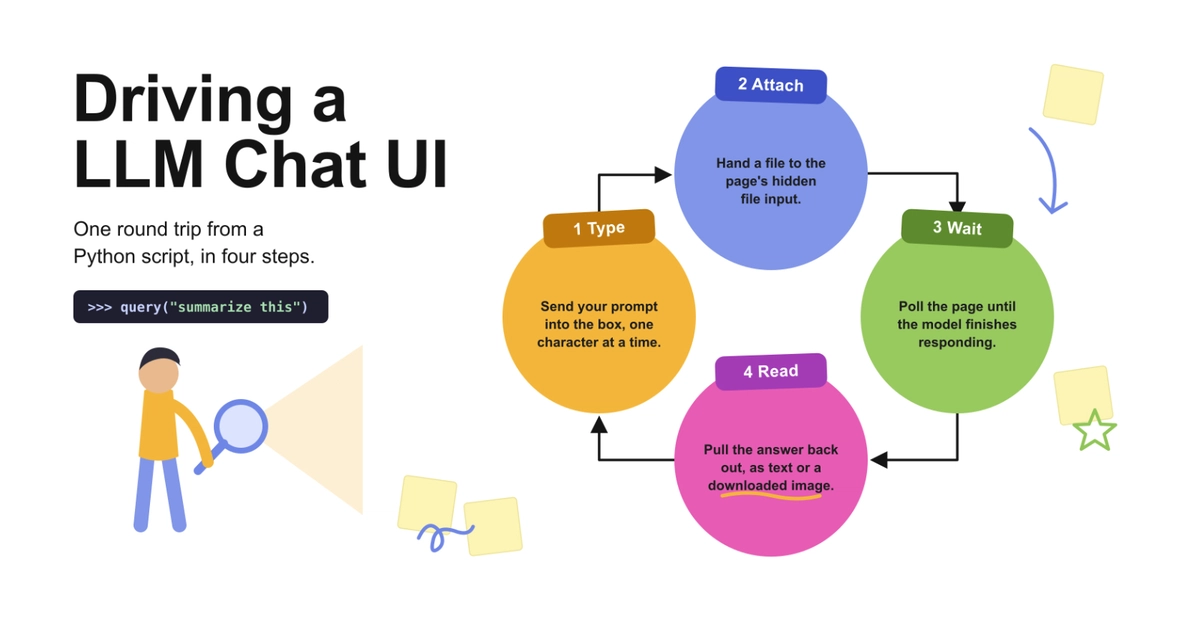
Which raises the obvious question: why not automate the free web UI? It's just a webpage. You open it, type in the box, click send. It turns out that hides a few fiddly problems, which I ran into enough times that I eventually built a small library for them. In this article we'll work through what it takes to automate these UIs, and at the end I'll show how little code it comes down to.