(Image credit: Shutterstock)
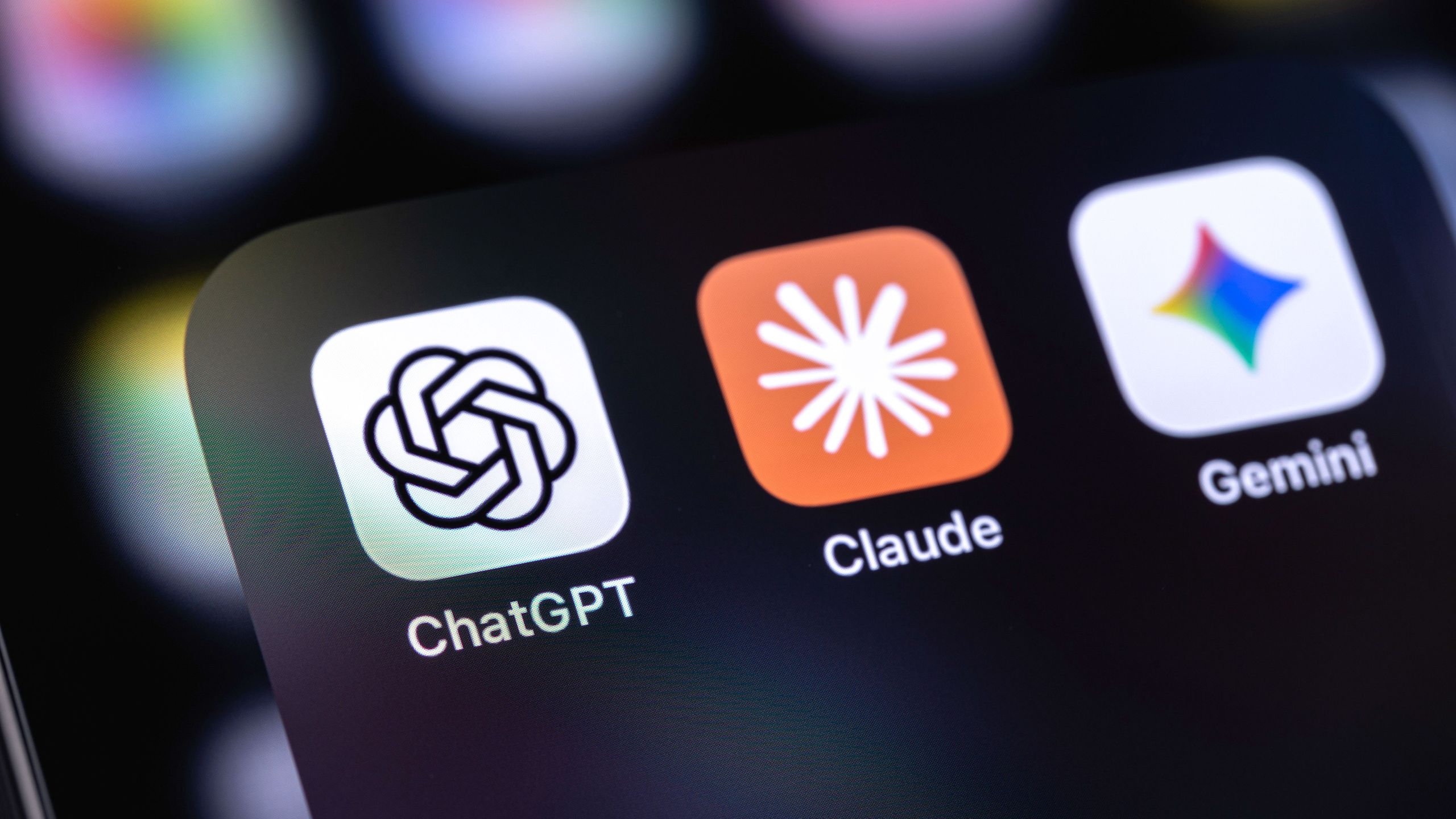
I’ve been exploring the AI tool market and have a better understanding of the biggest strengths and weaknesses of the big three.ChatGPT’s response time is amazingly fast, and it's great for creative brainstorming, but it's more prone to hallucinations. Claude is great for lengthy document analysis, and its writing reads more human-like, but its usage limits are pretty tight for free users and cap out pretty quickly. As for Google’s signature chatbot, Gemini’s reliance on real-time web research that cites the most up-to-date information and its Google Workspace integration are top-notch. But it’s also prone to hallucinations and isn’t all that great at handling complex prompts.With all those pros and cons in mind, I’ve been engaging in the practice of starting my research-themed chats in ChatGPT, moving them over to Claude and then doing a final transfer of them over to Gemini. I’ve done a whole lot of copying and pasting text to make that happen, just so I can get a second and third opinion on what Claude and Gemini’s interpretation of my initial questions and each preceding chatbot’s responses.Thankfully, my editor made me aware of a Chrome extension that makes my whole “chat transfer” practice a whole lot simpler. And it’s given me a better way to retain context between chats and stronger follow-up responses to my research queries.Shifting my conversations with just a few clicks