(Image credit: Future)
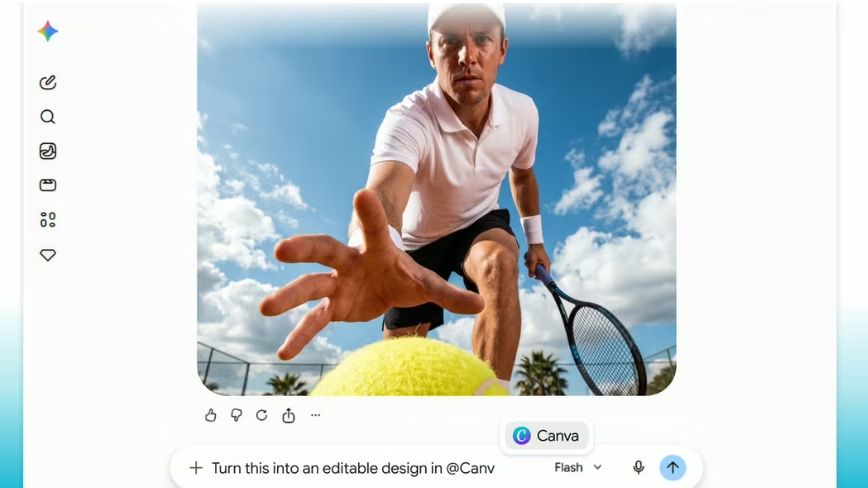
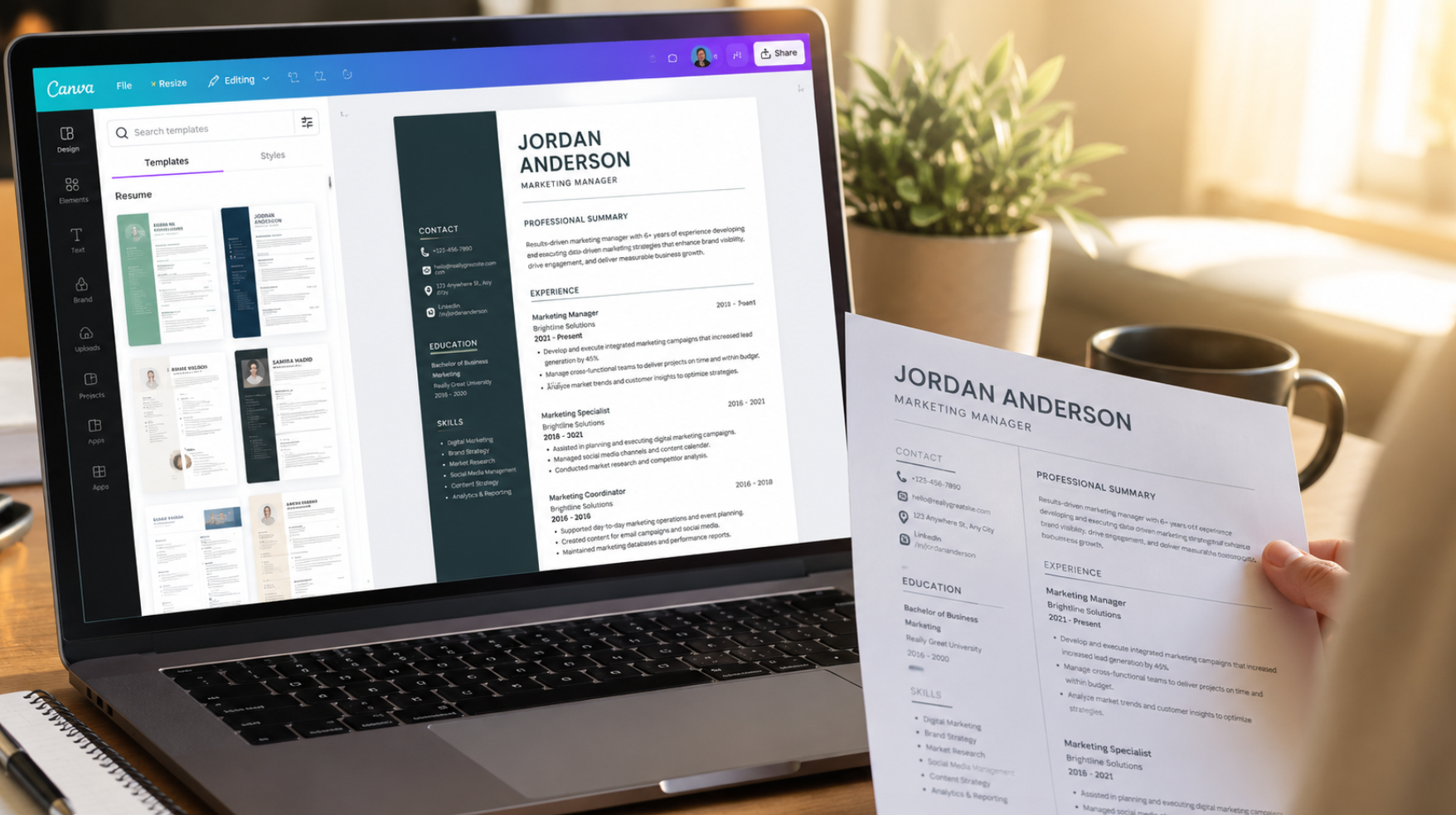
AI chatbots are quickly turning into all-purpose productivity tools. ChatGPT now offers an expanding app hub, Claude has Connectors and Google Gemini supports connected apps that let the AI interact with third-party services like Canva.That means instead of manually building documents, presentations or resumes from scratch, users can now ask AI to create fully editable Canva designs in seconds. Naturally, I had to test it.I asked ChatGPT, Claude and Gemini to generate a professional resume using Canva integration — and while two of them delivered polished results almost instantly, one AI completely fell apart, leaving the results with the same creative tool surprisingly uneven. Here's what happened and how to create a resume of your own with these same tools.You’ll need a Canva account first
(Image credit: Shutterstock)Before you get started, there’s one important caveat: all three AI assistants require a Canva account connected to the chatbot in order to generate editable designs. You won't need to use Canva Pro or pay for anything, unless the resume contains "pro" elements, like images or a more expensive template.Once connected, the AI can automatically create resumes, presentations, flyers, social graphics and other visual assets directly inside Canva without forcing you to manually design everything from scratch.To get started with ChatGPT, simply click the "+" sign in the chatbox and look for Canva in the app. With both Gemini and Claude, you can simply type @Canva to pull it up.Building a resume with ChatGPT + Canva