TL;DRCanva launched its Connected App for Google Gemini at Google I/O, completing its integration across all four major AI assistants. The tool lets users generate on-brand, editable designs from Gemini prompts, with Magic Layers converting AI images into layered files.
Canva has spent the past year quietly embedding itself into every major AI assistant. First came Claude, then ChatGPT, then Microsoft Copilot. Now Google Gemini gets the same treatment, and the strategy is complete.
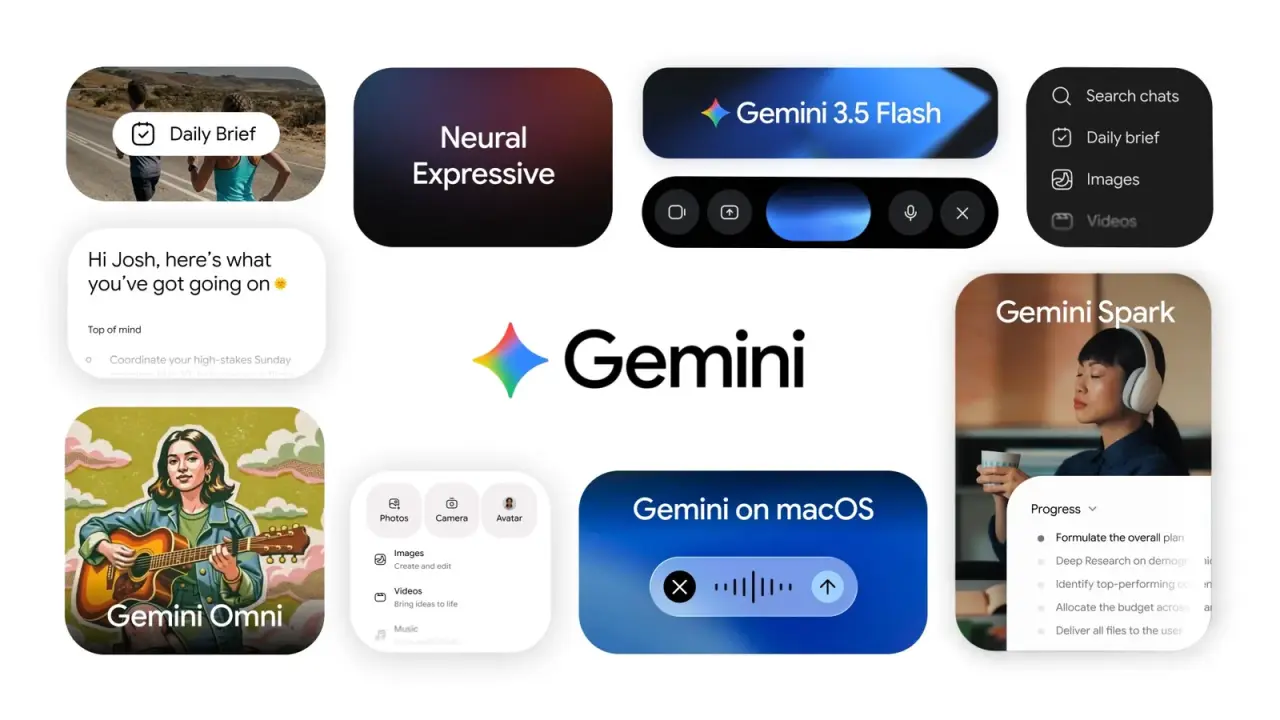
The company launched its Connected App for Google Gemini at Google I/O, giving Gemini users the ability to generate, edit, and search Canva designs directly from a conversation. The integration started rolling out with limited availability on 19 May and will expand to full availability in the coming weeks.
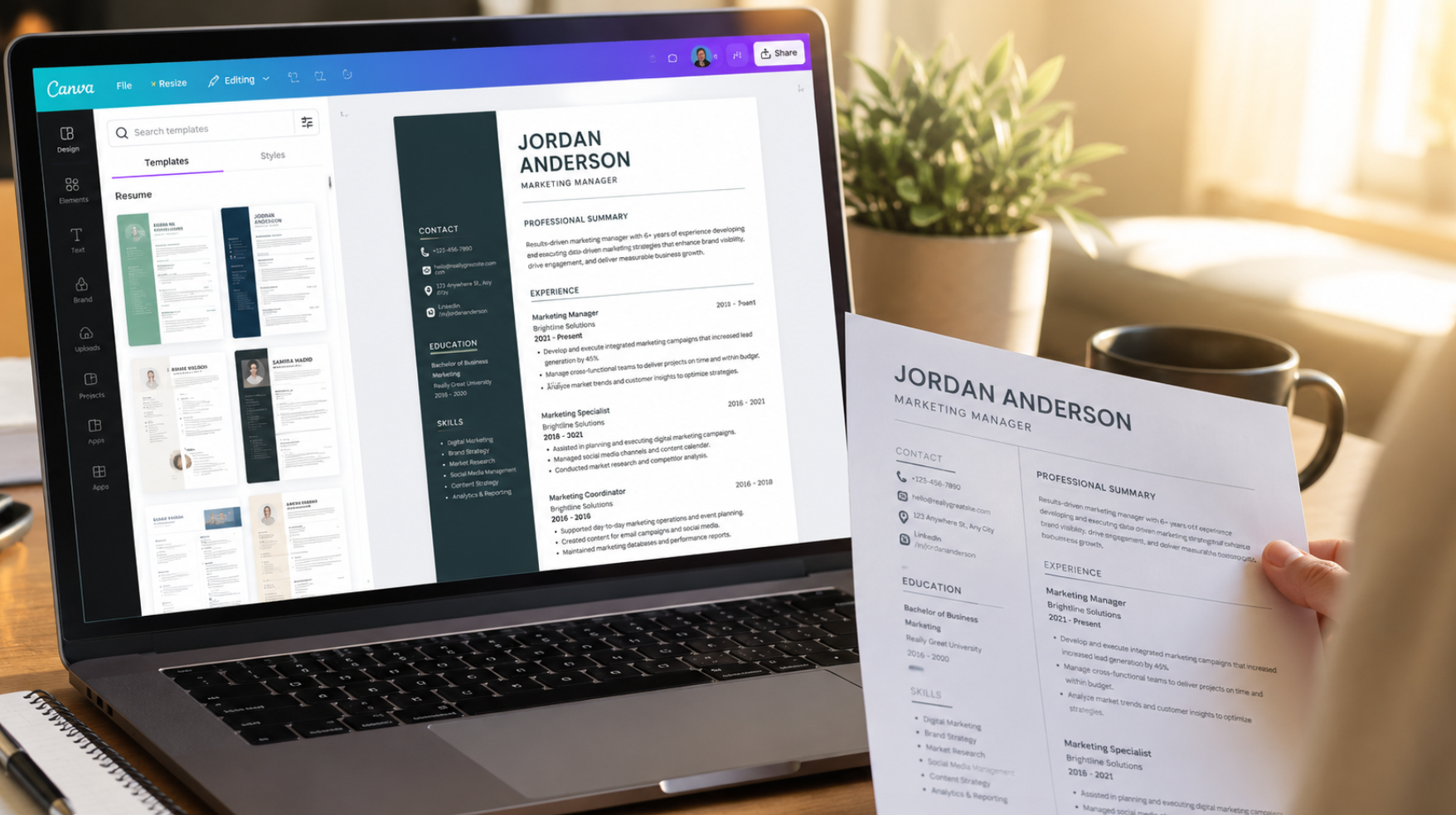
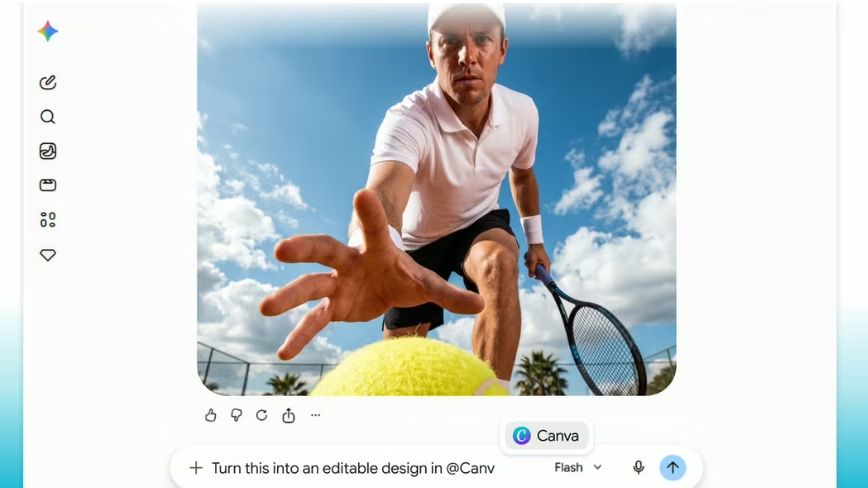
The pitch is straightforward. Type a prompt in Gemini, and Canva generates a design that arrives not as a flat image but as a fully editable file. If the user has a Canva Brand Kit configured, the output automatically applies stored logos, fonts, and colour palettes from the first prompt.
The most technically interesting piece is the integration with Google’s Nano Banana image model. Users can generate an image through Gemini’s native capabilities and then convert it into a layered, editable design using Canva’s Magic Layers tool. That solves a persistent frustration with AI-generated visuals: they are typically flat files that require re-prompting for every small change. Magic Layers analyses the image structure and separates it into individual, movable elements.