(Image credit: Shutterstock)
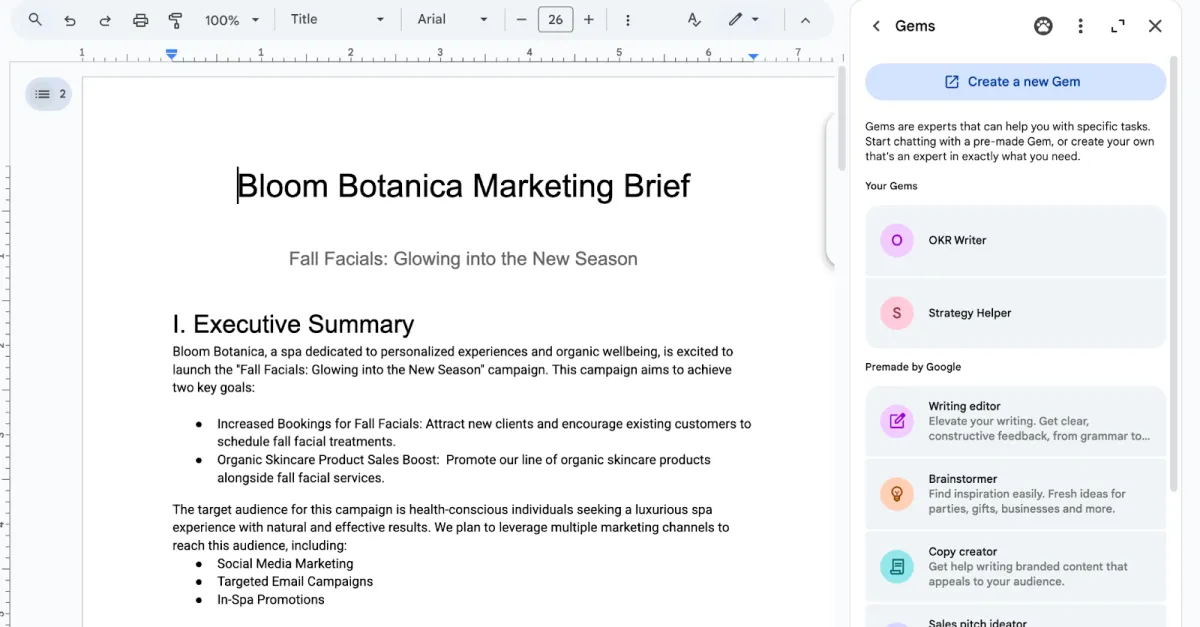
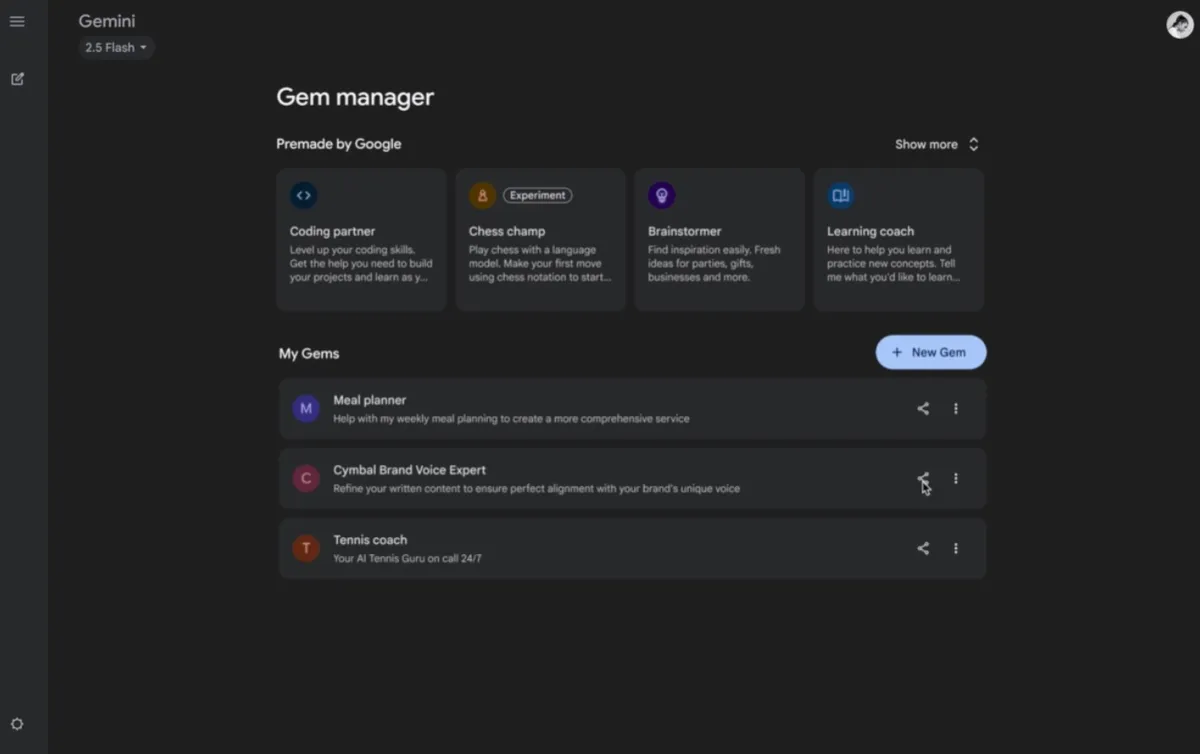
If you’re deep into the Google ecosystem like I am, you probably already know about Gems — Google’s custom AI chatbots, similar to OpenAI’s custom GPTs. I’ve been using them constantly because they’re great at locking in a specific tone, persona or workflow so I don’t have to keep retyping giant prompts every single time I want help with something.However, I recently realized that even with custom Gems, I was still manually opening Gemini, typing requests and waiting for responses. It still felt like I was doing too much of the work. That’s when I started experimenting with Google Workspace Studio, Google’s no-code automation platform, and honestly, it changed the way I use AI during the workday.Instead of chatting with my Gem directly, I can now plug it into automated workflows that run in the background. That means my AI assistant can summarize emails, analyze files, organize spreadsheets or draft replies without me constantly babysitting the process.Once I got it set up, it genuinely felt like I had built my own behind-the-scenes, 24/7 assistant.Whether you want to automate repetitive admin work, create smarter email workflows or build an AI-powered content pipeline, here’s exactly how I started using custom Gems inside Google Workspace Studio.What I needed before getting started