(Image credit: Shutterstock)
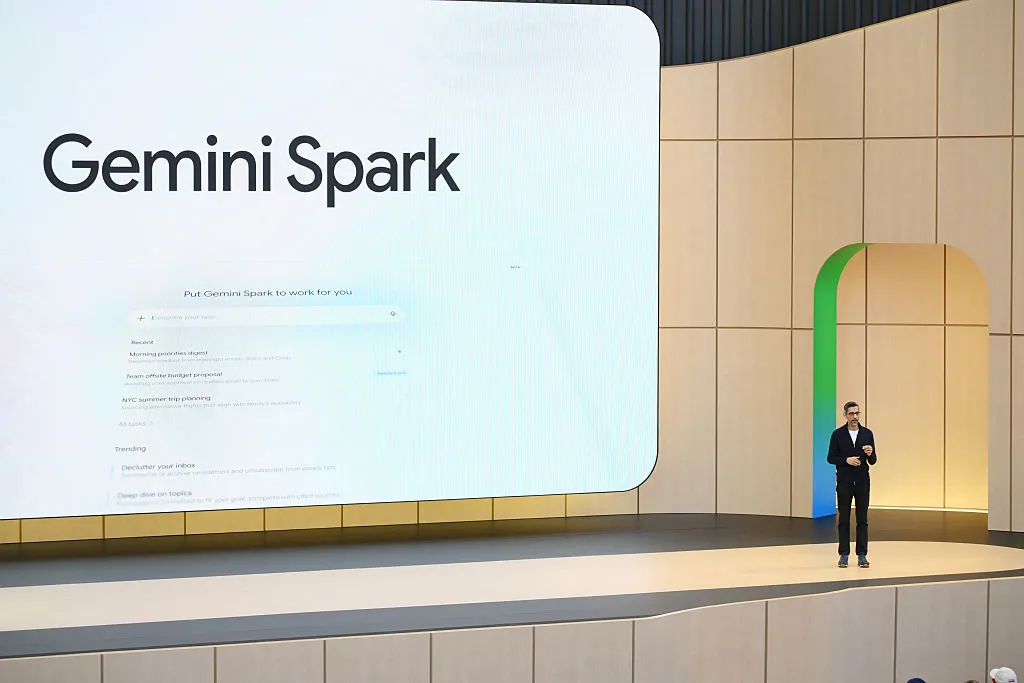
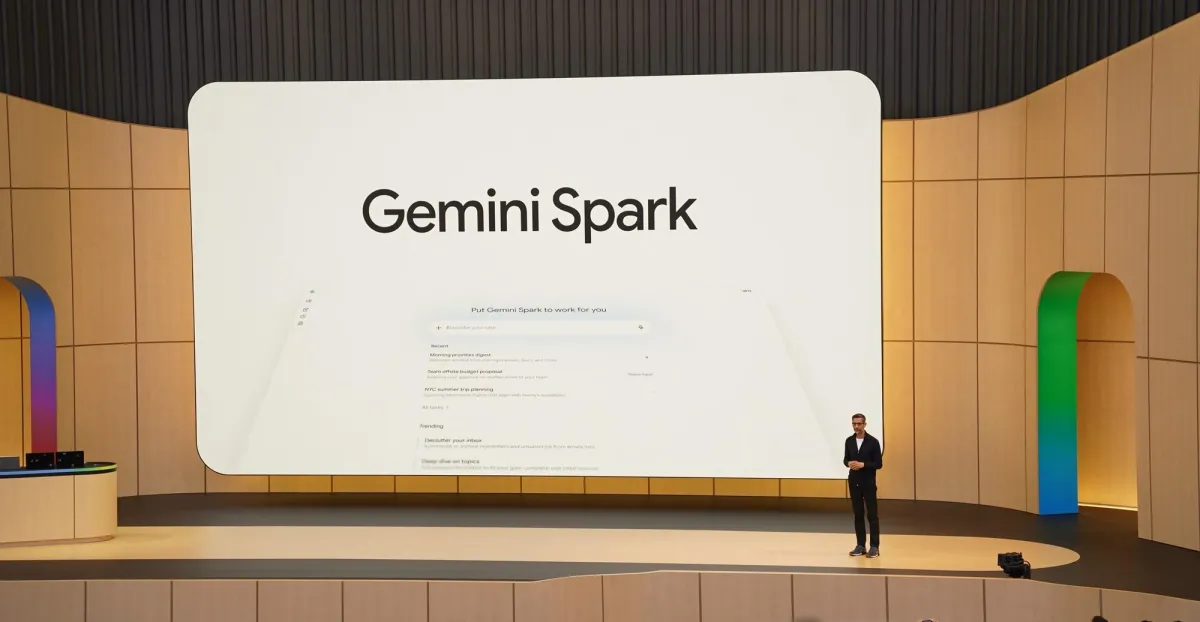
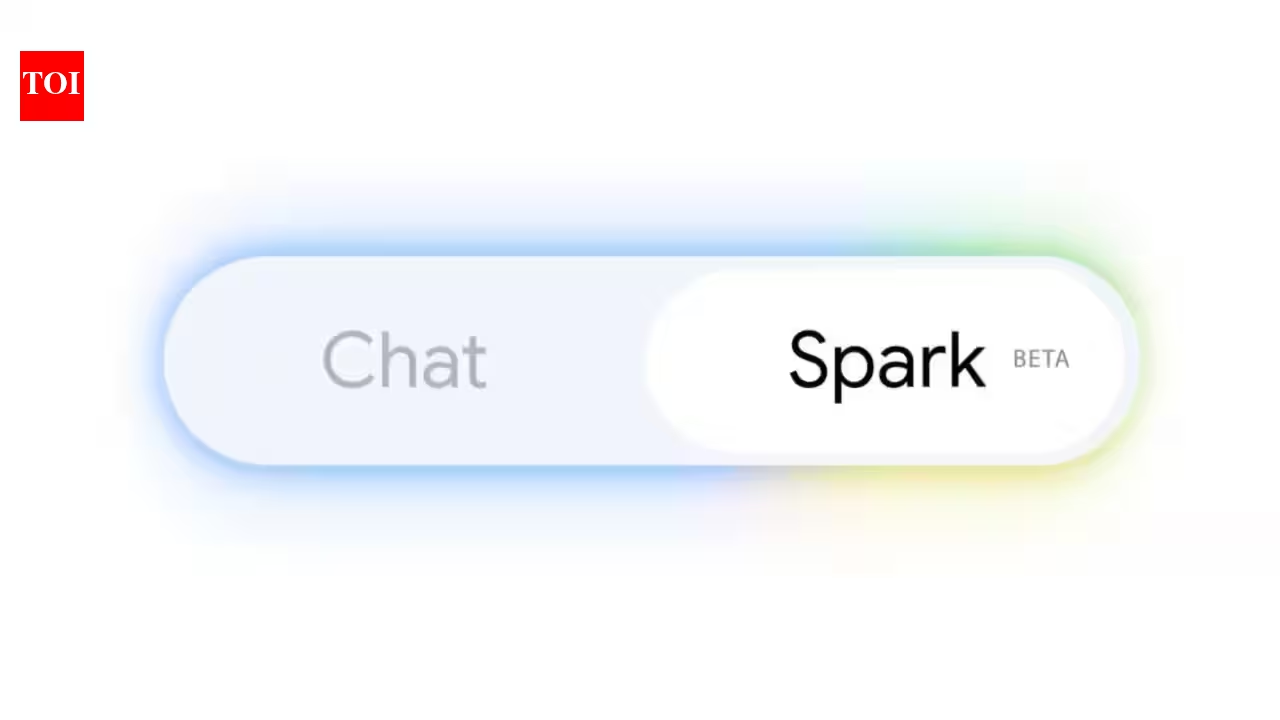
My AI stack of tools is composed of Claude, ChatGPT and Gemini. So when I heard that Google was expanding access to Gemini Spark, I couldn't wait to see what the "always on" AI agent could do.For those new to Gemini Spark, it's an AI agent that can monitor your inbox, organize files, build documents, schedule calendar events and complete multi-step tasks across Google's apps. Best of all, you don't have to have your laptop open. Google recently began rolling the feature out more broadly, including to subscribers in India, after initially launching it for U.S. Google AI Ultra users.Naturally, I wanted to see whether this actually feels different from using ChatGPT or the regular Gemini chatbot. Turns out, it's completely different in the best ways.7 prompts worth trying first 1. Plan my week
(Image credit: Gemini Spark)Prompt: Review my calendar, unread emails and task list. Identify any scheduling conflicts, prioritize my work, and create a realistic plan for the next five days.After using this prompt I checked to see if it actually understood priorities (meetings vs. social events) or did it just rearrange my calendar. To my suprise, it not only gave me a quick look at all my meetings, but also showed me the emails I needed to respond to. Talk about a productivity game changer! 2. Inbox zero Prompt: Go through my inbox from the past seven days. Archive anything that isn't actionable, highlight emails requiring a response and draft replies where appropriate.While the first prompt tackled the urgent emails, this one takes on the rest. Using this prompt lets the AI know what you want to do with unread emails or emails that you have read, just haven't done anything with yet. Basically, it's the fastest way to find out if you missed anything important. When I tried this, I realized I had missed a note from my son's school reminding me to send over updated vaccination forms before the start of the school year.Get instant access to breaking news, the hottest reviews, great deals and helpful tips. 3. Prepare me for tomorrow Prompt: Every evening at 7 p.m., summarize what I accomplished today, tell me what's on my calendar tomorrow, list the emails I should read first and remind me of anything I haven't finished.I use various versions of this prompt. It helps to prioritize for the next day while also reflecting on the work I've done. Other versions include gathering news updates I may have missed or finding tech blogs that may interest me. Either way, Gemini Spark is great when it comes to rounding up information you need. 4. Vacation planner