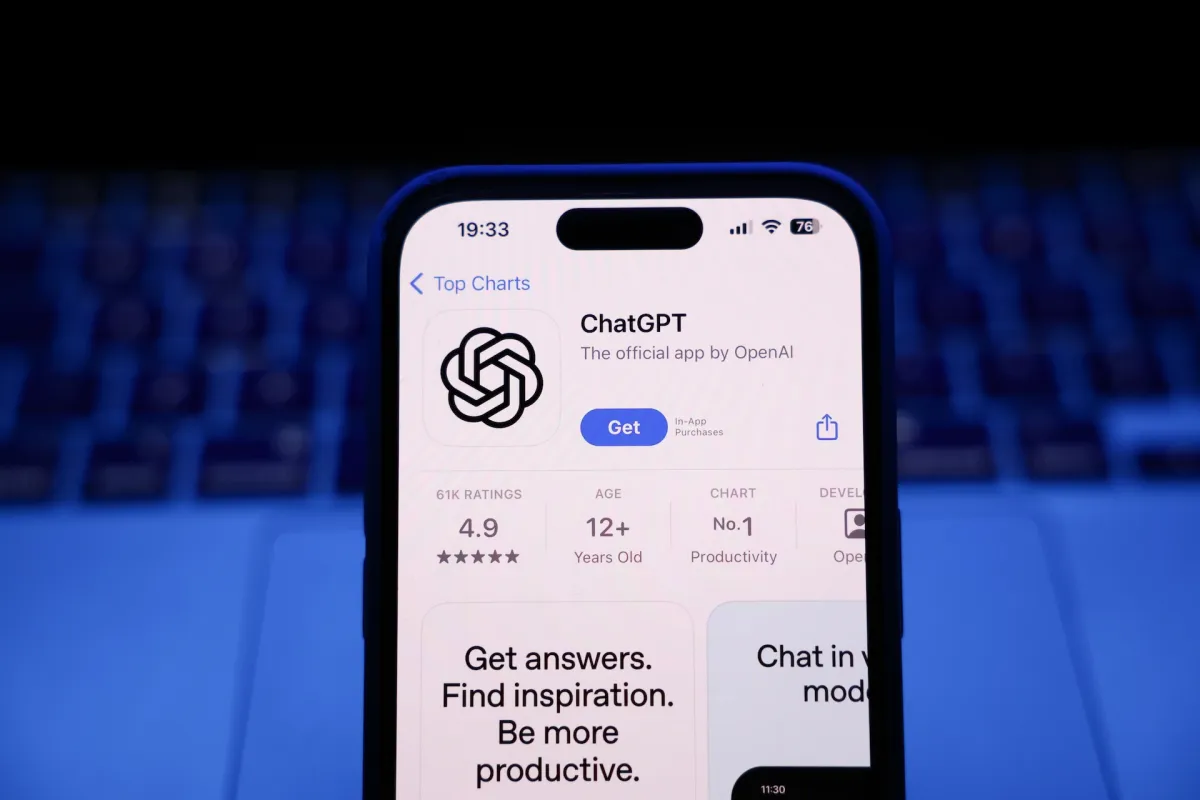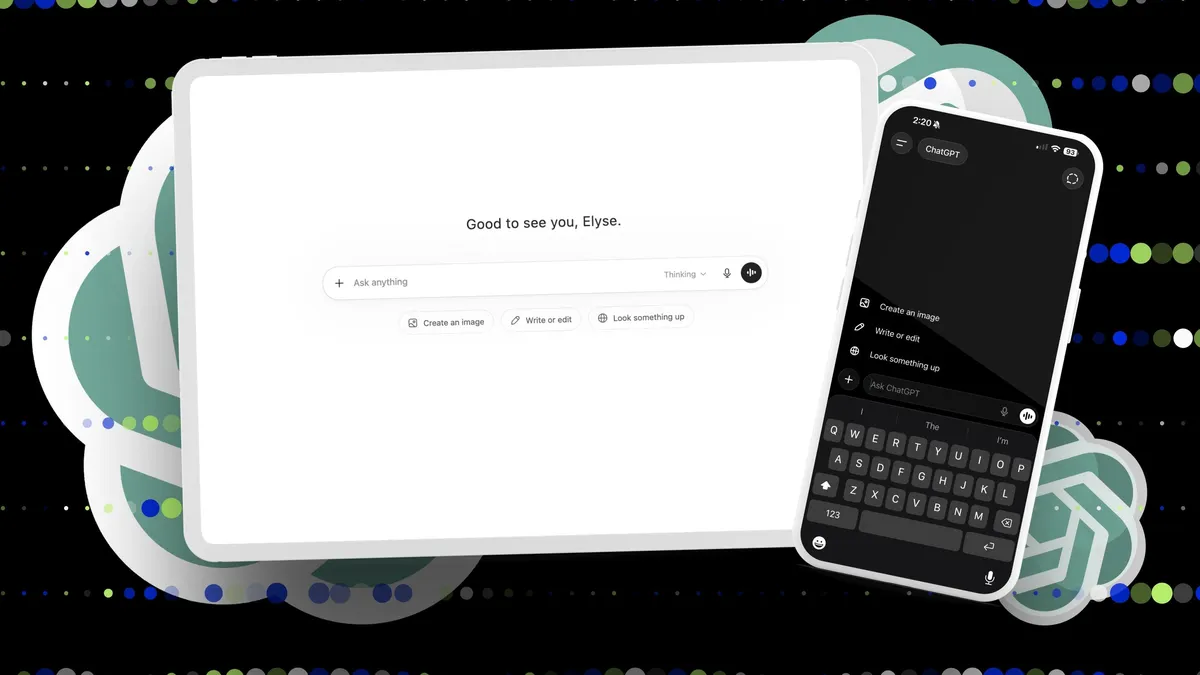
Elyse Betters Picaro / ZDNETFollow ZDNET: Add us as a preferred source on Google. ZDNET's key takeaways ChatGPT can help with writing, research, images, files, and apps.Free users can start fast, but paid plans unlock higher limits.Projects, memory, and voice mode make ChatGPT more useful.It will be four years this fall since ChatGPT launched, turning AI from something most people talked to for fun on their phones or home speakers into a tool they could use to debug code, create presentations, generate images, shop, and plan trips. In fact, the phrase "chatbot" now feels a little too small, and maybe even dated, for what ChatGPT can do today.Also: I stopped using ChatGPT for everything: These AI models beat itNew use cases are constantly being developed for and because of AI, and ChatGPT itself now has to keep up with an exploding industry filled with competitors, from Anthropic's Claude to Google's Gemini. Still, if you want to try AI, the OG is a good place to start. You can type, talk, upload a file, connect an app, and let it generate away. How to use ChatGPT (for beginners) What you'll need: ChatGPT is available on the web, desktop, or a mobile app for iOS and Android. You don't need to create an account, but you probably should. Maybe start with a free account, then decide later whether upgrading to a paid plan is worth it. You can use ChatGPT in a browser at chatgpt.com or through the official mobile app for iOS and Android.You can try the app without much setup, but creating an account gives you access to longer and more messages, as well as your chat history, projects, memory, file uploads, Library, GPTs, and connected apps.Also: How to learn ChatGPT in an hour - for freeOn the web, go to chatgpt.com and click sign up or log in. Use your email, Google account, Apple account, Microsoft account, or number, if available. On mobile, download and open the app, and sign up the same way.
How to use ChatGPT: A beginner's guide to mastering OpenAI's chatbot in 2026
Want to try ChatGPT? It's free and doesn't require an account. Here's how to get started quickly.
3,371 words~15 min read