(Image credit: Shutterstock)
If you've ever felt like Android's autocorrect just wasn't good enough, then you should know that you don't have to suffer in silence. You may not have been aware, but Gboard features something called a "Personal Dictionary," and its hidden feature can be exploited to make your typing experience way better than it currently is.Provided you know where to go, and what to do, it's actually possible to customize your Personal Dictionary to better suit the way you use your phone. Whether that includes adding words Google is unfamiliar with, fixing all the misplaced autocorrections to keep them from happening, or creating your own custom text shortcuts to make typing things like emails and phone numbers a whole lot easier.Here's how to access Personal Dictionary on Android phones, and customize the entries to make your life easier.
1. Open Gboard settings from Gboard
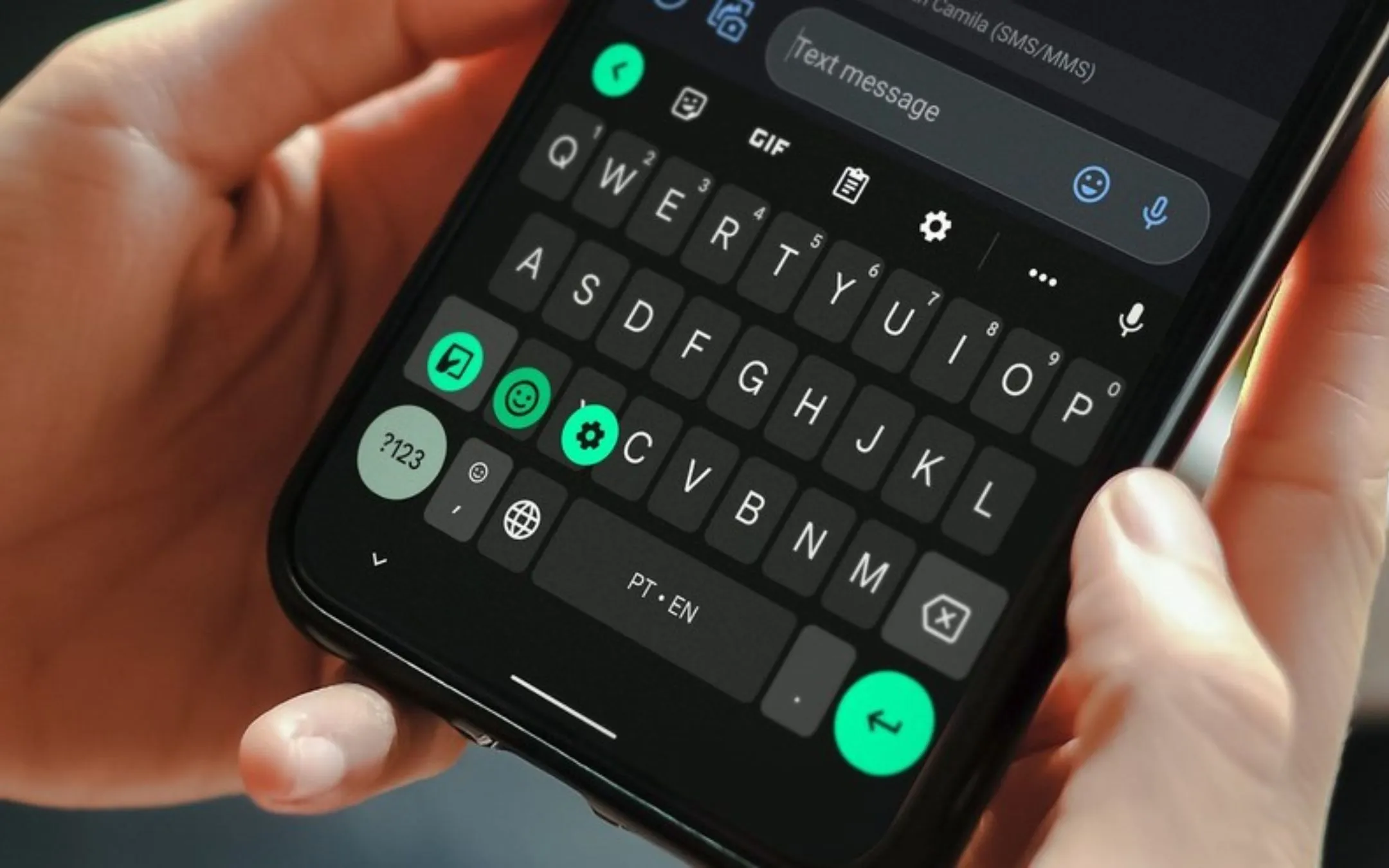
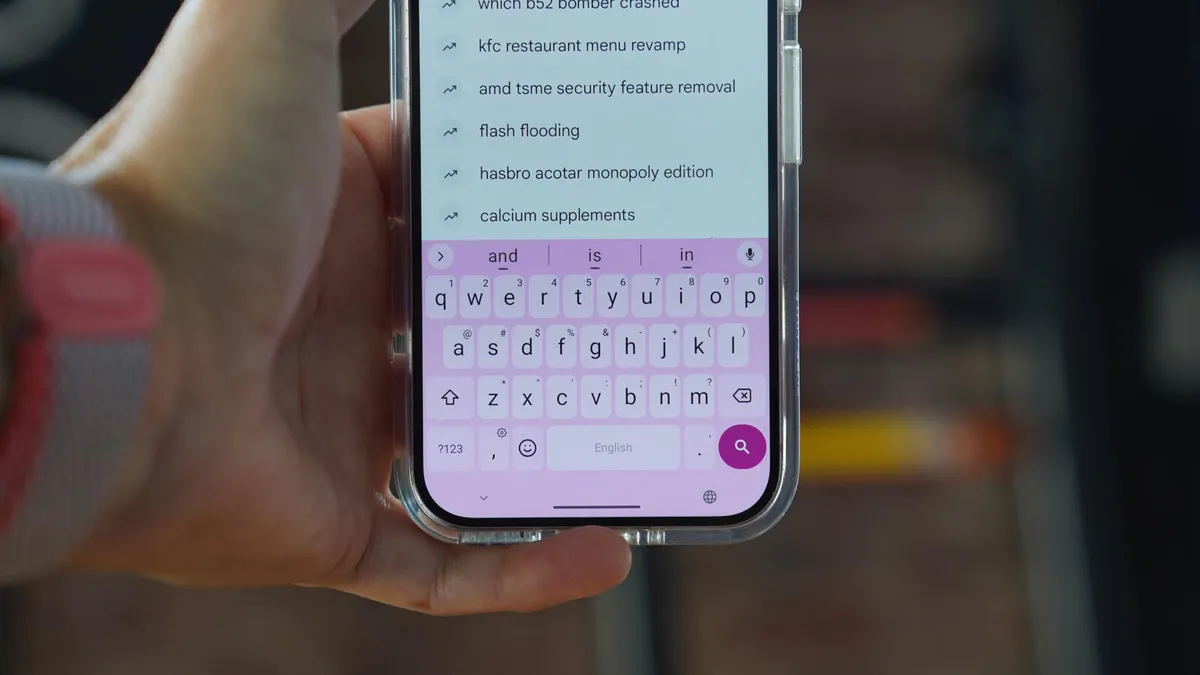
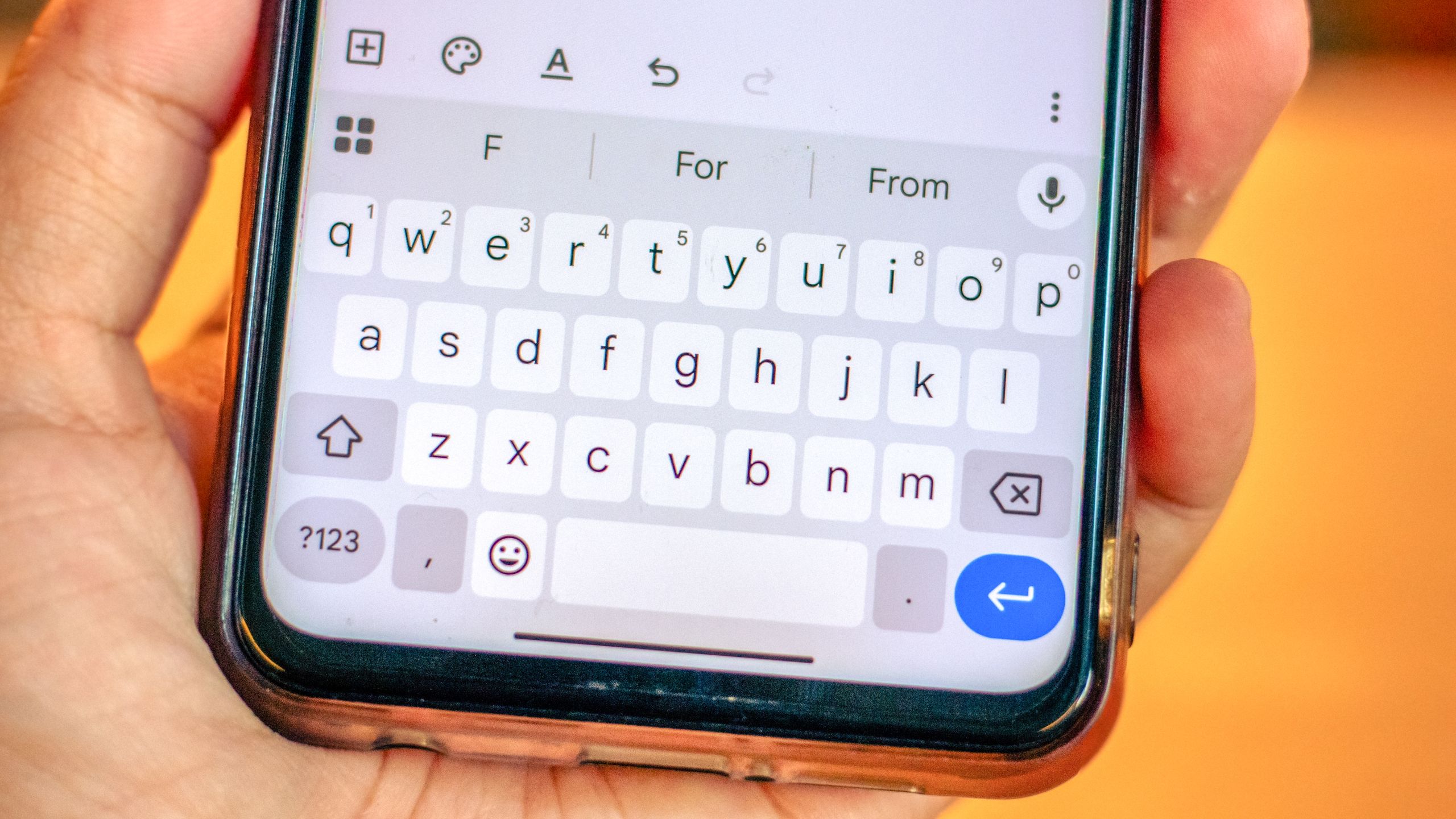
First thing you'll need to do is open up Gboard's settings. All you need to do is open Gboard in any app, and tap the gear icon on the top-right side of the phone.
2. Open the Dictionary settings