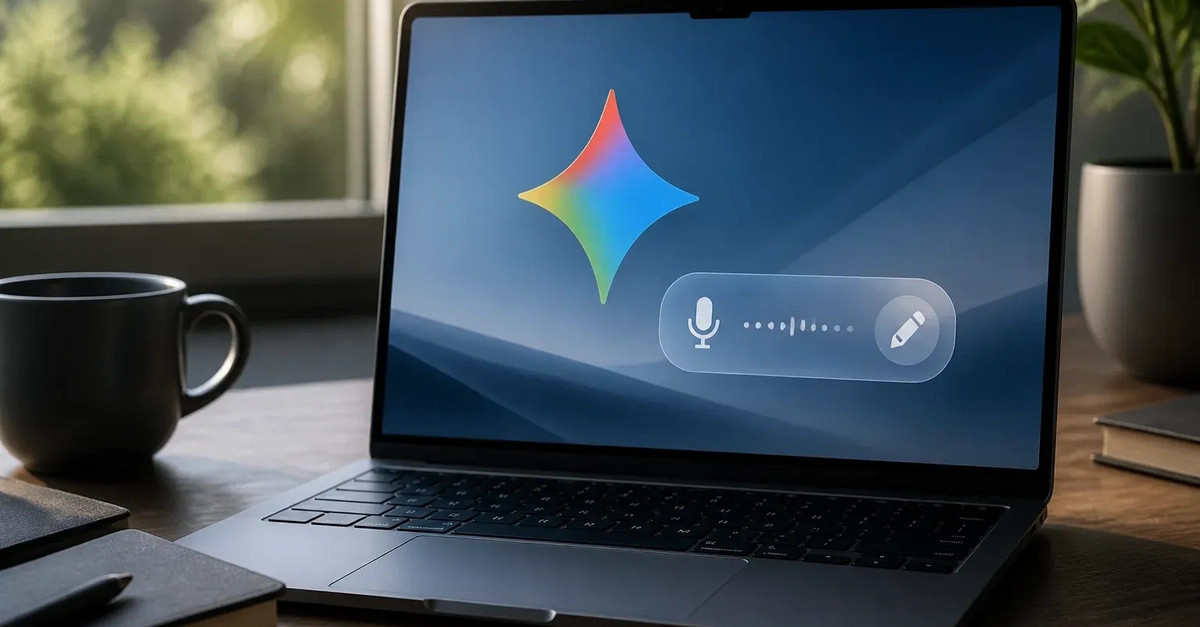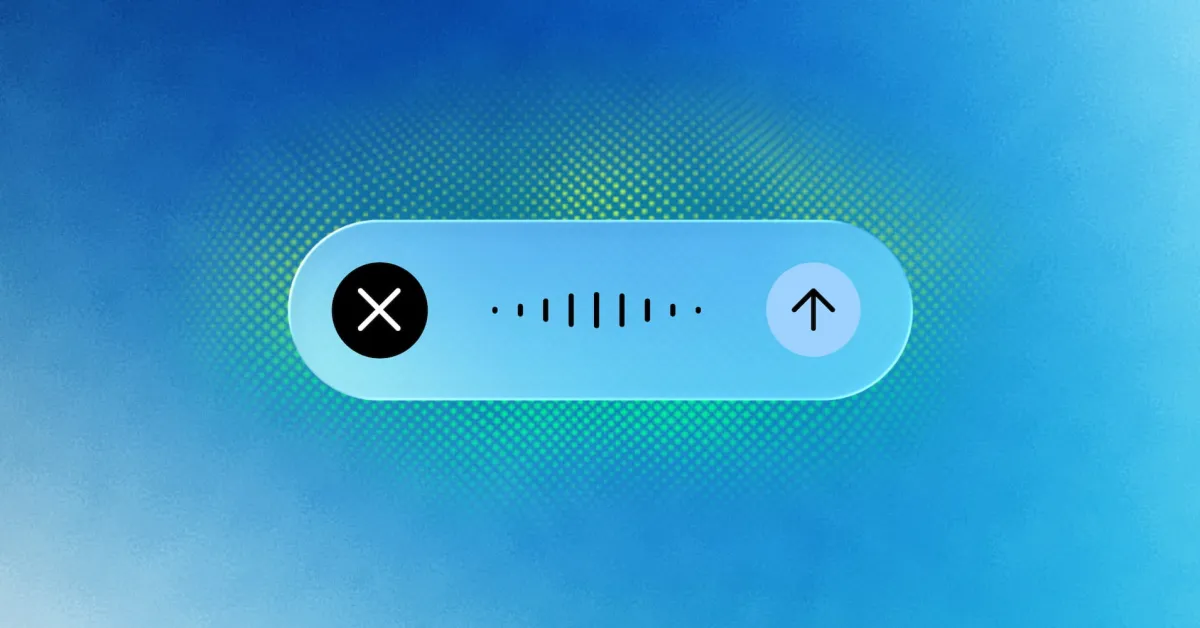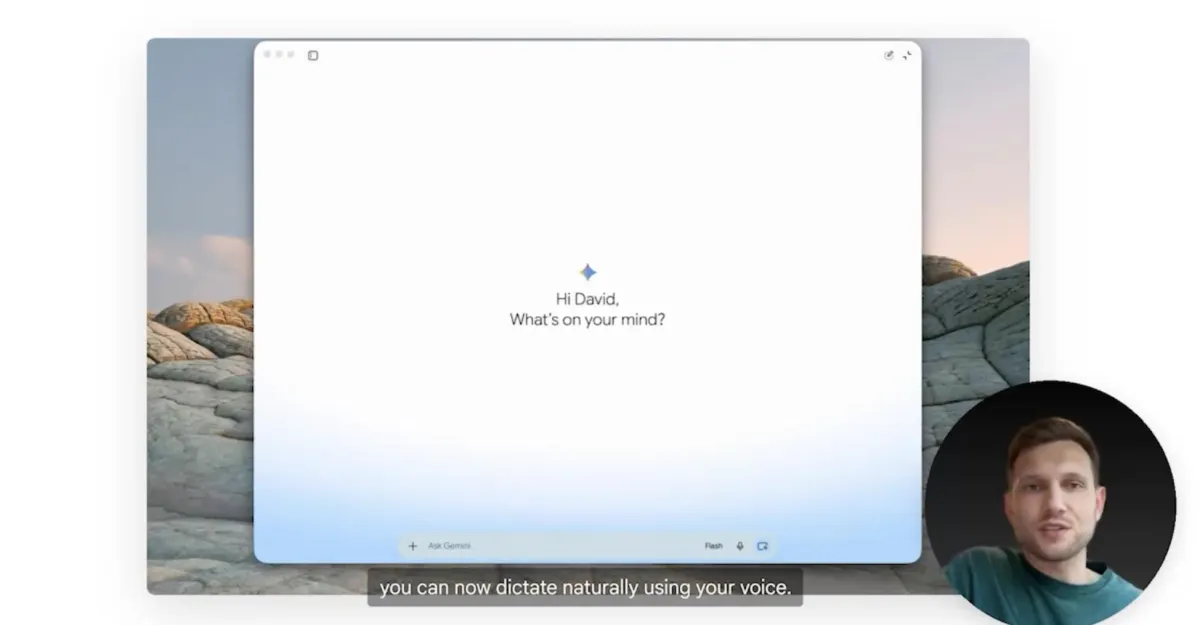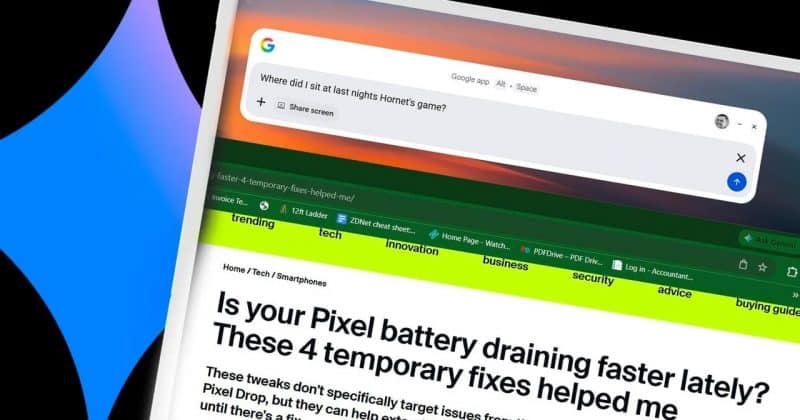
Google is turning its Gemini desktop app into something that feels less like a chatbot and more like an actual assistant. The latest addition, a voice dictation feature called “Speak to Window,” lets users bark commands at whatever app they happen to be working in, no tab-switching required.
The feature works by holding the Fn key. Hold the key, speak, and Gemini processes your voice command in the context of whatever application is currently in focus. Drafting an email, editing a document, comparing products: the idea is that Gemini becomes a layer on top of your entire desktop rather than a separate destination you have to visit.
How Speak to Window and Magic Pointer actually work
Speak to Window is rolling out alongside another feature called Magic Pointer. Where Speak to Window handles voice dictation across apps, Magic Pointer takes things a step further by combining screen pointing with contextual voice or text prompts.
You can literally point at something on your screen, ask Gemini about it, and get a response that understands what you’re looking at. Think image editing guidance, product comparisons, or pulling information from a chart without having to screenshot it and paste it into a chat window first.