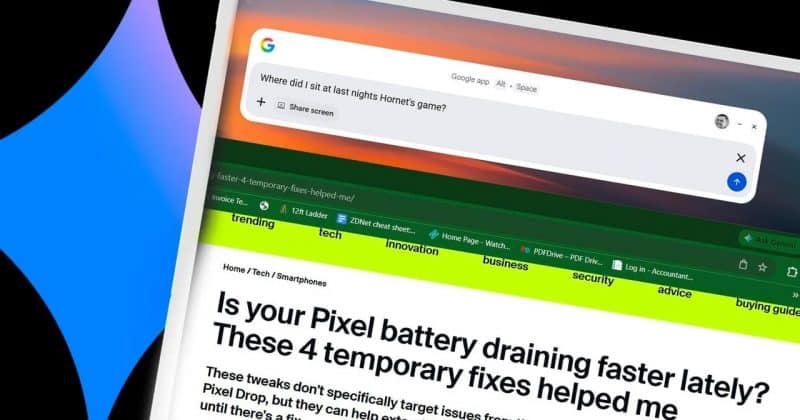
Gemini in Chrome now lets you focus a prompt with a new “Select from screen” tool, while developers can tap into Gemini 3.5 Flash computer use capabilities.
Gemini in Chrome now has a “Select from screen” tool that lets you quickly add an image to prompts. You can find it at the bottom of the ‘plus’ menu.
This highlights your current tab and has you “Select any text or image to ask Gemini.” Afterwards, that image is added to the prompt box.
Select from screen is rolling out as part of Chrome 149, with a browser restart introducing the feature if you’re not seeing it yet.
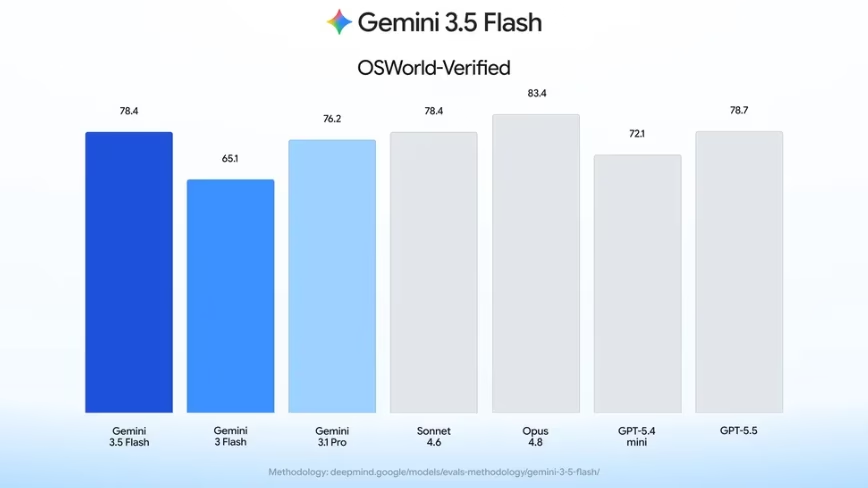
In other related developments, Google announced today that the Gemini 3.5 Flash model now has a built-in computer use tool. Joining Search and Maps grounding, this native integration replaces the standalone Gemini 2.5 Computer Use model.