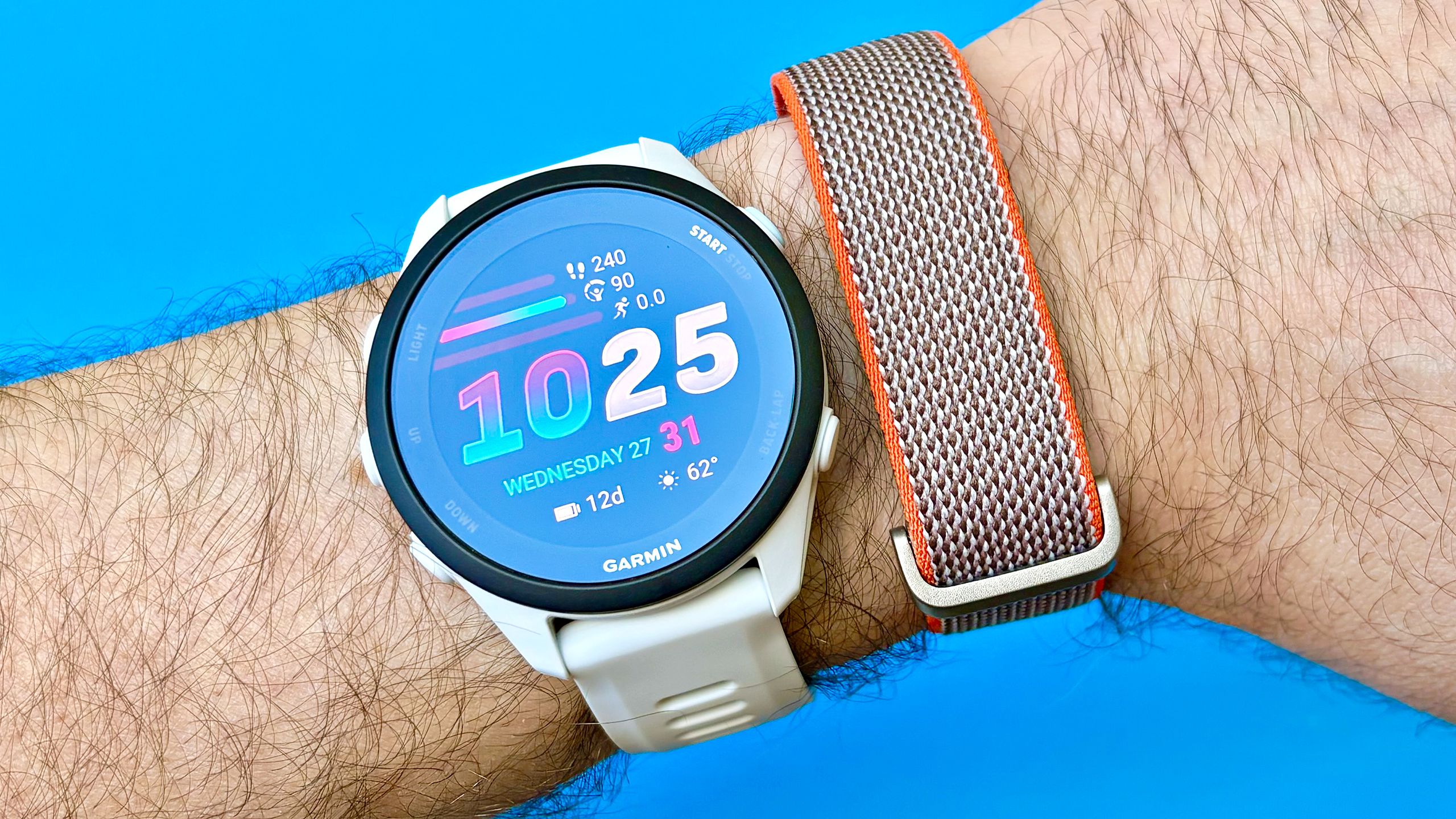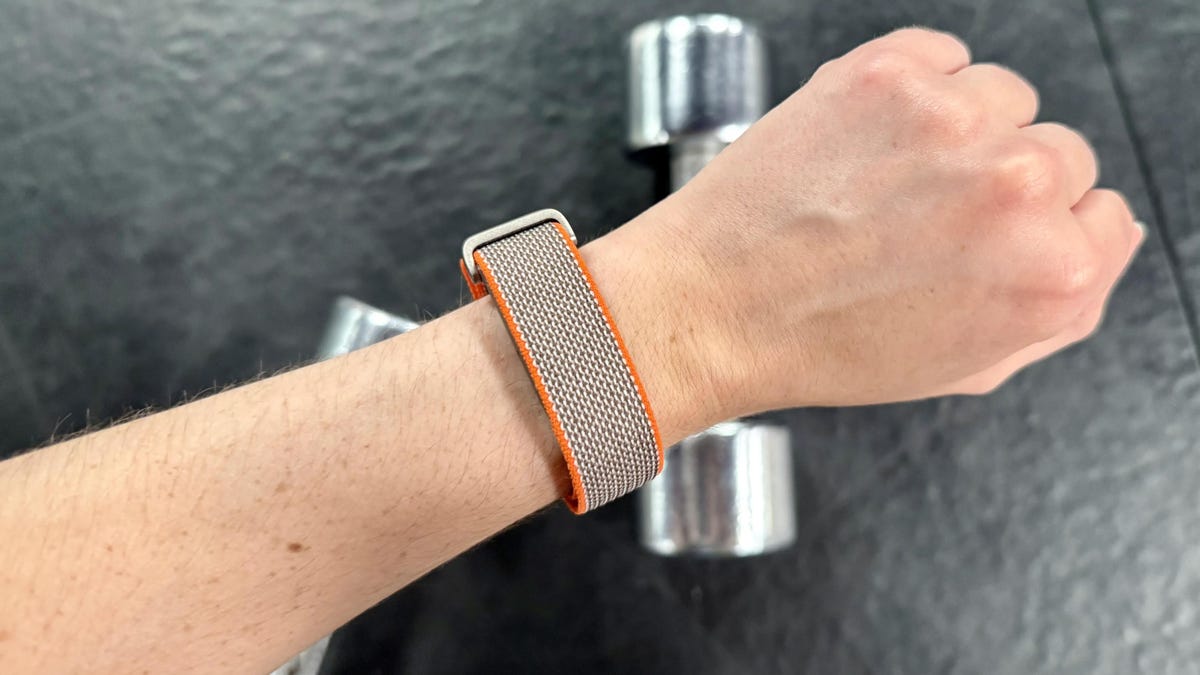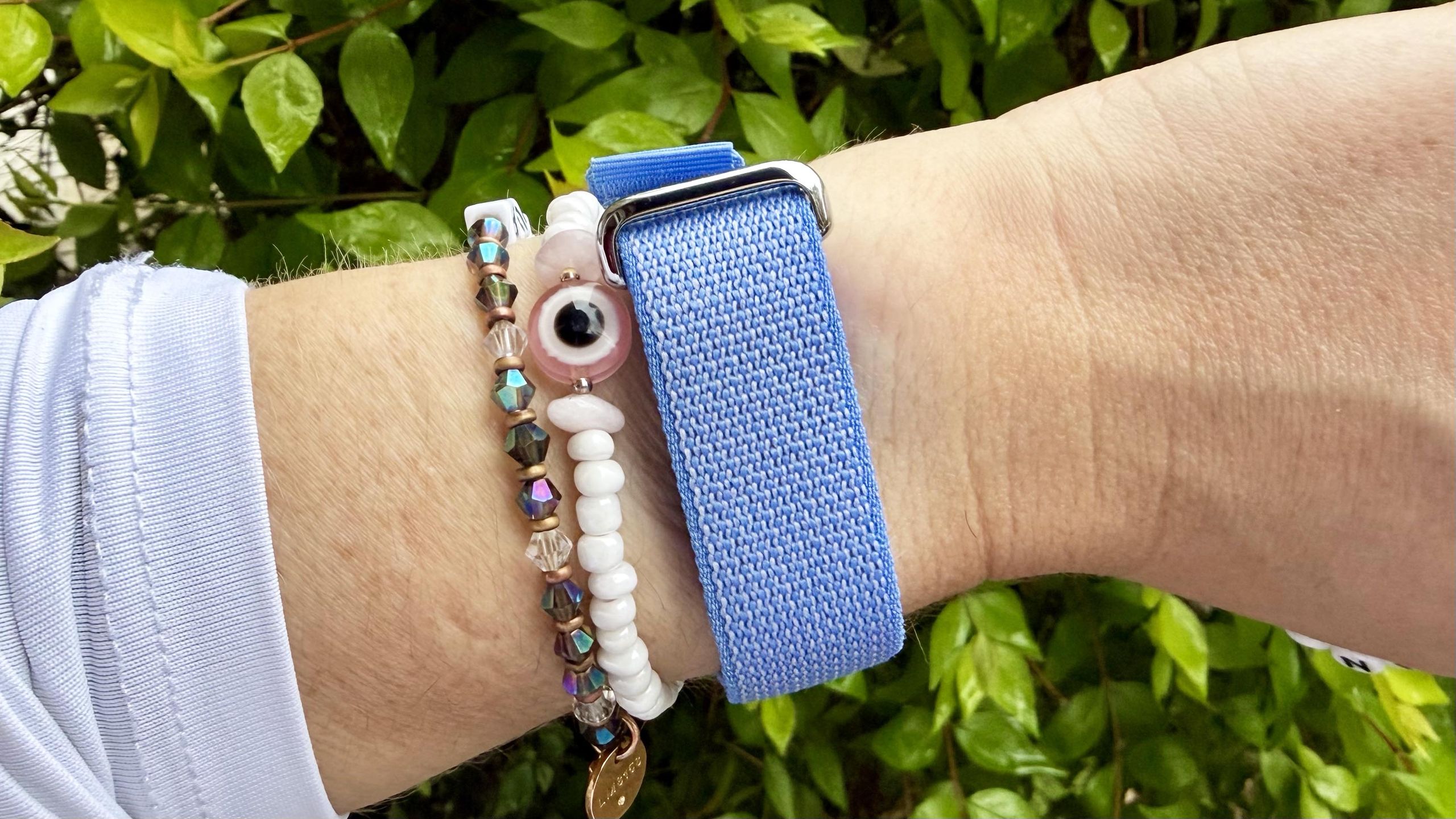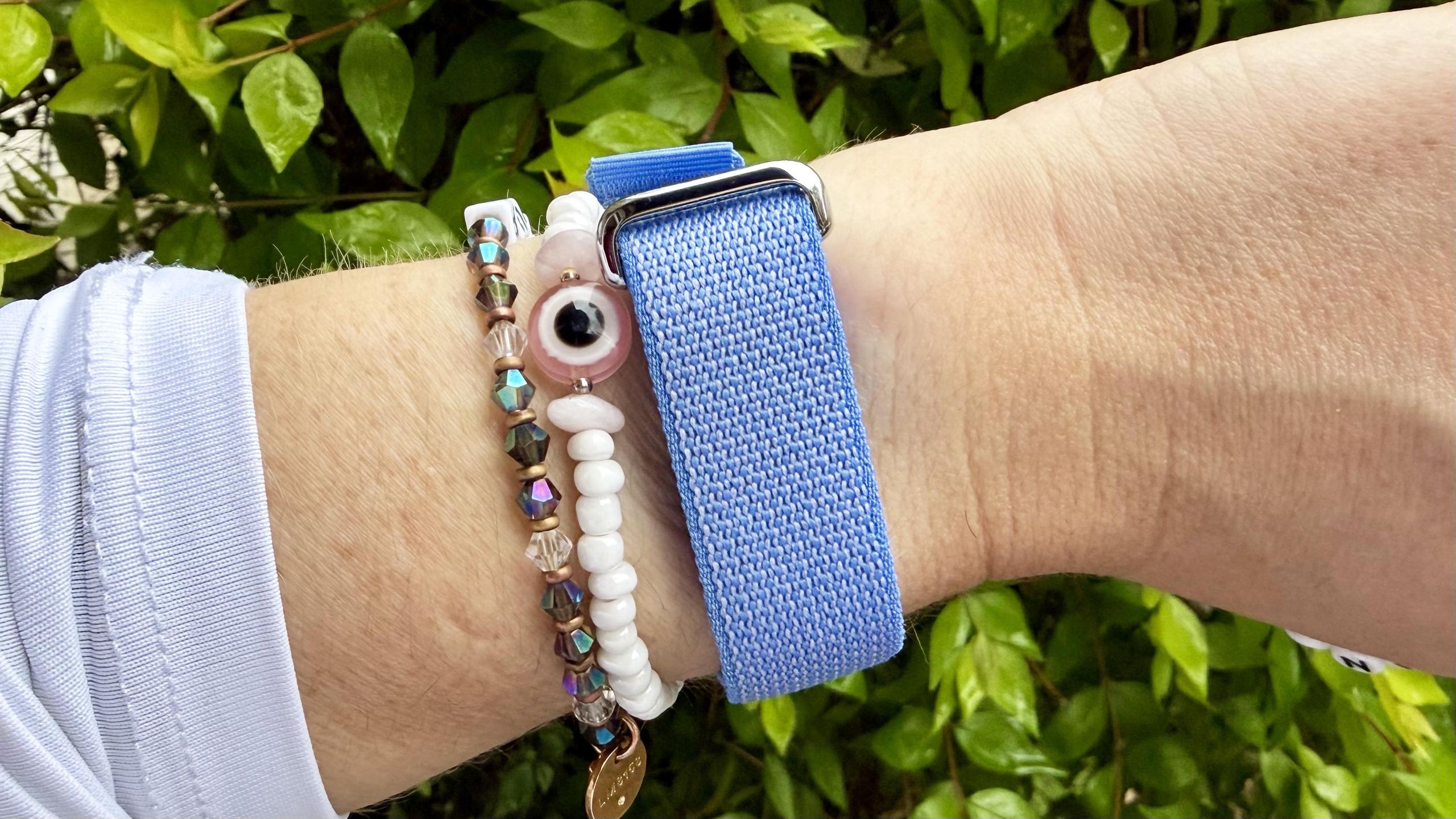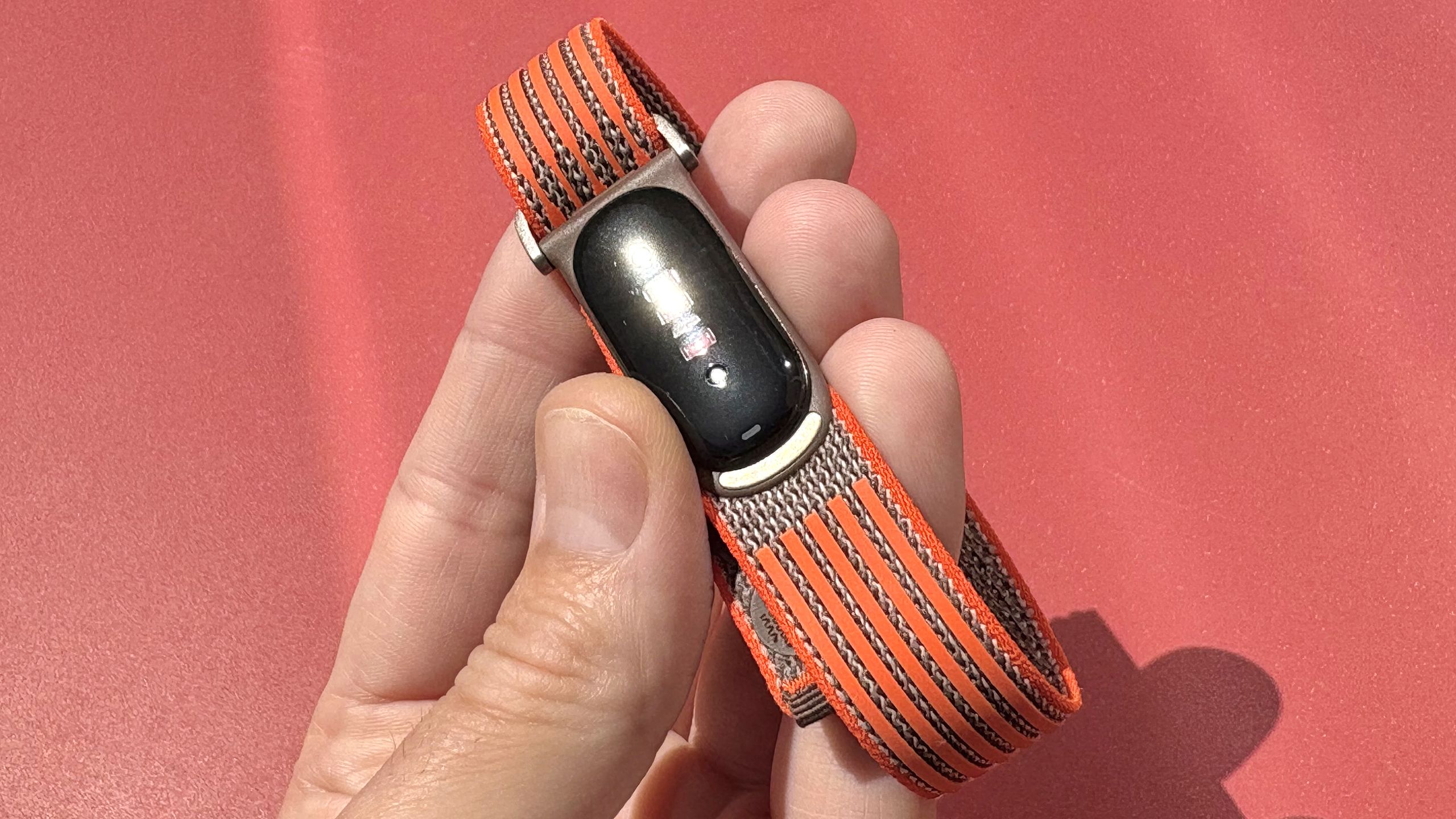
(Image credit: Dan Bracaglia/Tom's Guide)
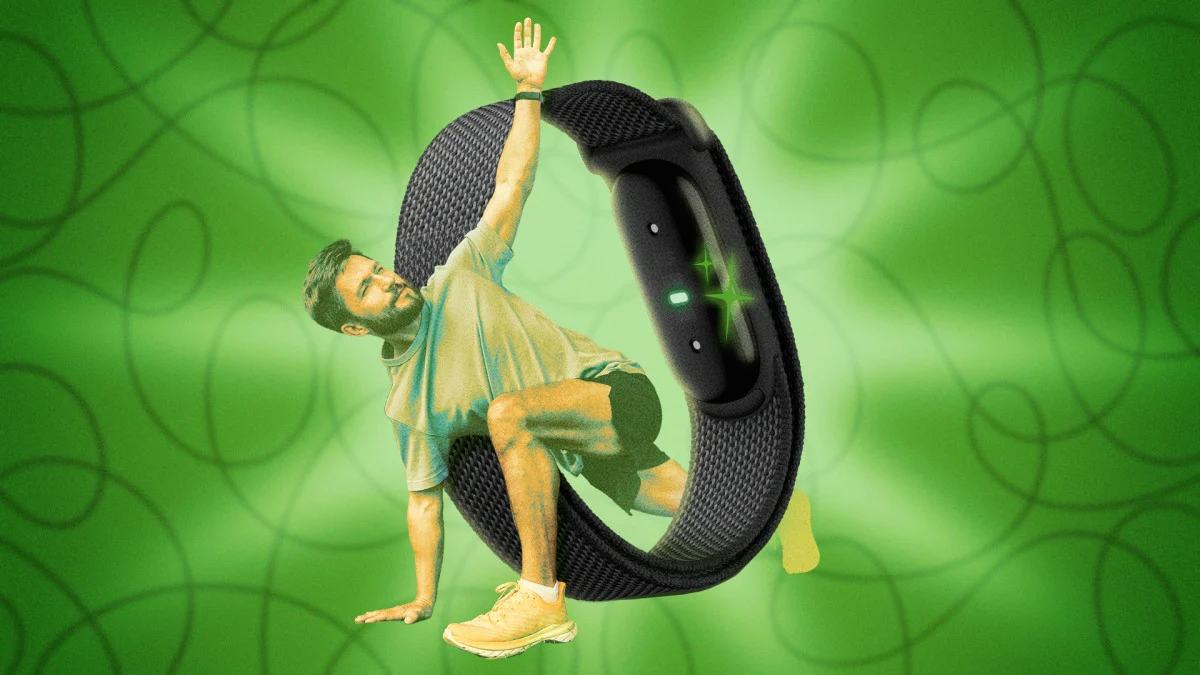
If you’re having issues with your Fitbit Air’s fitness tracking accuracy, I’m here to help. I just reviewed the Fitbit Air and have been wearing one pretty much nonstop for nearly a month. I’ve tested it against numerous other wearables, as well as Strava, while walking, running, hiking, and cycling with mostly impressive results.Of course, shiny new pieces of consumer tech often ship with “quirks” — who could forget Apple's “Antennagate” — but with a growing number of Fitbit Air users reporting issues with fitness tracking accuracy via TikTok and Reddit, it’s worth rehashing the device’s technical limitations, along with some troubleshooting tips.So, if you’re having issues with Fitbit Air fitness tracking accuracy, try these three things.1. Manually start your workouts from the app; don’t use auto-tracking
(Image credit: Dan Bracaglia/Tom's Guide)The Fitbit Air’s auto workout tracking needs, well, work. At present, it only logs walks, bike rides, "sports," and "other activities." Moreover, you need to spend 15-20 consecutive minutes or more doing a supported activity for tracking to kick in. That’s hardly ideal.For instance, I'm a beginner runner who averages about two miles per outdoor session. As a result, my runs tend to be shorter than 20 minutes, which means the Fitbit Air is hit-or-miss at automatically logging them.Fortunately, the solution to this issue is simple: If you want to ensure the Fitbit Air actually records your workout, manually start a workout session for your activity of choice in the Google Health app (formerly the Fitbit app) before beginning.2. For accurate daily step counts, carry your phone at all times