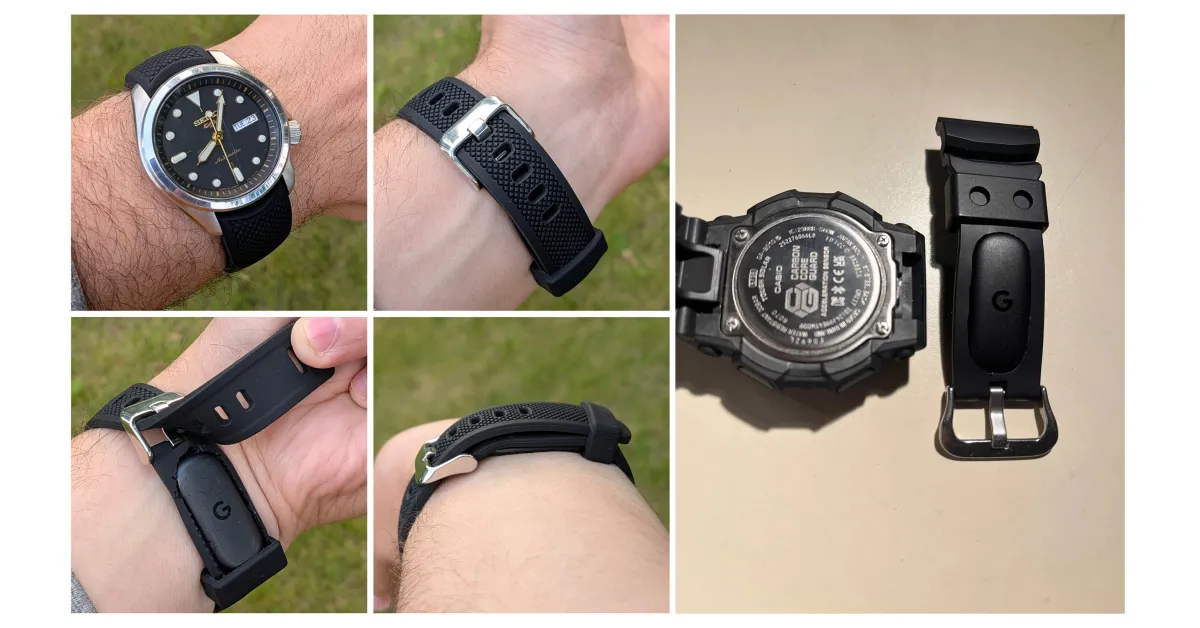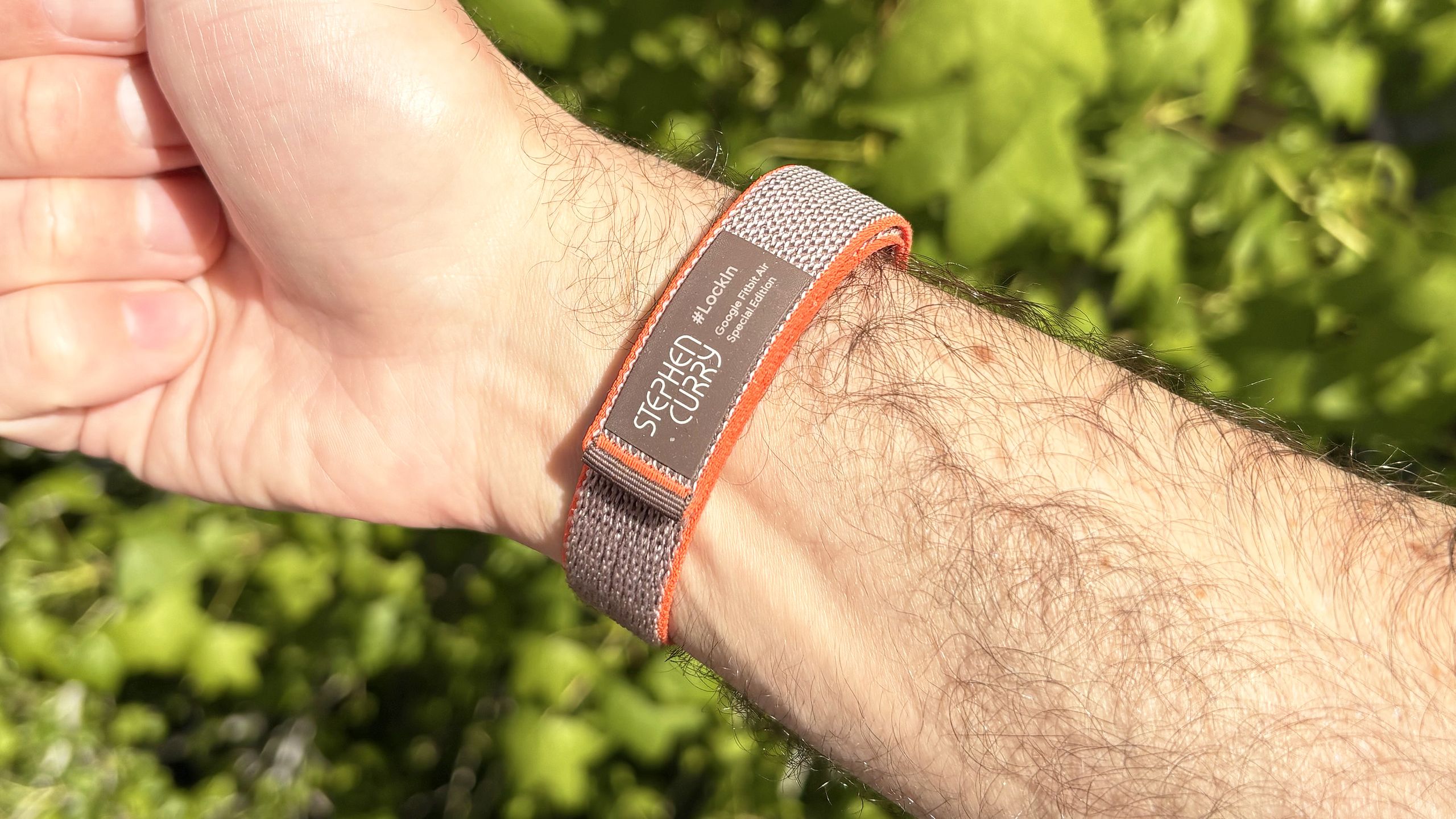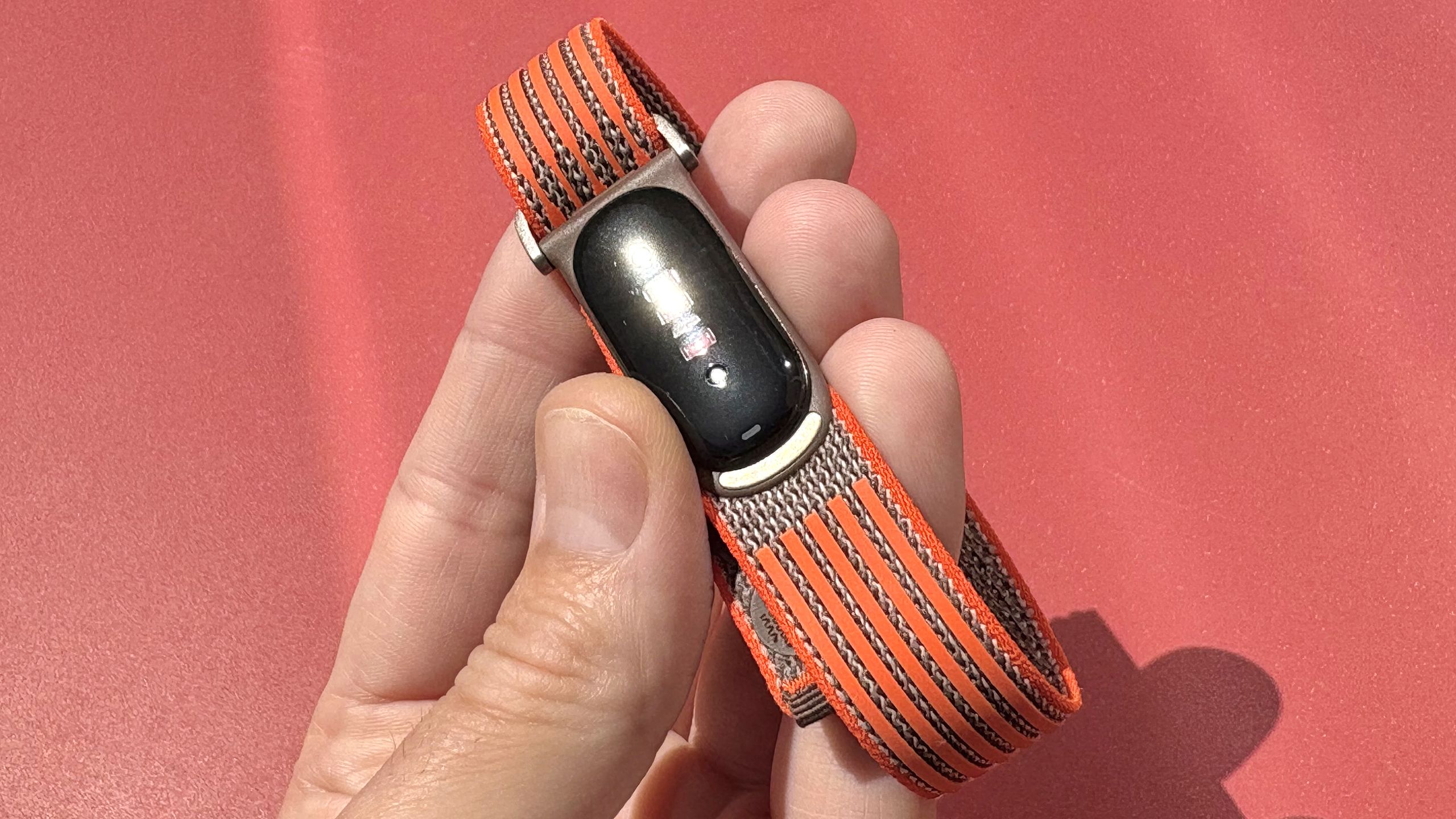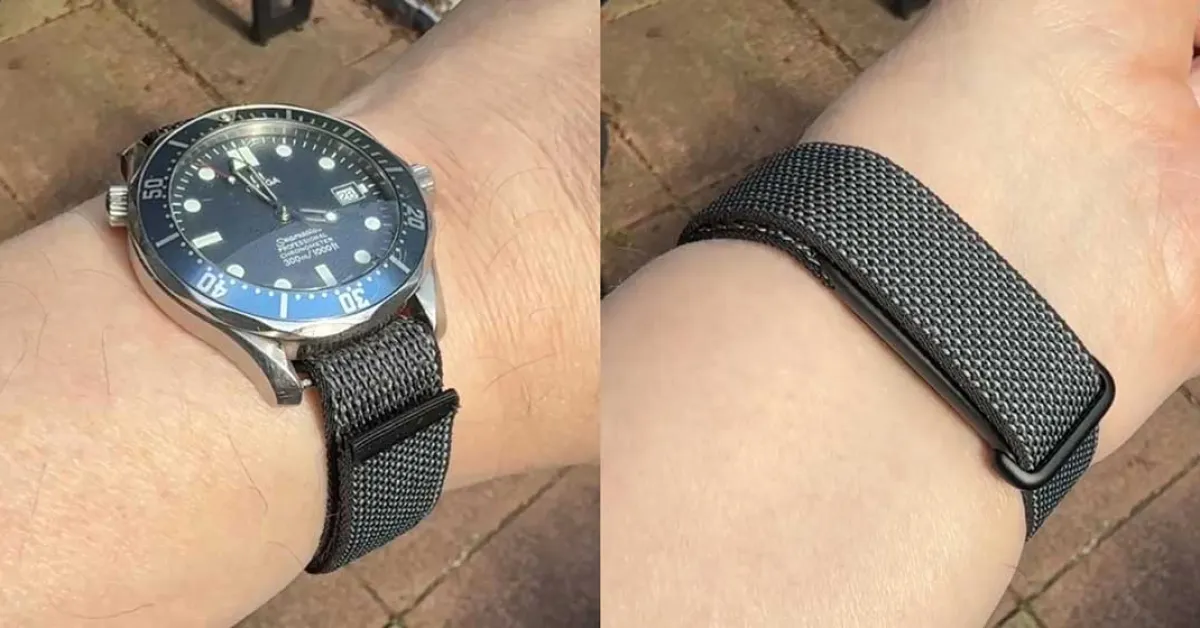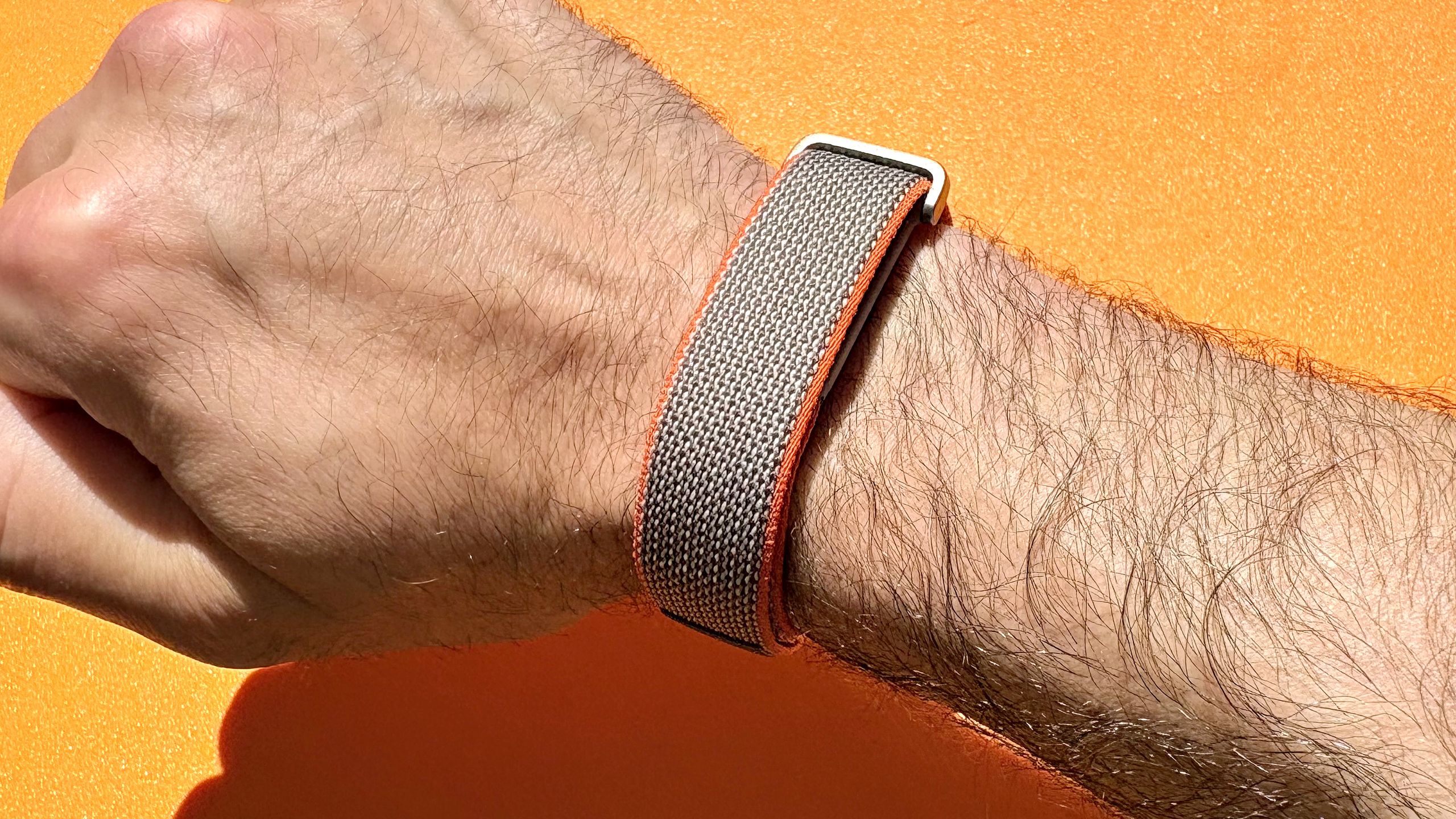
The screenless strap known as the Fitbit Air is probably the best fitness tracker out there for most people, but that doesn't mean there's nothing to improve. There are ways to wear it more comfortably (on nearly any body part!) and ways to work around some of the less enjoyable features of the app. Read on for some hacks that will make your Fitbit Air experience even better.
Get a proper workout display on the Fitbit Air by broadcasting heart rate to Strava
While the Fitbit Air will auto-detect workouts, the only way to get data on your heart rate or time during the workout is to start a workout on your phone. Unfortunately, the Google Health app doesn't give you much information on the workout screen—just the total time, your heart rate, and, if you're running outside, the distance you've covered. On the iPhone, you won't even get a live activity on your lock screen to remind you that the workout is still going, just a notification that says something like "run" that you can easily lose track of. But there's a really nice way to change all that. The Strava app has a ton of great features for live workouts. And by broadcasting your heart rate data from the Fitbit Air to the Strava app, you can get the best of both worlds. Here's how to set it up: