Google Messages is finally giving Android users more customization and personalization options with “Chat themes.”
Update 6/26: Since Tuesday, more Google Messages beta users (version 20260622_01_RC00) have received the server-side update that enables Chat themes. It’s not yet widely rolled out to testers.
Once available, you’ll see a red dot badge the overflow menu as “Change colors” is replaced by “Chat theme.”
The Colors carousel themes the message bubbles. The first option is Dynamic Color and responds to the background of the chat, while the remaining eight options are static.
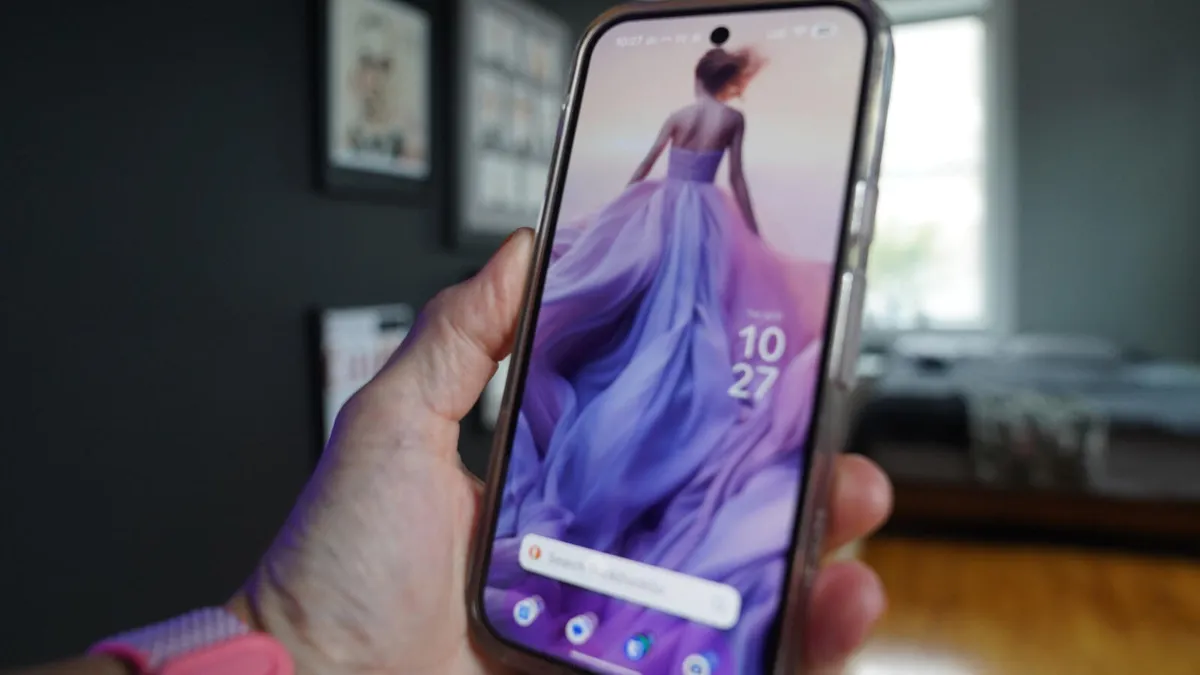
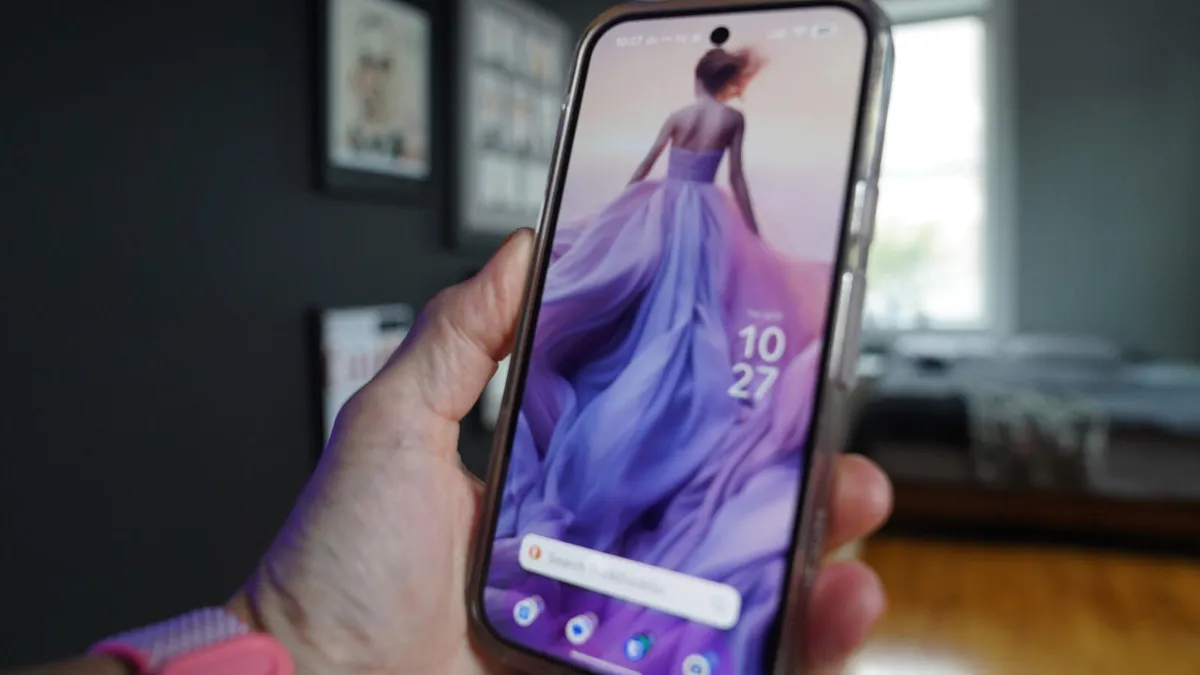
Wallpapers change the background of the message conversation. You can upload your own image or choose from Google’s collection: Animals, Architecture, Black & White, Cityscapes, Landscapes, Macro, Space, Sunsets, and Textures.