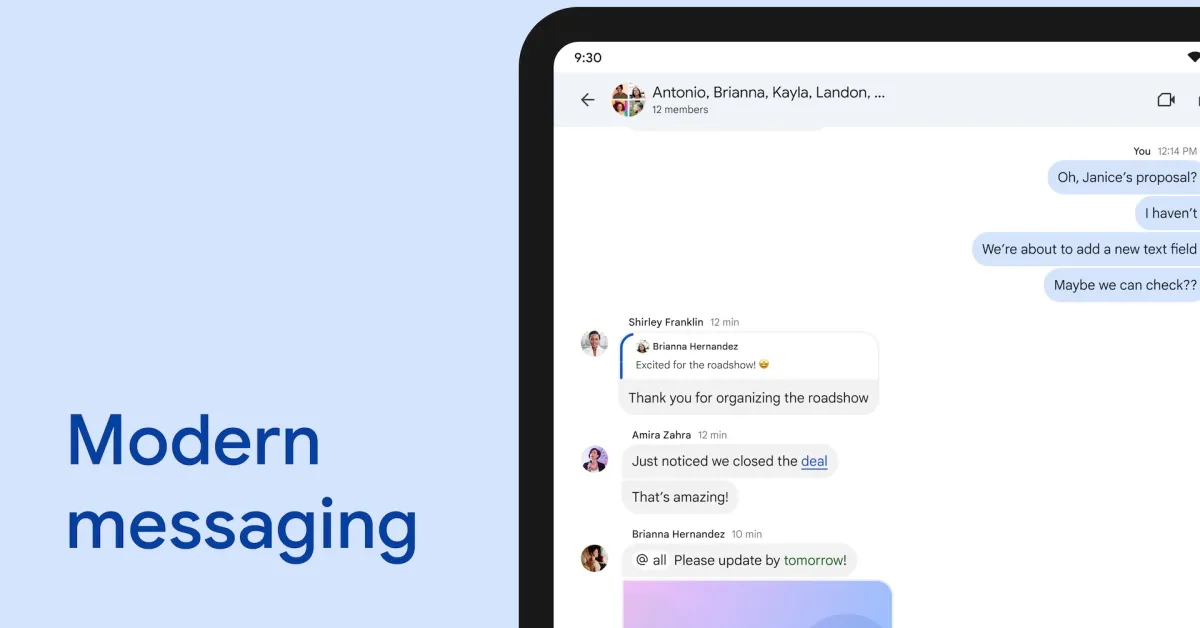
Google Messages is finally giving Android users more customization and personalization options with “Chat themes.”
At the moment, you can “Change colors” in a chat with nine options for message bubbles and backgrounds. This was introduced in 2024.
The new “Chat theme” option replaces that and provides more extensive customization. Google notes that “only you will see these changes” in a departure from the previous approach.
It starts with a conversation preview at the top of the screen. You next get a carousel of “Colors” that match the system-level Dynamic Color palettes.
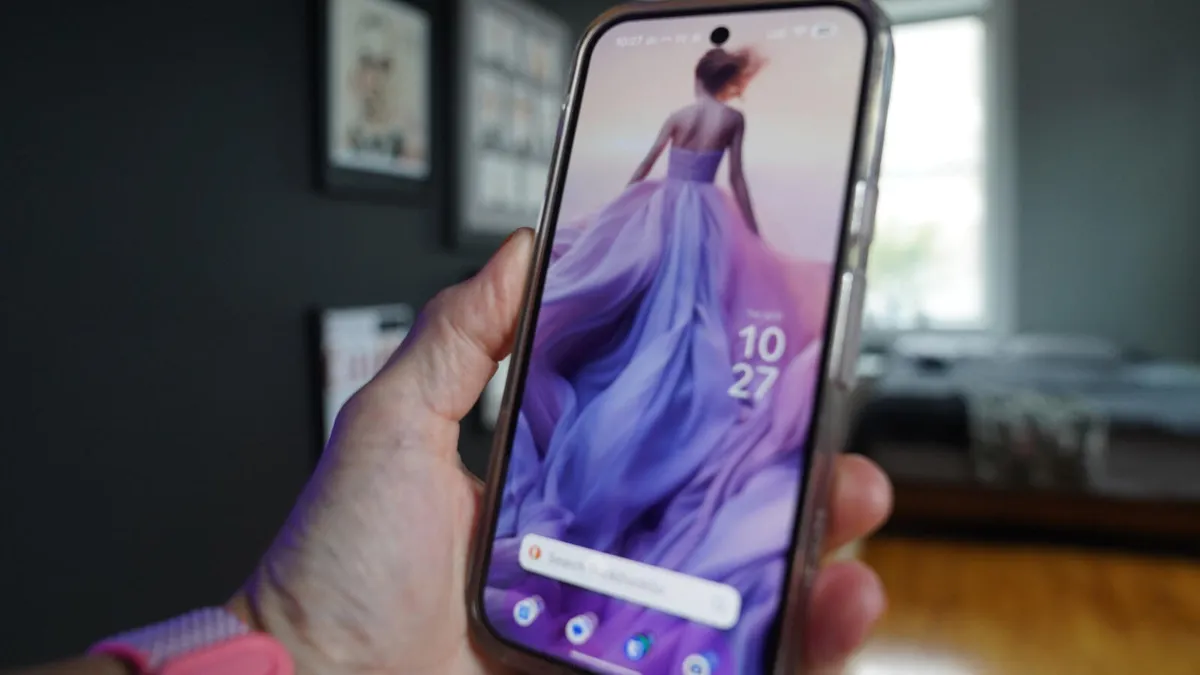
Then you have “Wallpapers,” with Google providing stock categories like Animals, Architecture, Black & White, Cityscapes, Landscapes, Macro, and more. This is also similar to the Google Wallpaper options, while you can manually “Choose a photo.”