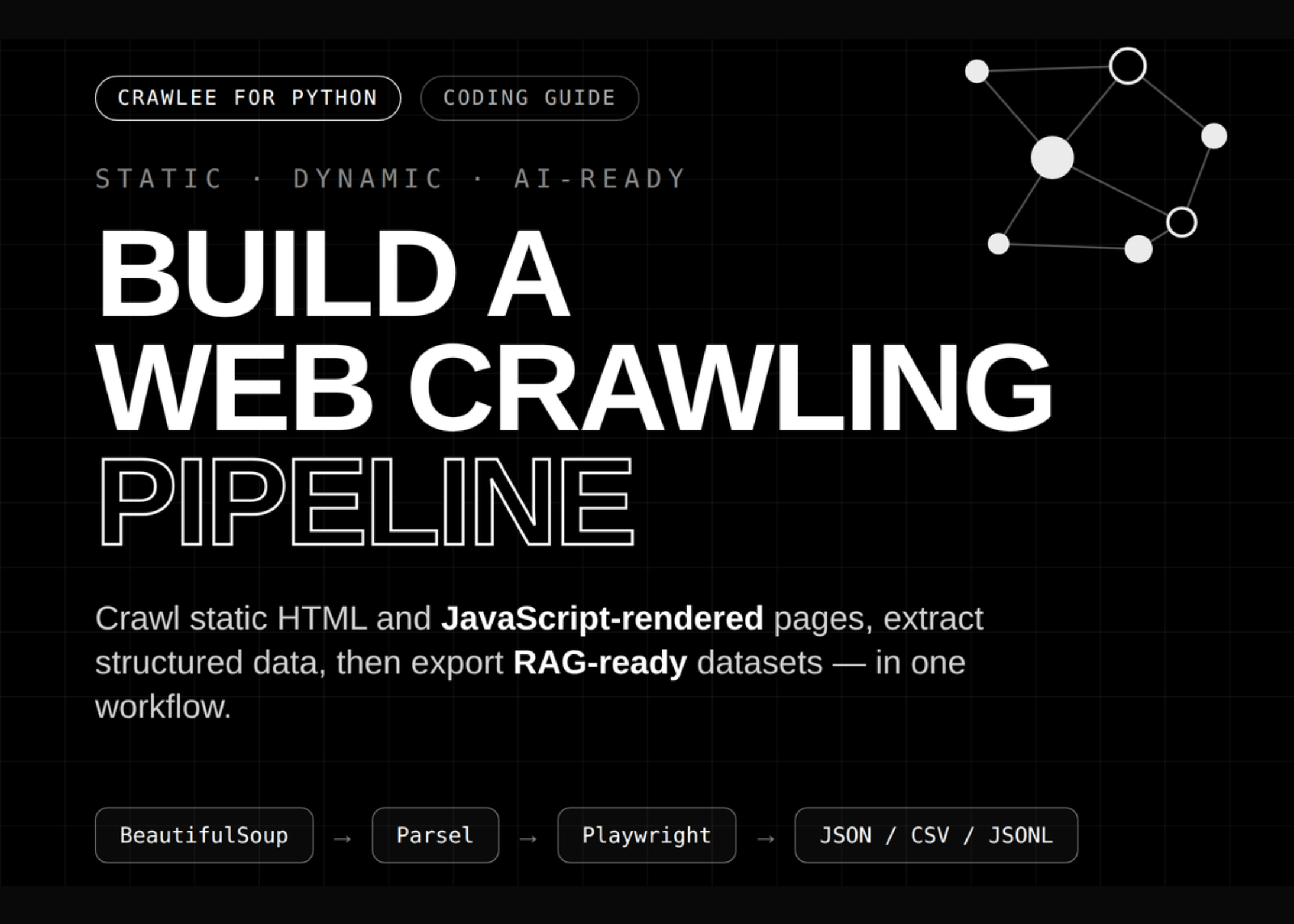
In this tutorial, we build a full Crawlee-for-Python workflow that covers environment setup, local website generation, static crawling, dynamic crawling, structured extraction, and downstream data processing. We begin by configuring a compatible Crawlee runtime with pinned Pydantic support, Playwright browser installation, persistent storage directories, and Colab-safe execution handling. We then generate a realistic local demo website containing product pages, documentation pages, blog content, internal links, robots.txt rules, JSON-LD metadata, and JavaScript-rendered catalog items. Using BeautifulSoupCrawler, we perform fast recursive HTML crawling and extract page titles, metadata, text previews, outgoing links, product attributes, documentation headings, code blocks, and blog tags. With ParselCrawler, we run precise CSS- and XPath-based extraction on product detail pages. With PlaywrightCrawler, we render JavaScript content in a headless Chromium browser, wait for dynamic DOM elements to appear, extract client-side data, and capture full-page screenshots.
Setting Up the Crawlee Python Runtime and Helpers
import os
import sys
import re