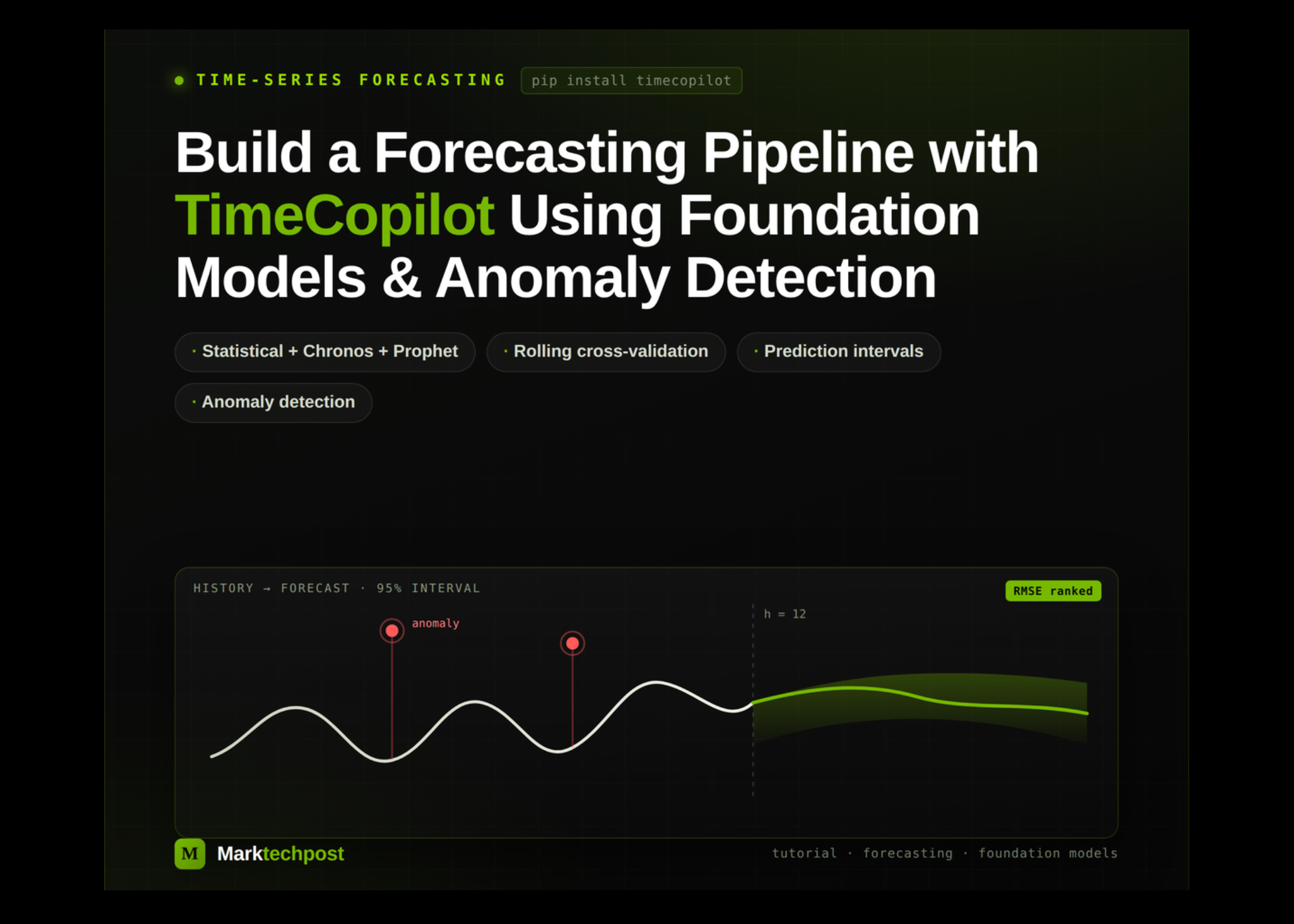
In this tutorial, we build an end-to-end forecasting workflow with TimeCopilot. We prepare a panel dataset containing real airline passenger data and a synthetic seasonal series with injected anomalies, then evaluate a diverse collection of statistical, foundation, and optional GPU-based forecasting models. We use rolling cross-validation and multiple error metrics to identify the strongest model, generate probabilistic forecasts with prediction intervals, visualize future trends, and detect unusual observations. Finally, we explore TimeCopilot’s optional LLM agent, which selects a forecasting model and translates its predictions into an accessible analytical response.
Installing TimeCopilot and Pinning Compatible NumPy and SciPy Versions
!pip install -q "timecopilot" "utilsforecast" "matplotlib"
!pip install -q --force-reinstall --no-deps "numpy==1.26.4" "scipy==1.13.1"
print("Setup complete. Restarting the runtime to load clean binaries...")