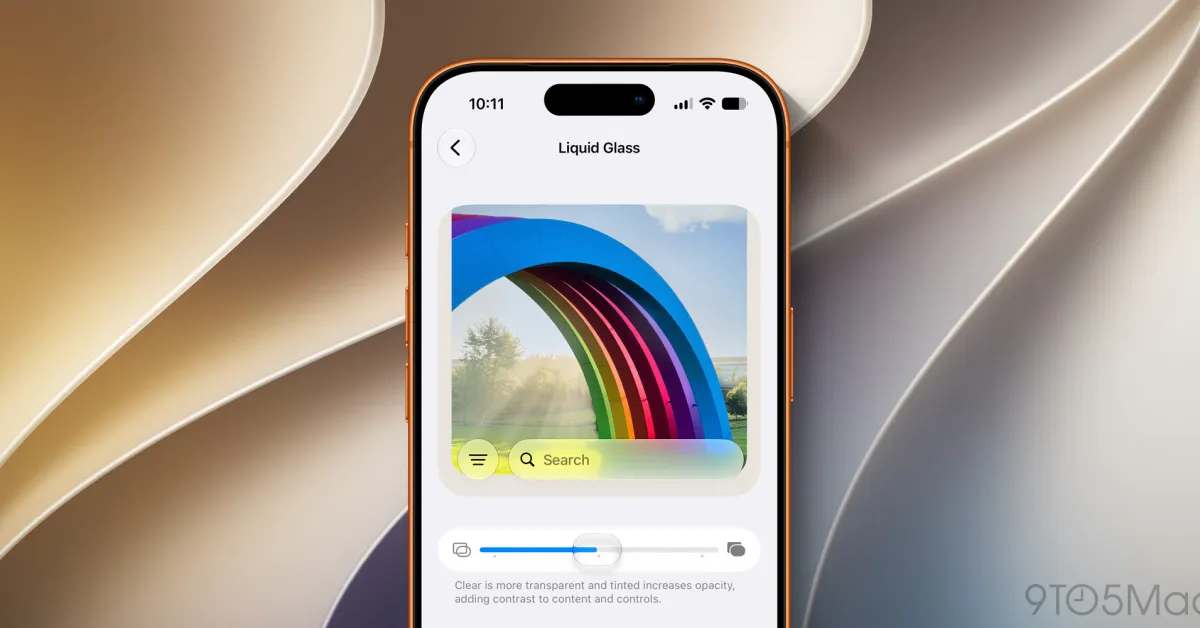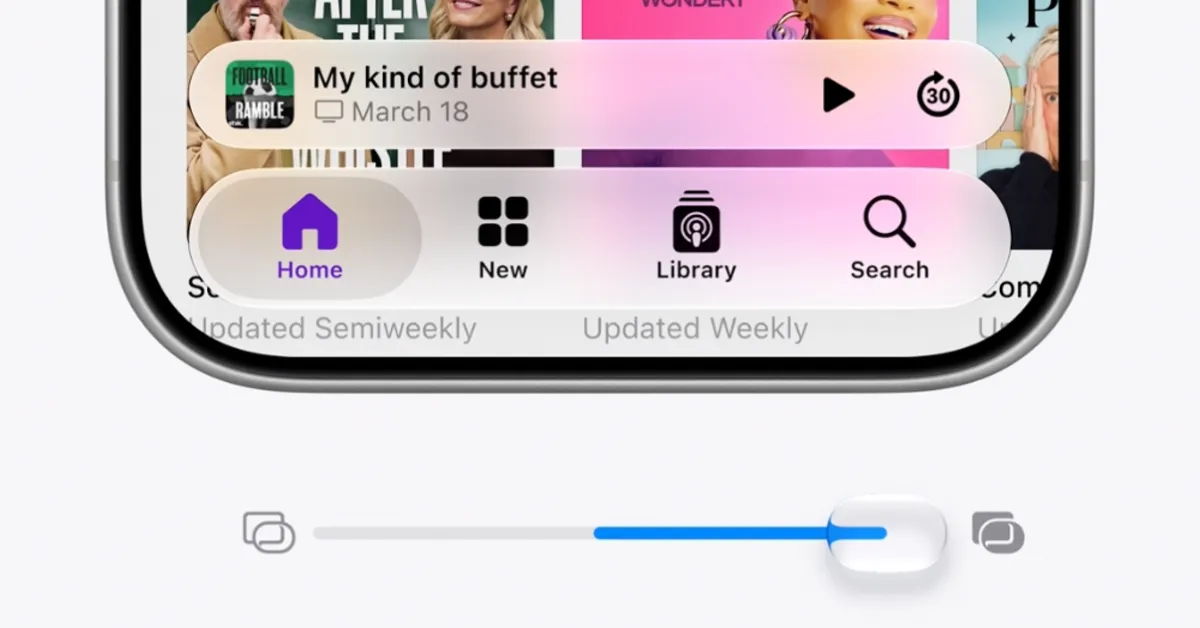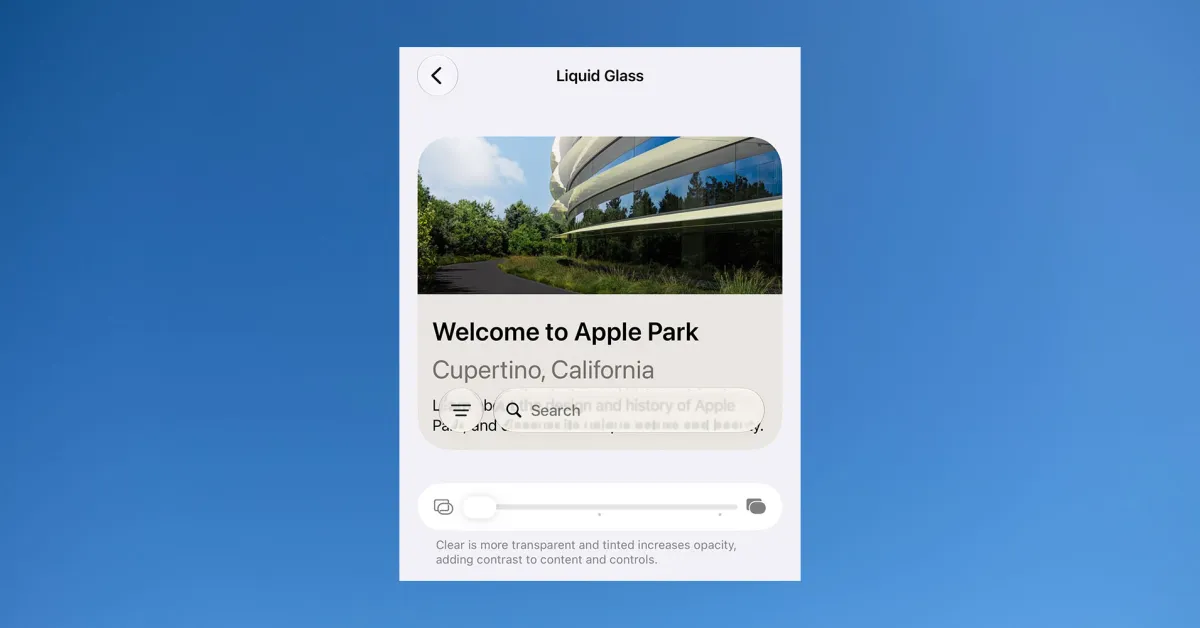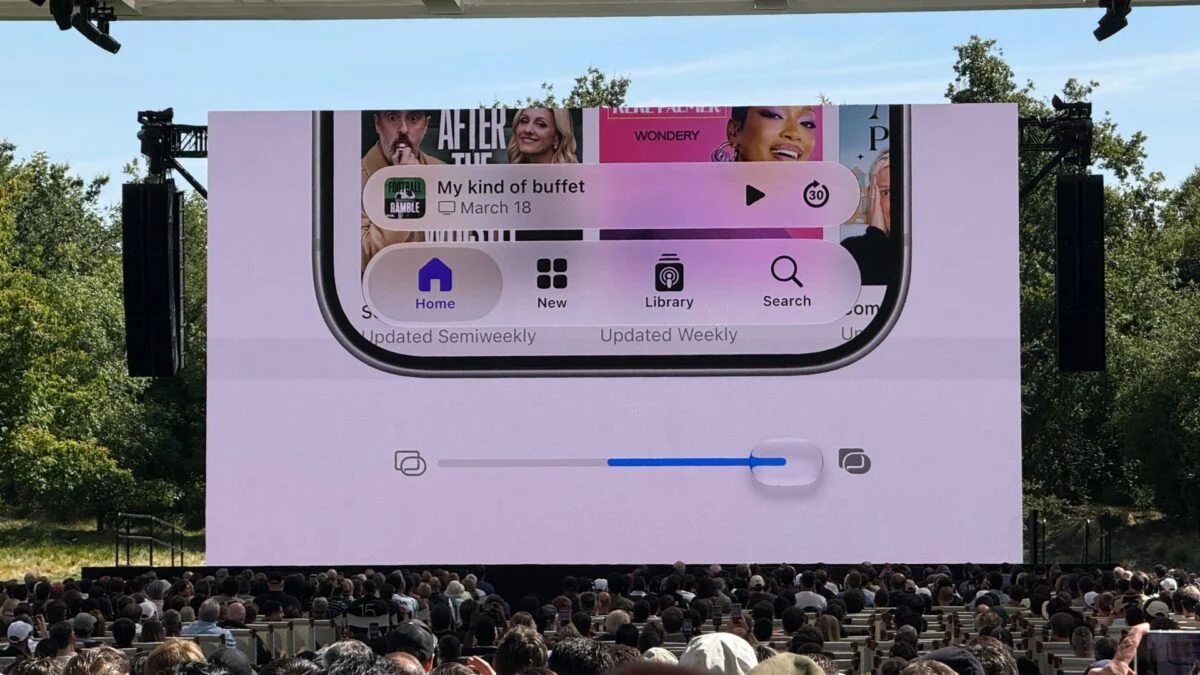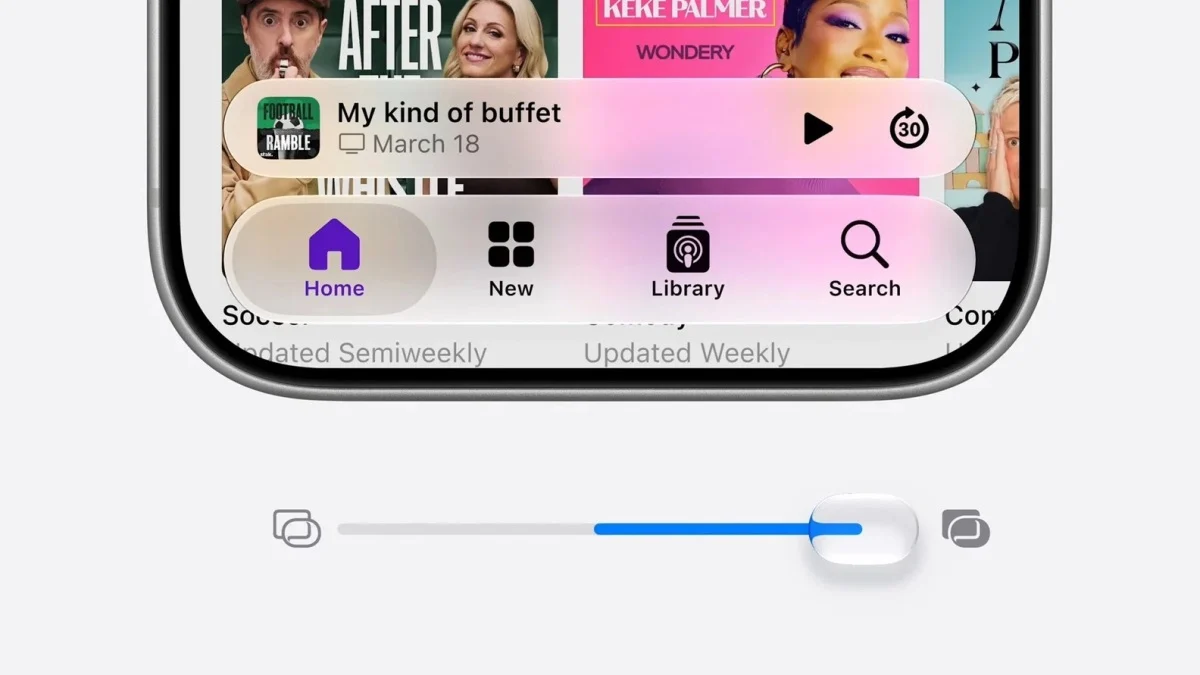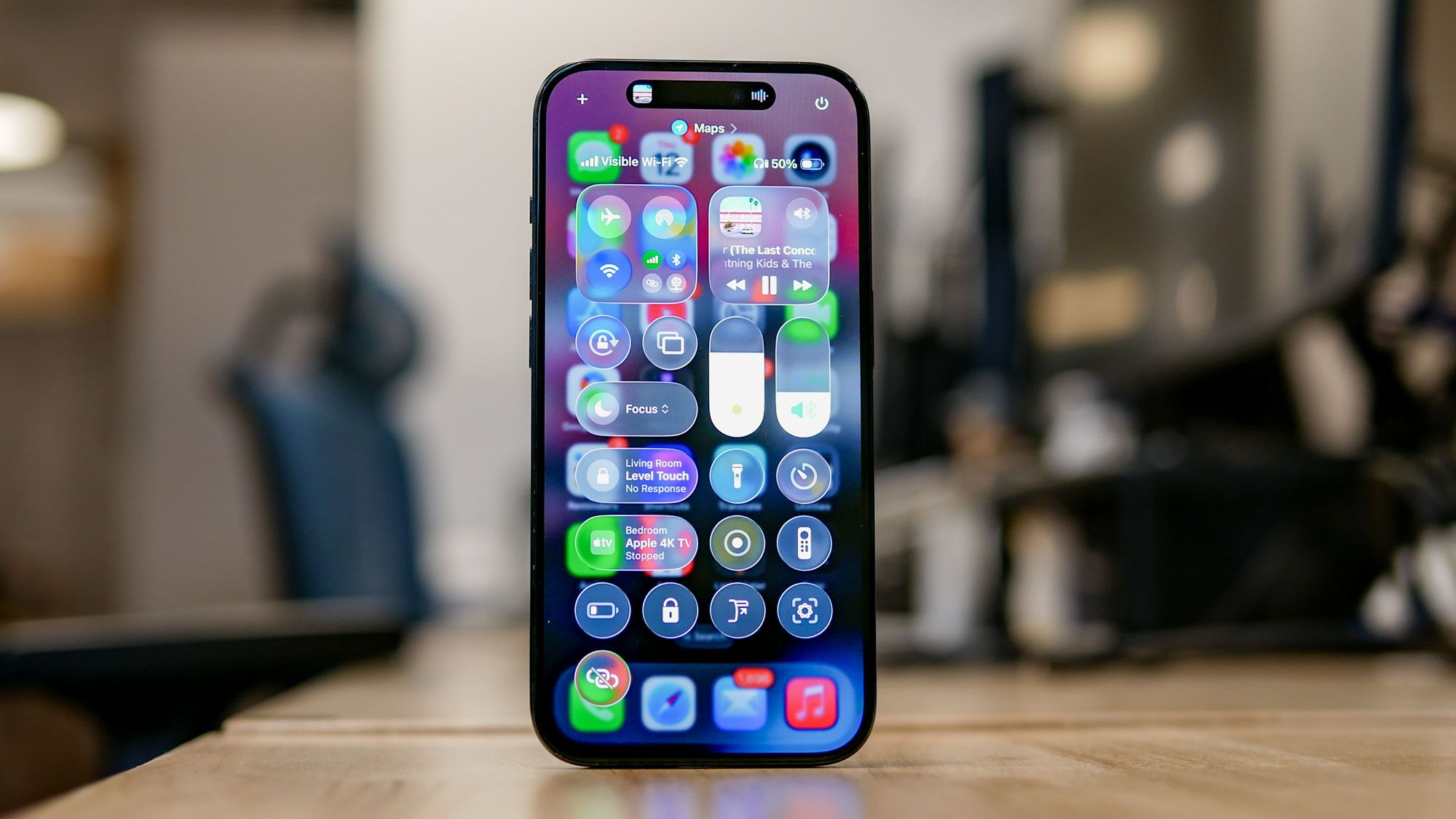
Apple’s Liquid Glass design gave the iPhone a sleek, frosted aesthetic in iOS 26, but the rigid preset options left many users wanting more control. Fortunately, iOS 27 addresses this by replacing those old presets with a continuous customization slider.This new tool gives you granular control over the transparency and tint of blurred interface elements across the entire operating system. Whether you want a completely clear view of your wallpaper or a heavy, high-contrast tint that improves text readability, you can now dial in your exact preference.Here is how to find and use the new feature.You'll need to be running iOS 27 Because iOS 27 is currently in its early testing phase, you will need the developer beta installed to access this feature. If you aren't enrolled yet, you can sign up for free via the Apple Developer Program.Otherwise, if you've downloaded a beta in the past, simply head to Settings, General, Software Update, and Beta Updates on your iPhone to toggle it on.
Where to find the Liquid Glass slider on iPhone
Locating the new control takes only a moment. First, open the Settings app on your iPhone and scroll down to select the Appearance menu. Then tap Liquid Glass. Inside this section, you will see the new Liquid Glass slider prominently displayed where the old "Clear" and "Tinted" toggle buttons used to live.