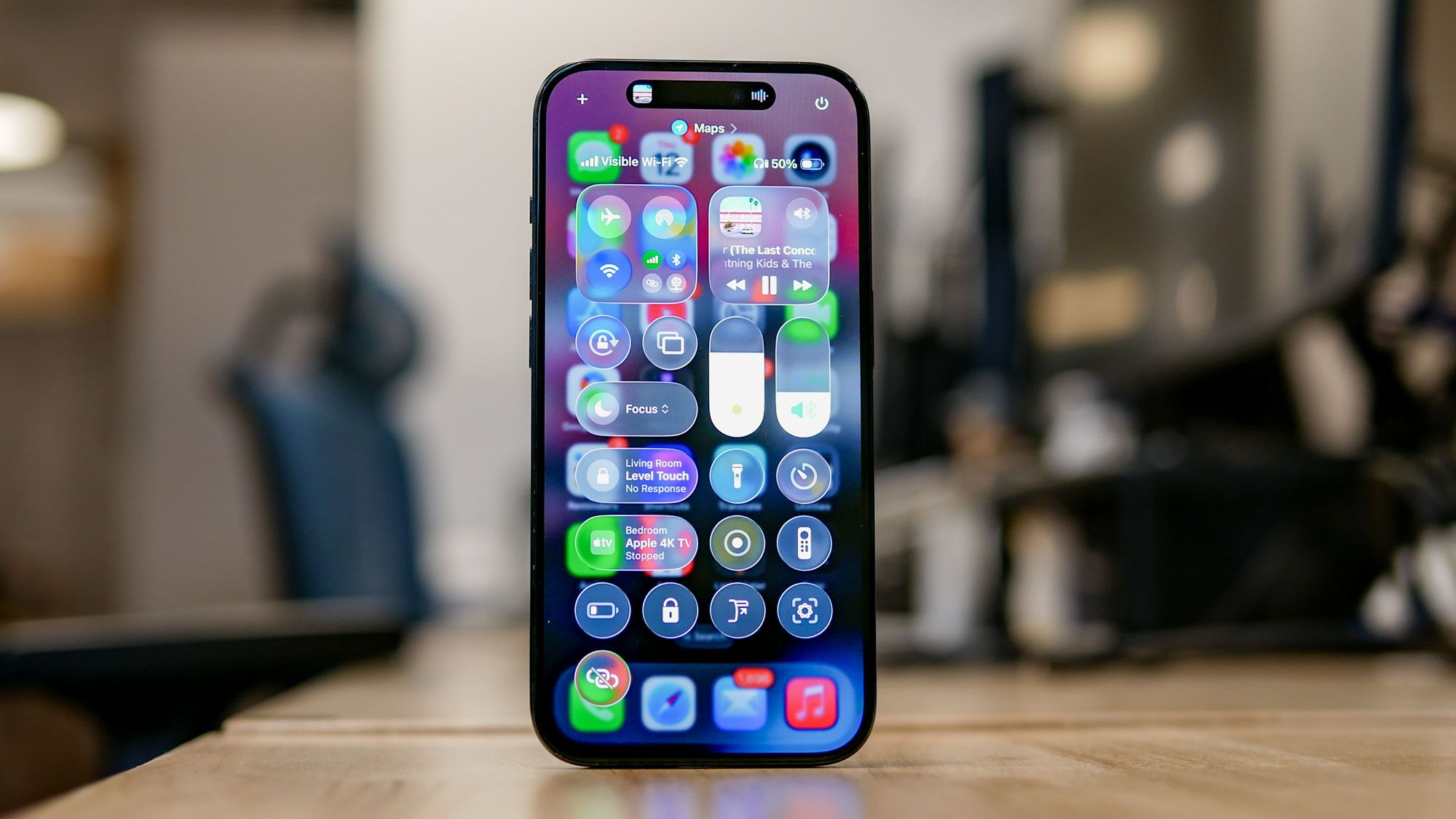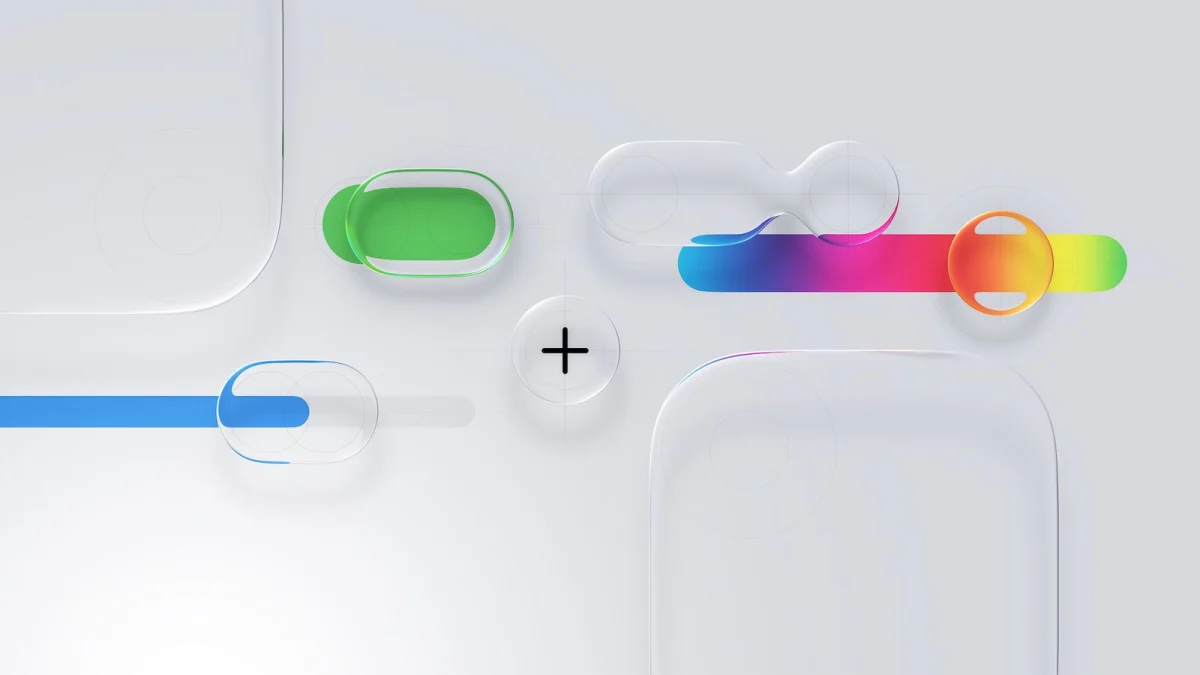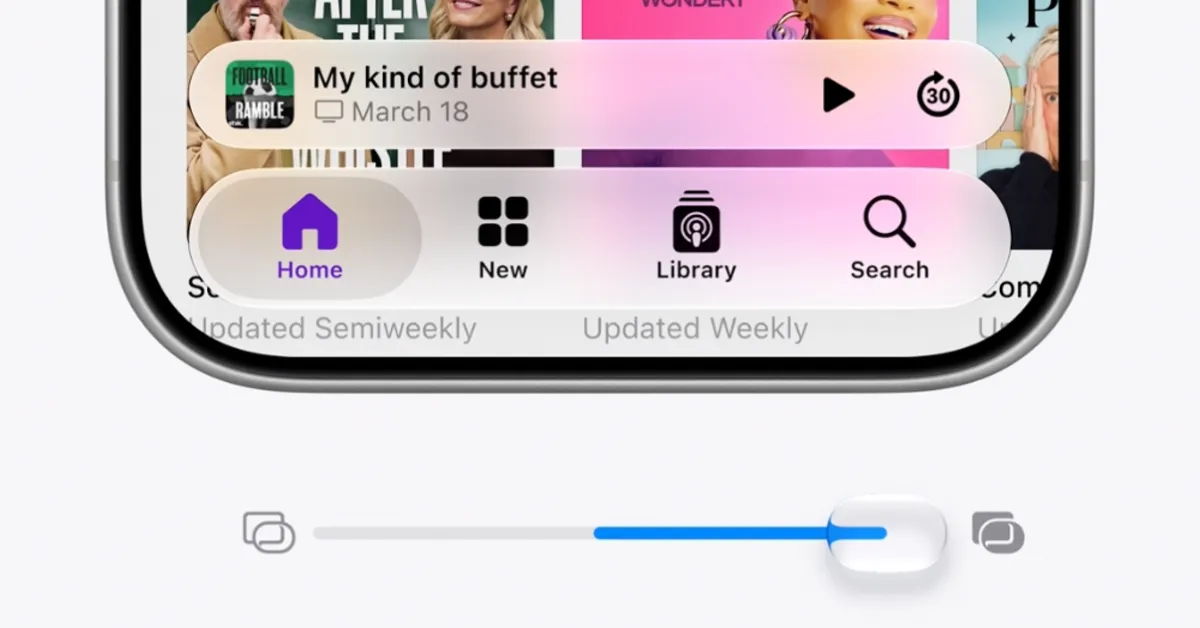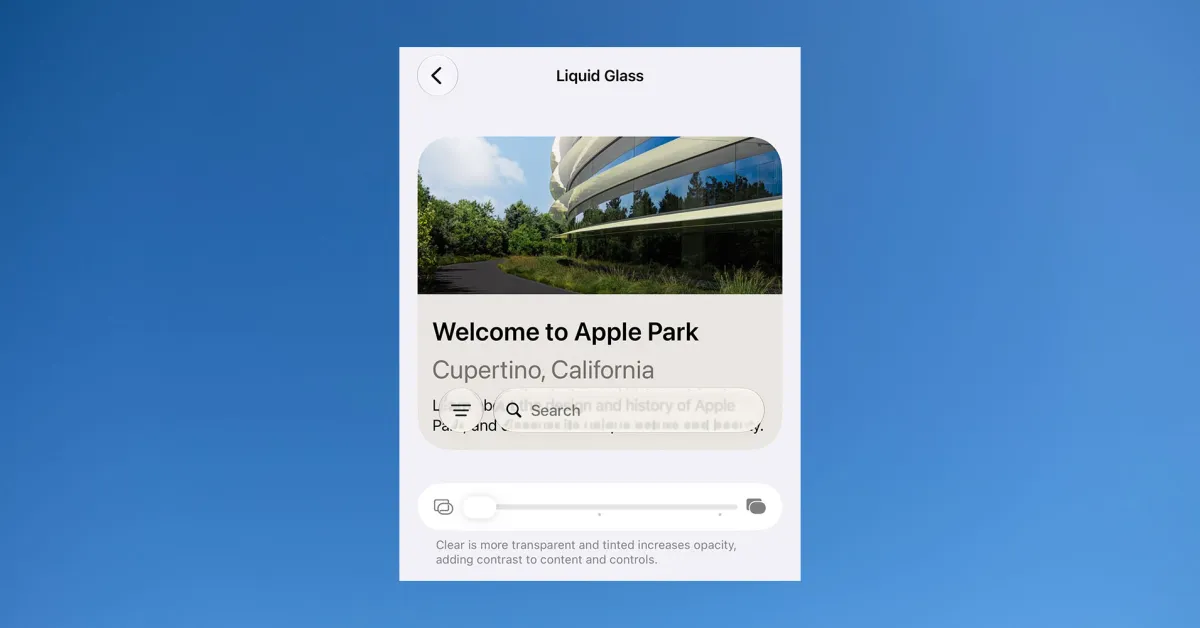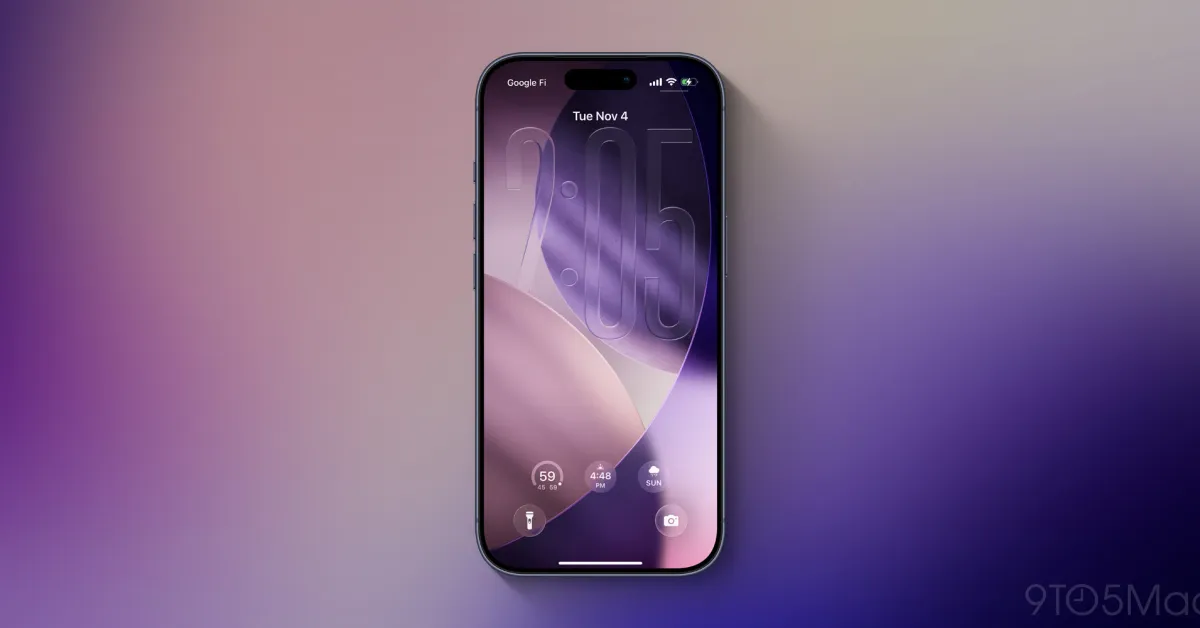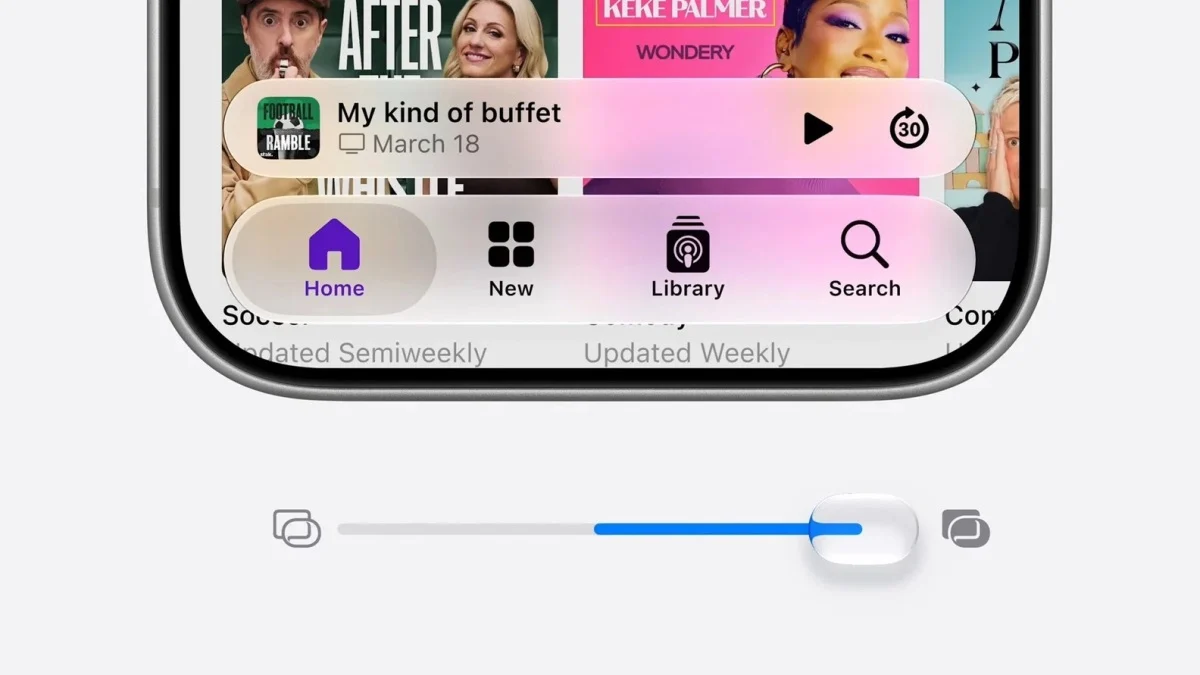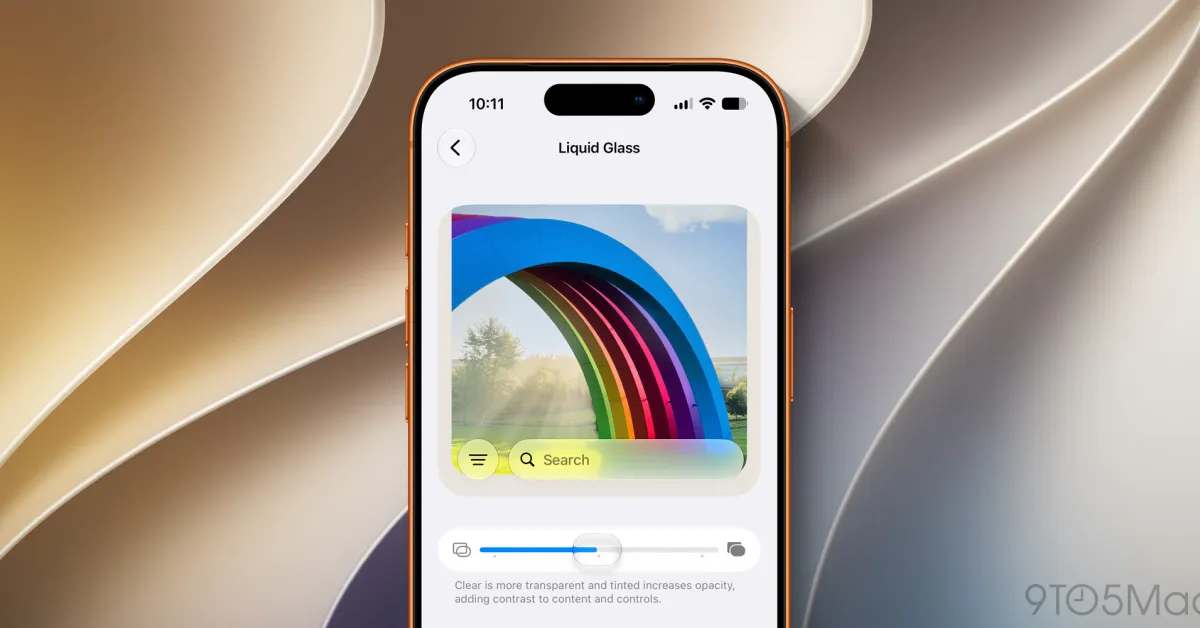
iOS 27 contains refinements to Apple’s systemwide Liquid Glass design on iPhone, but it also lets you fully customize the transparency of Liquid Glass elements via a new slider. Here are some examples of what it looks like.
Customize Liquid Glass on iPhone with new slider in iOS 27
When you have a user base numbering in the billions, crafting a design that works well for everyone is undoubtedly a challenge.
Last year Apple debuted its new Liquid Glass design in iOS 26, and while overall it seems to have been well received, the new look isn’t for everyone.
Already in iOS 26, you can choose between Clear and Tinted looks for Liquid Glass inside the Settings app.