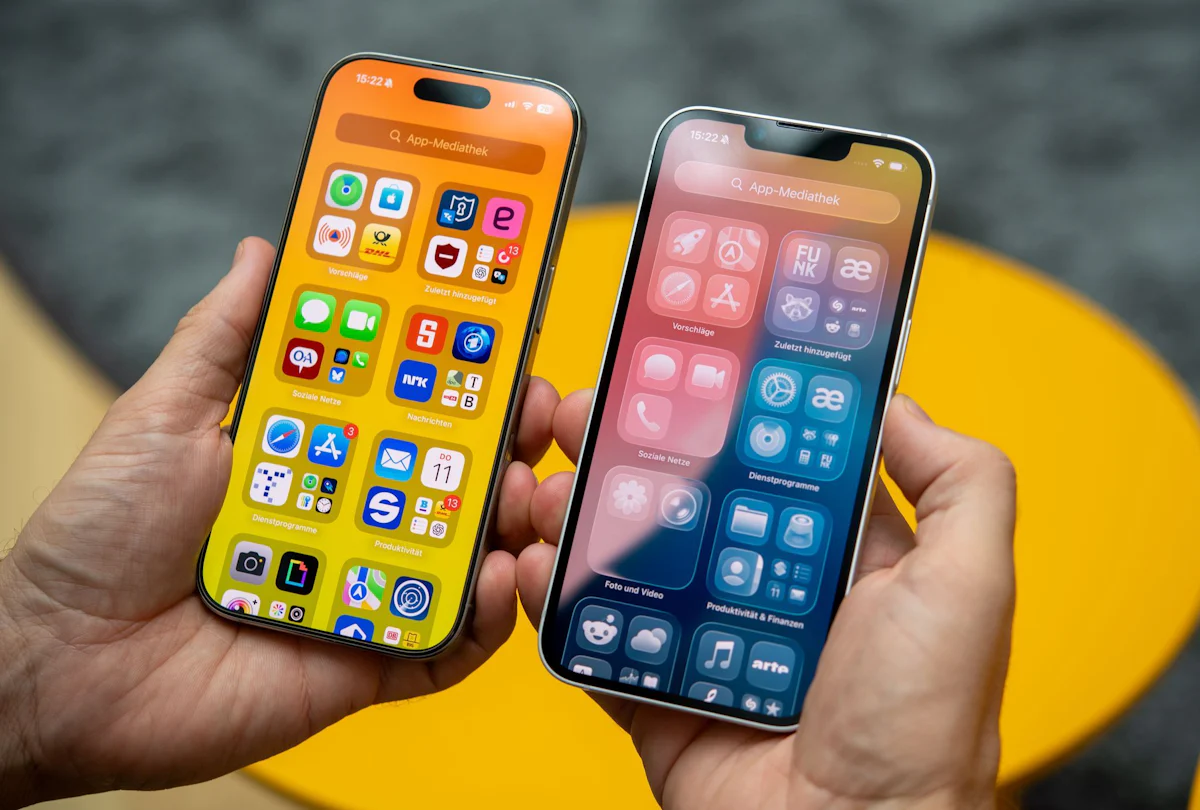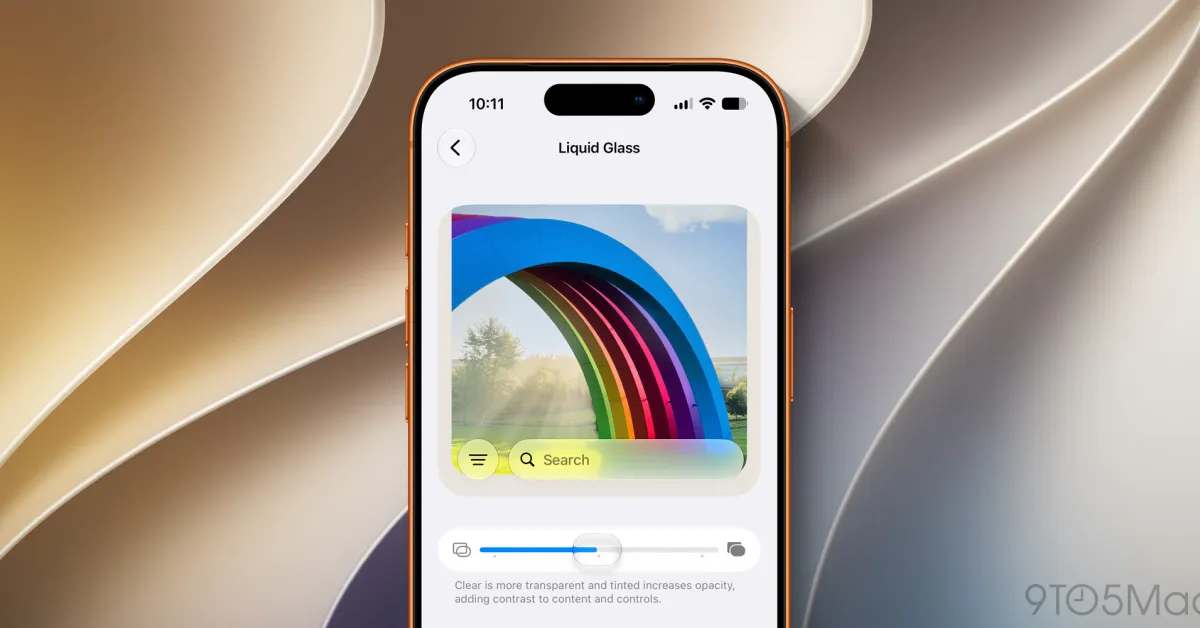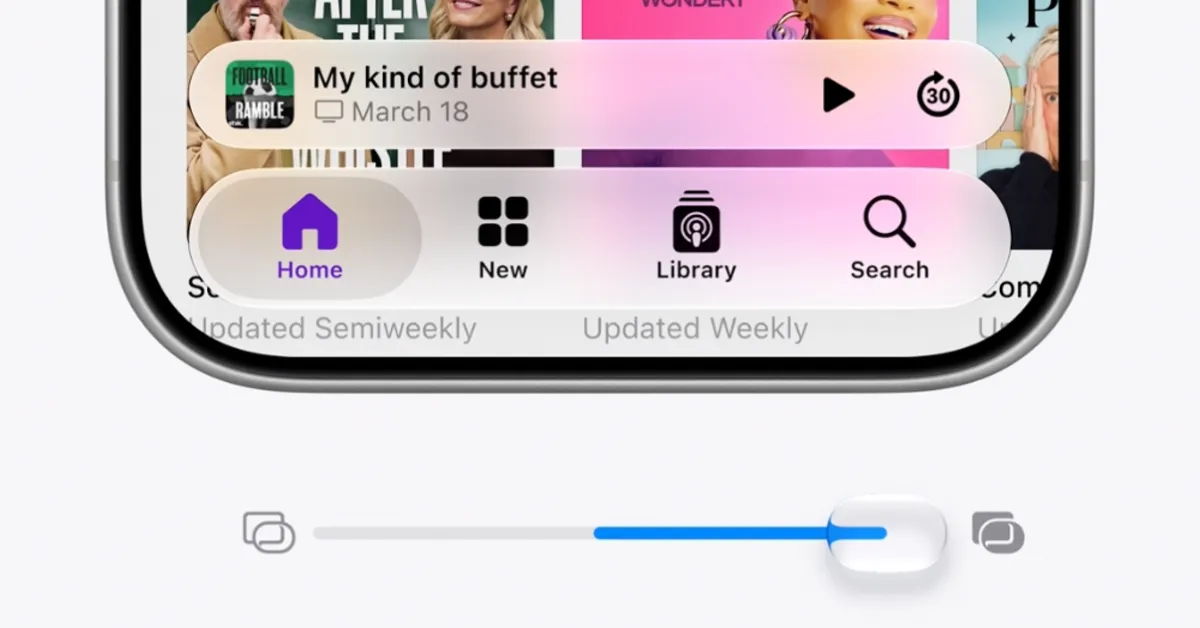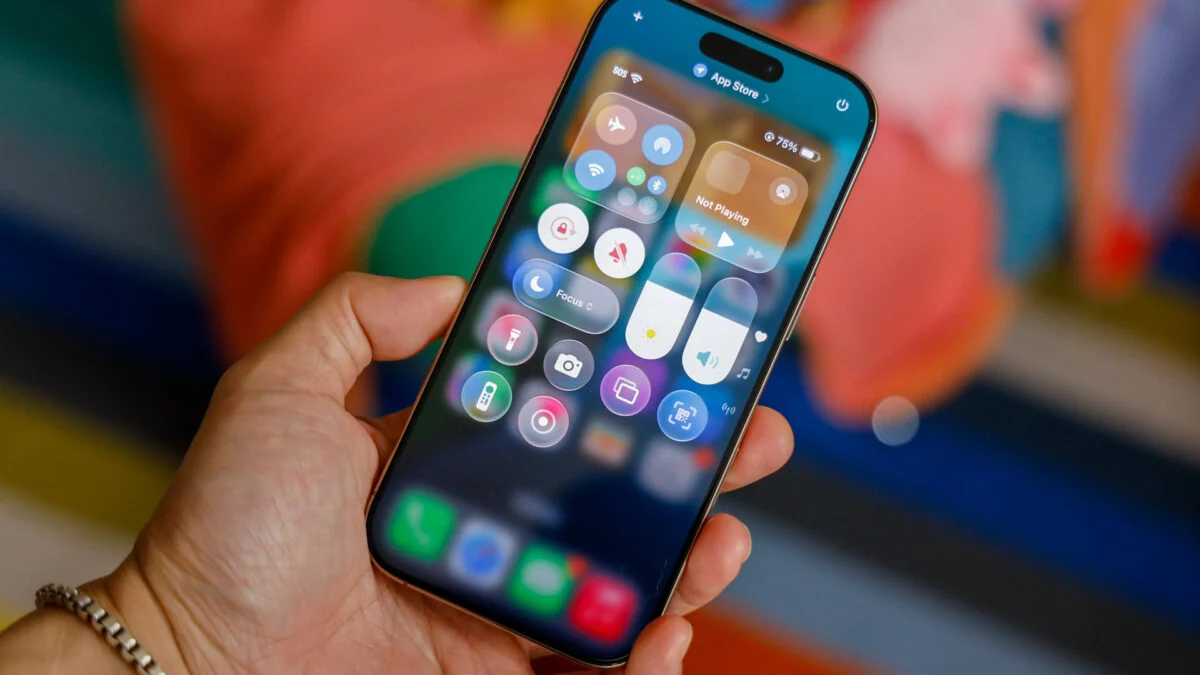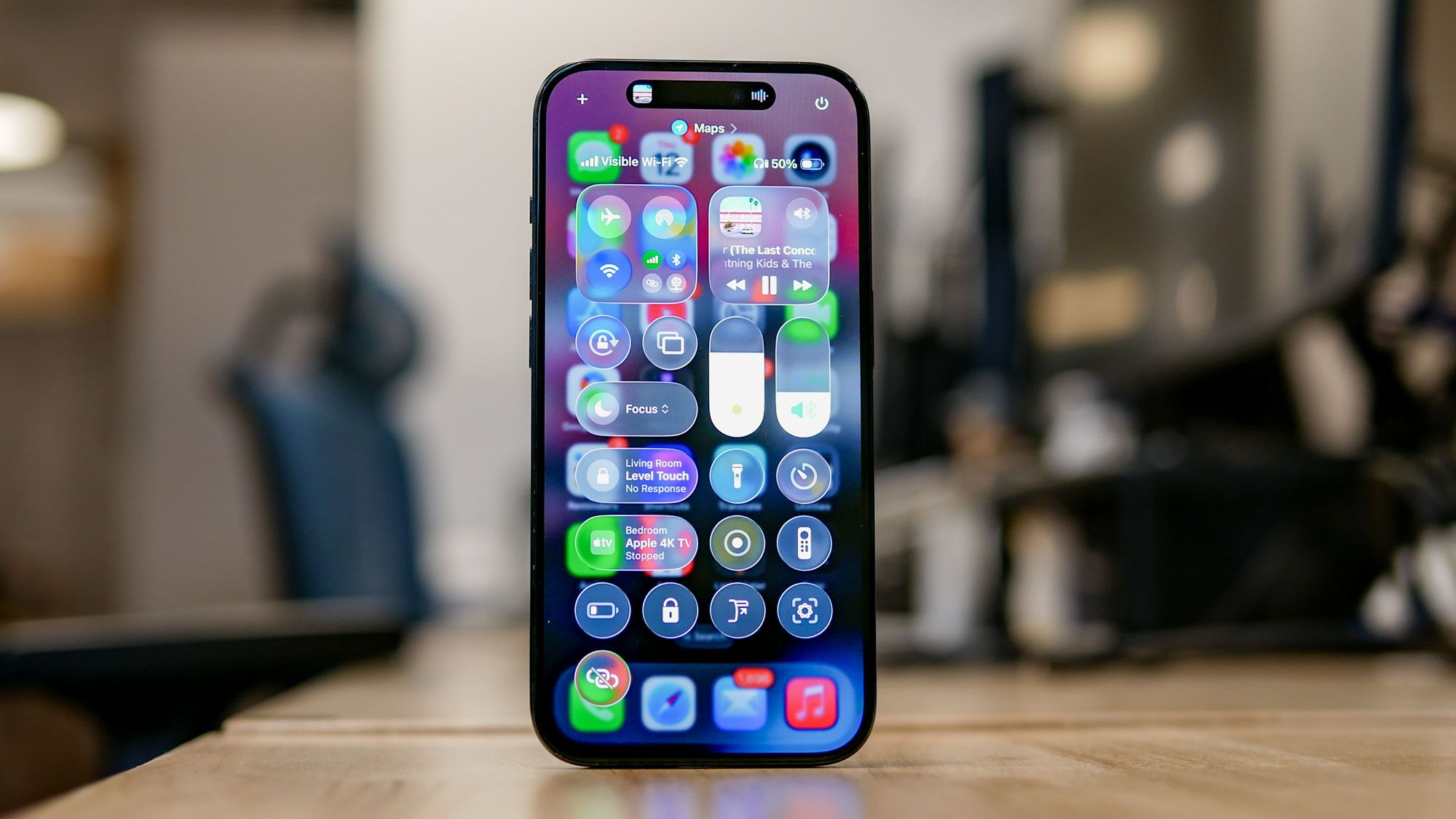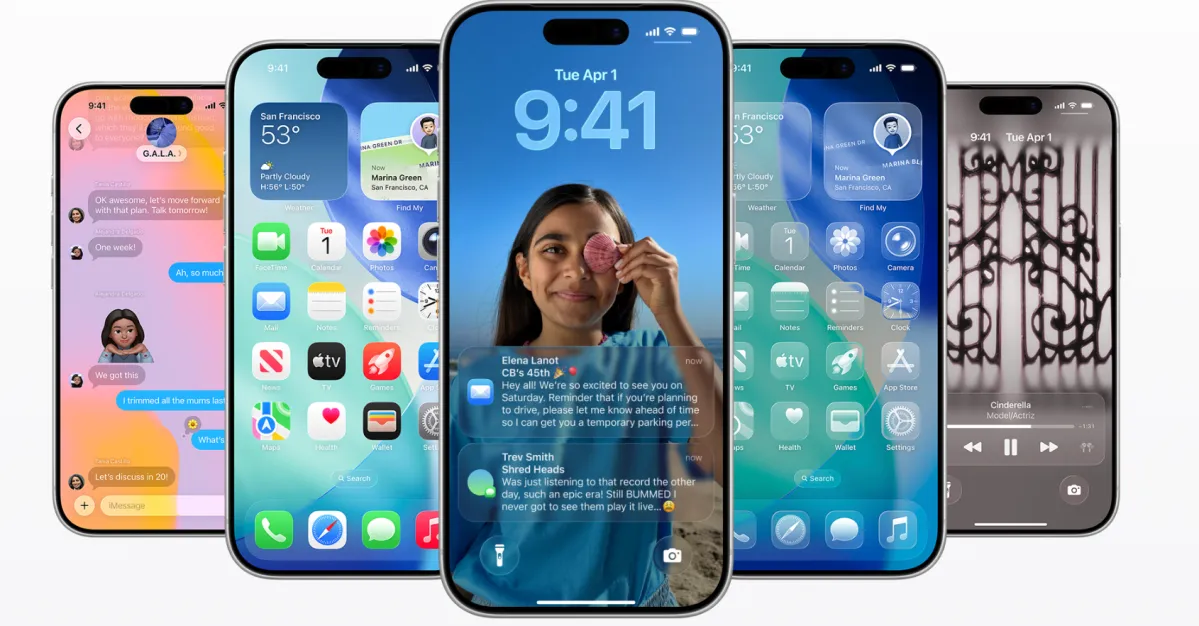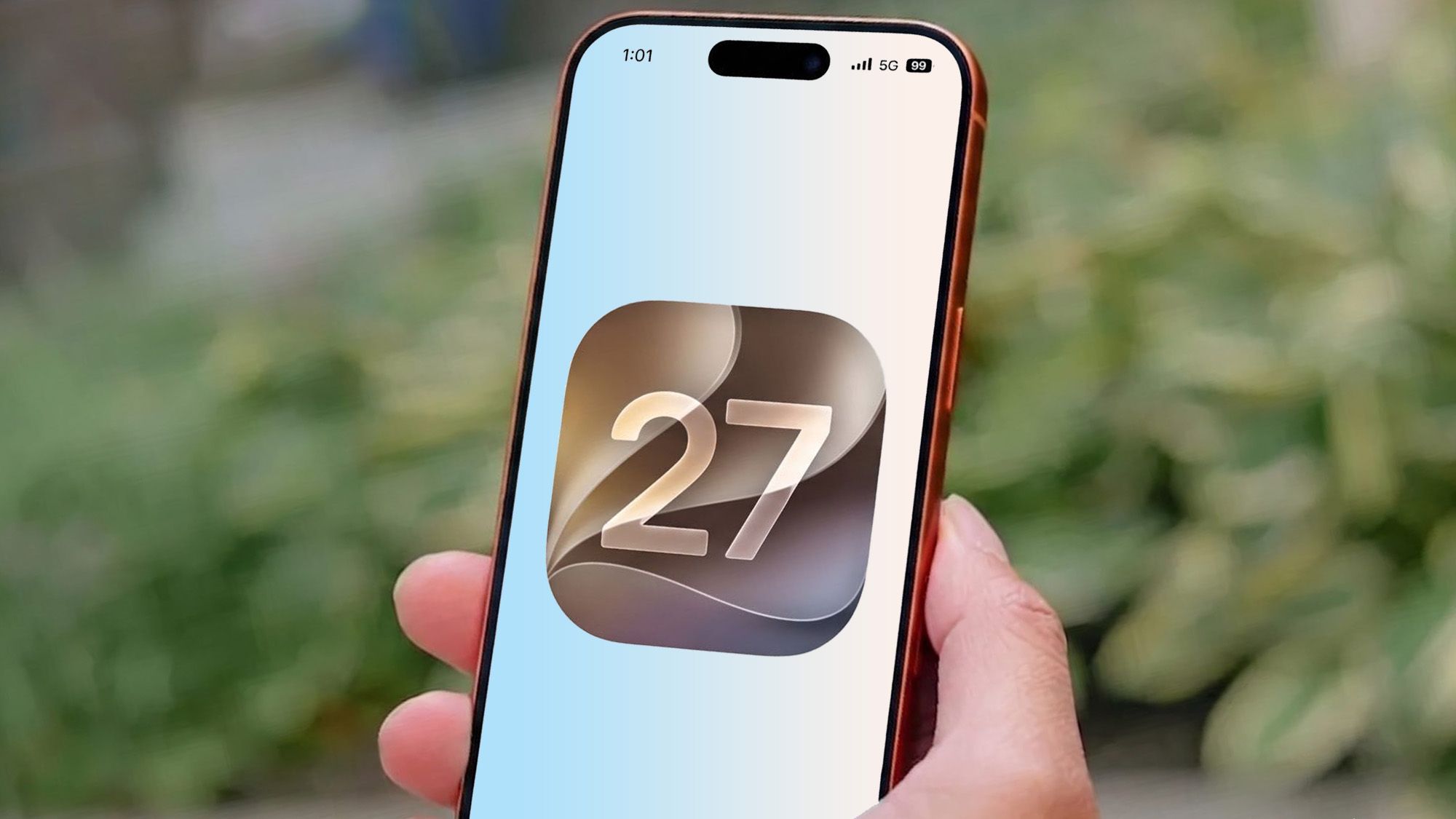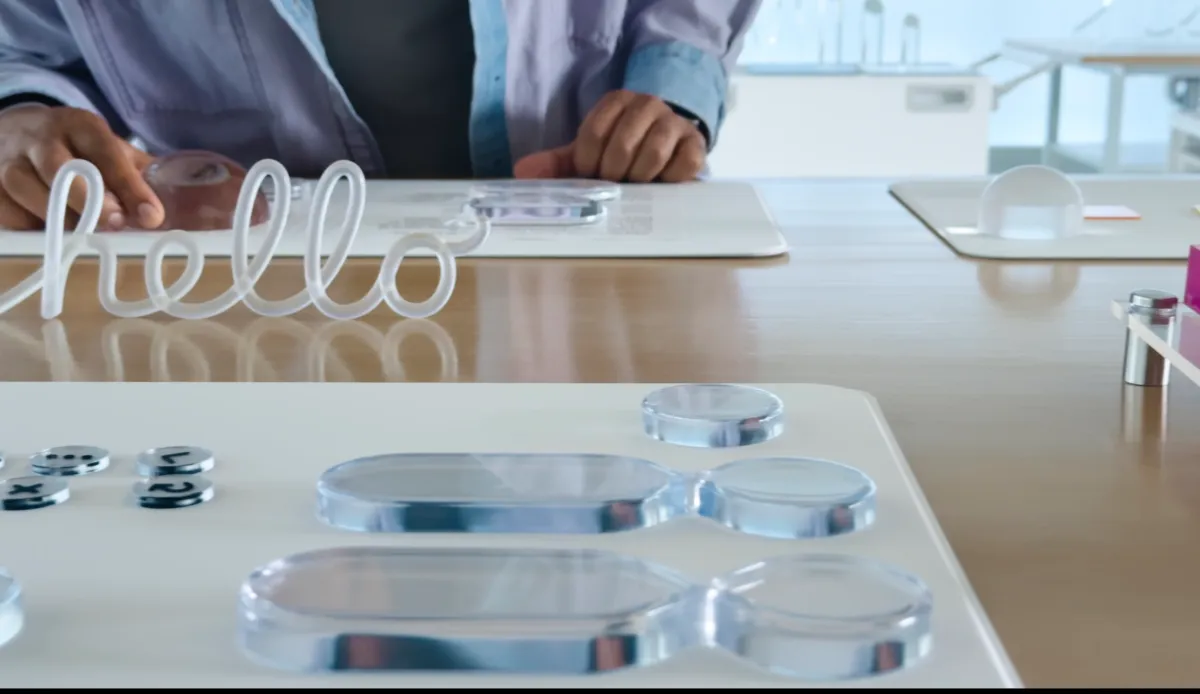
The launch of Apple’s latest operating system, iOS 26, introduced a new design language called Liquid Glass. The interface makeover, one of Apple’s largest since the shift from skeuomorphic to flat design in 2013, adds a translucent, glass-like material to Apple’s software. This is used across iOS elements like buttons, sliders, media controls, switches, notifications, tab bars, app sidebars, and in system experiences like the Control Center, Home Screen, Lock Screen, and more.
The design itself is inspired by mixed-reality (AR/VR) devices like the Apple Vision Pro and is potentially gearing up for a future where the OS does, in fact, have to run on smart glasses — like those Apple is reportedly building.
In the meantime, the changes open the door to new ways to customize your most personal device, your iPhone, with support for things like clear icons, glassy widgets, a glassy typeface for the Lock Screen with 3D photos, and more.
Below is a collection of tips and tricks that will help you start customizing your iPhone to take advantage of the new Liquid Glass design.
Image Credits:Apple