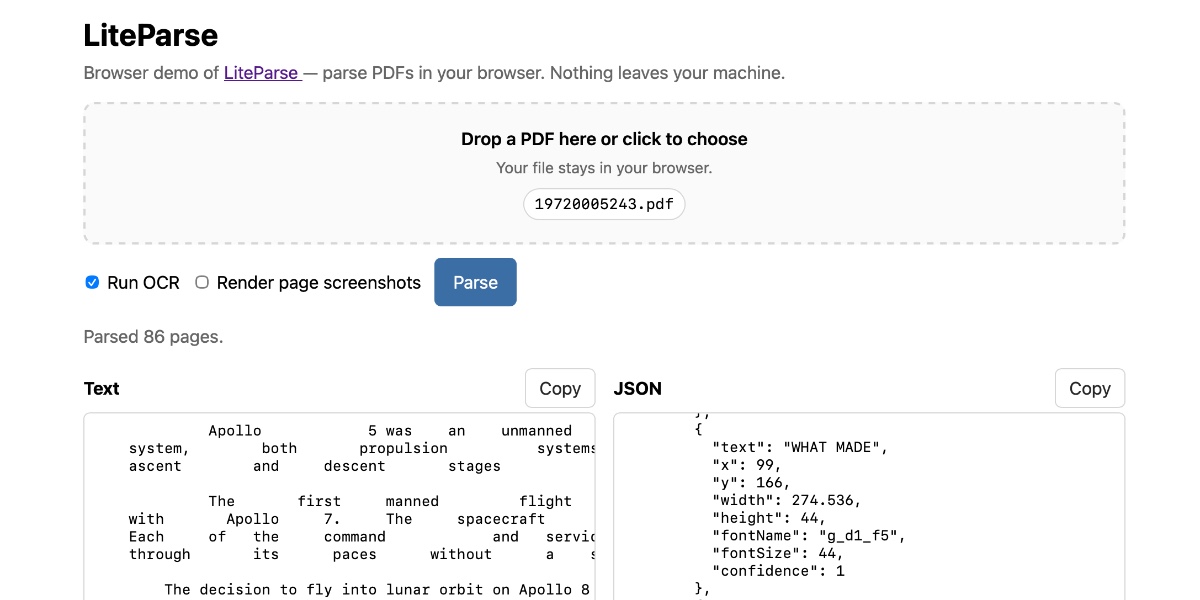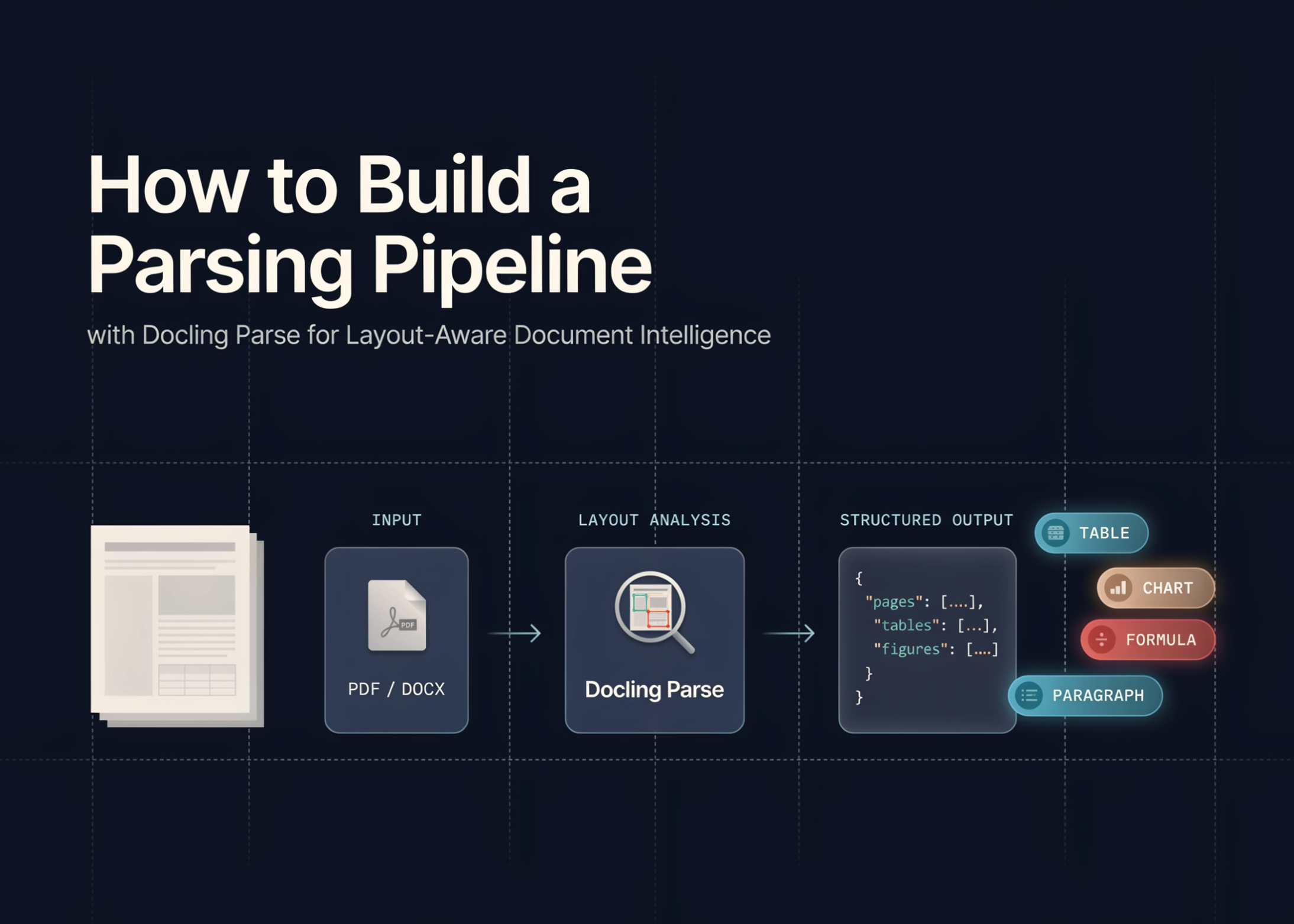
In this tutorial, we build a workflow for using Docling Parse to analyze PDF documents at a detailed structural level. We start by preparing a stable Python environment, handling common Colab dependency issues, and generating a custom multi-page PDF with text, columns, table-like content, vector shapes, and an embedded image. We then use Docling Parse to extract words, characters, and lines with page-level coordinates, render visual overlays, and save the results into structured JSON and CSV files. Through this workflow, we see how low-level PDF parsing can support document AI tasks such as layout analysis, reading-order reconstruction, table-aware processing, and retrieval-ready document preparation.
Setting Up the Docling Parse Colab Environment and Dependencies
import os, sys, subprocess, textwrap, json, time, shutil
from pathlib import Path
def run(cmd):