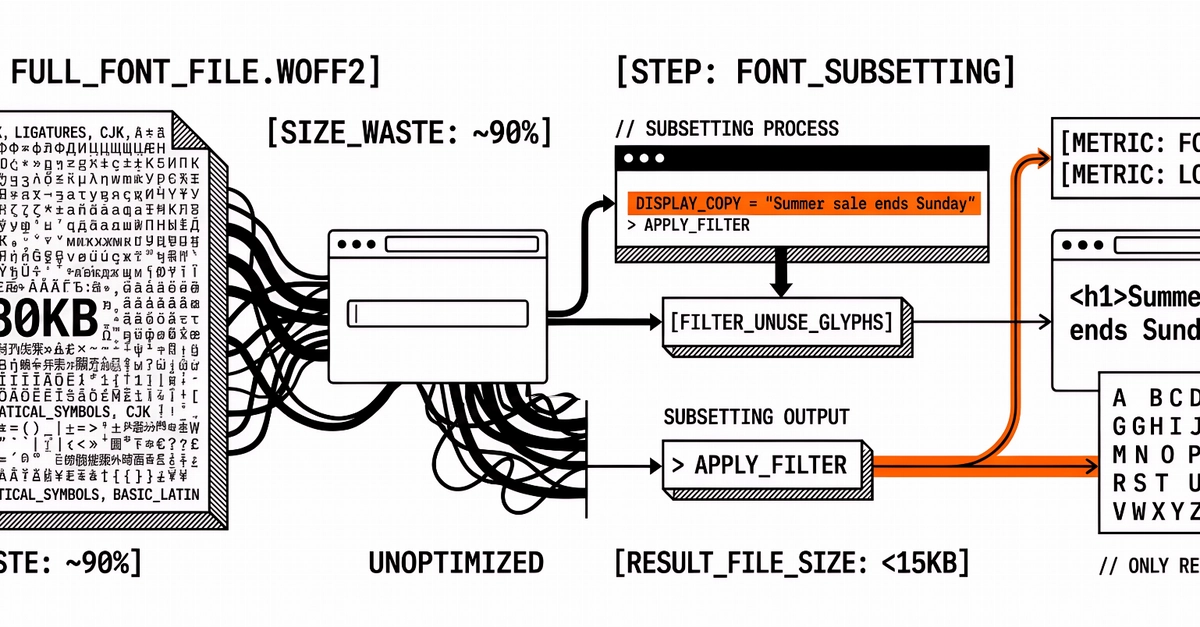
Custom fonts look great, but they can easily slow down your website if they aren't optimized. Large font files increase loading times and cause unexpected text shifts that ruin the user experience.
When working on my project, Calligraphy Creator, I had to find a way to make sure unique lettering styles loaded quickly without breaking the site's speed. Here are two simple ways to keep your web typography lightweight:
Convert Your Fonts to WOFF2
Many fonts come as standard TTF or OTF files, which are usually pretty heavy. Converting them to WOFF2 (Web Open Font Format 2) can reduce the file size by up to 70%. Modern browsers support WOFF2 perfectly, and it uses great compression to load quickly.
Use font-display: swap in CSS