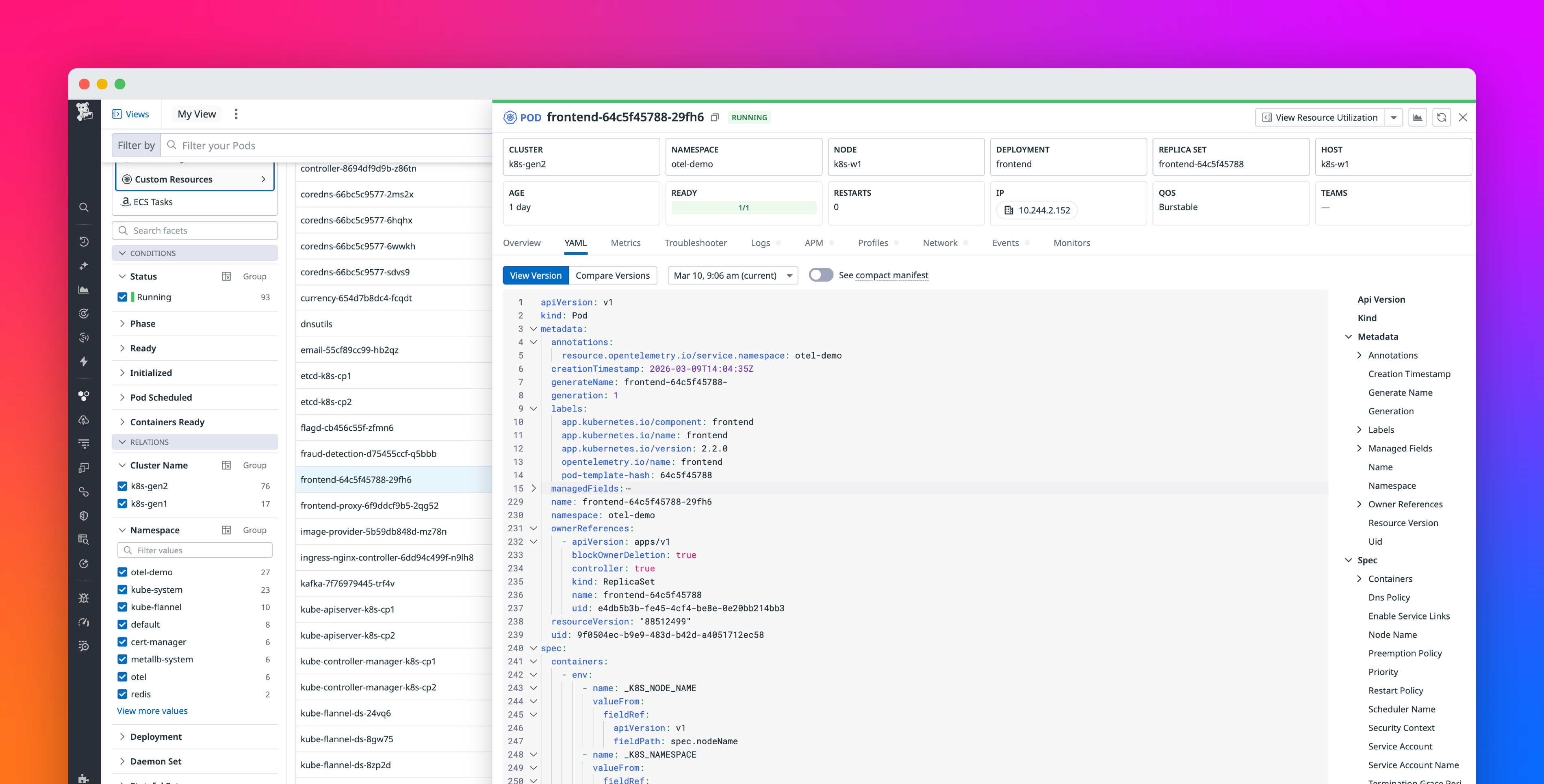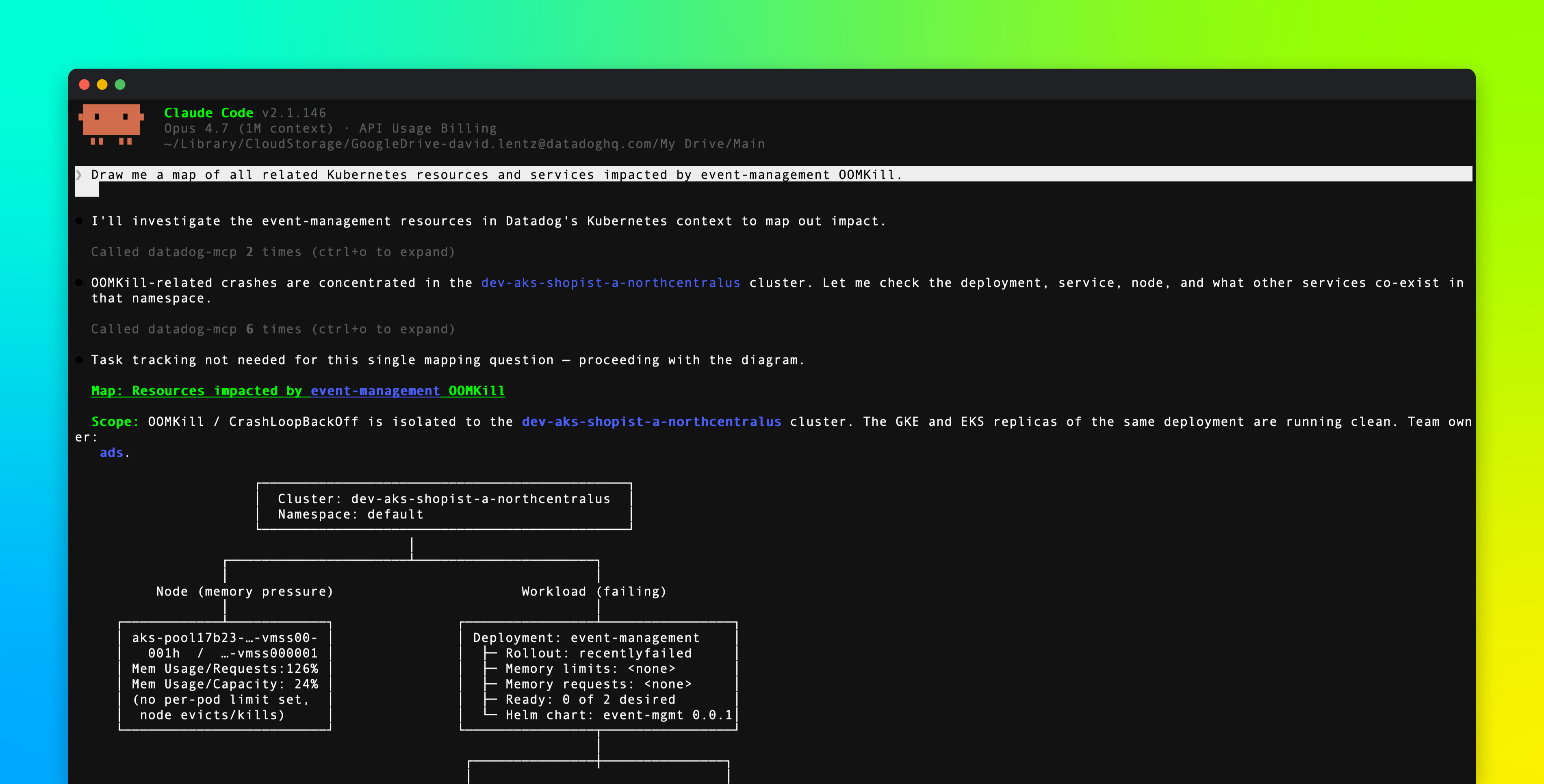
Kubernetes investigation rarely happens on a single cluster. Platform and SRE teams work across dozens or hundreds of clusters, running the same kubectl commands against each one. They then manually stitch in missing context, including the ownership, service, and environment details that kubectl can’t provide. Agents excel at this sort of repetitive work, but they often lack the necessary access to run kubectl, can’t enrich its output with external metadata, and can’t fit its multi-cluster output in a finite context window.
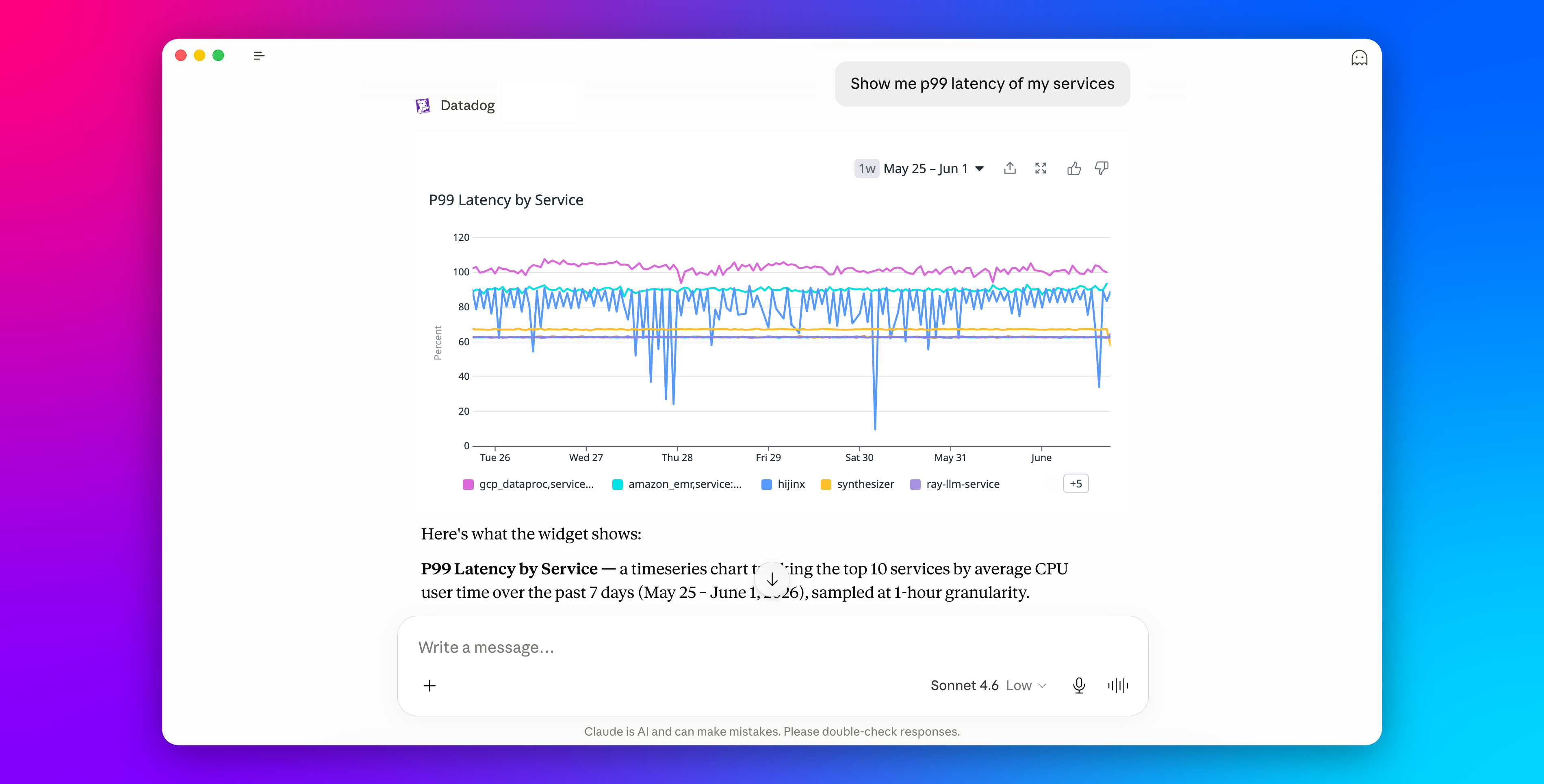
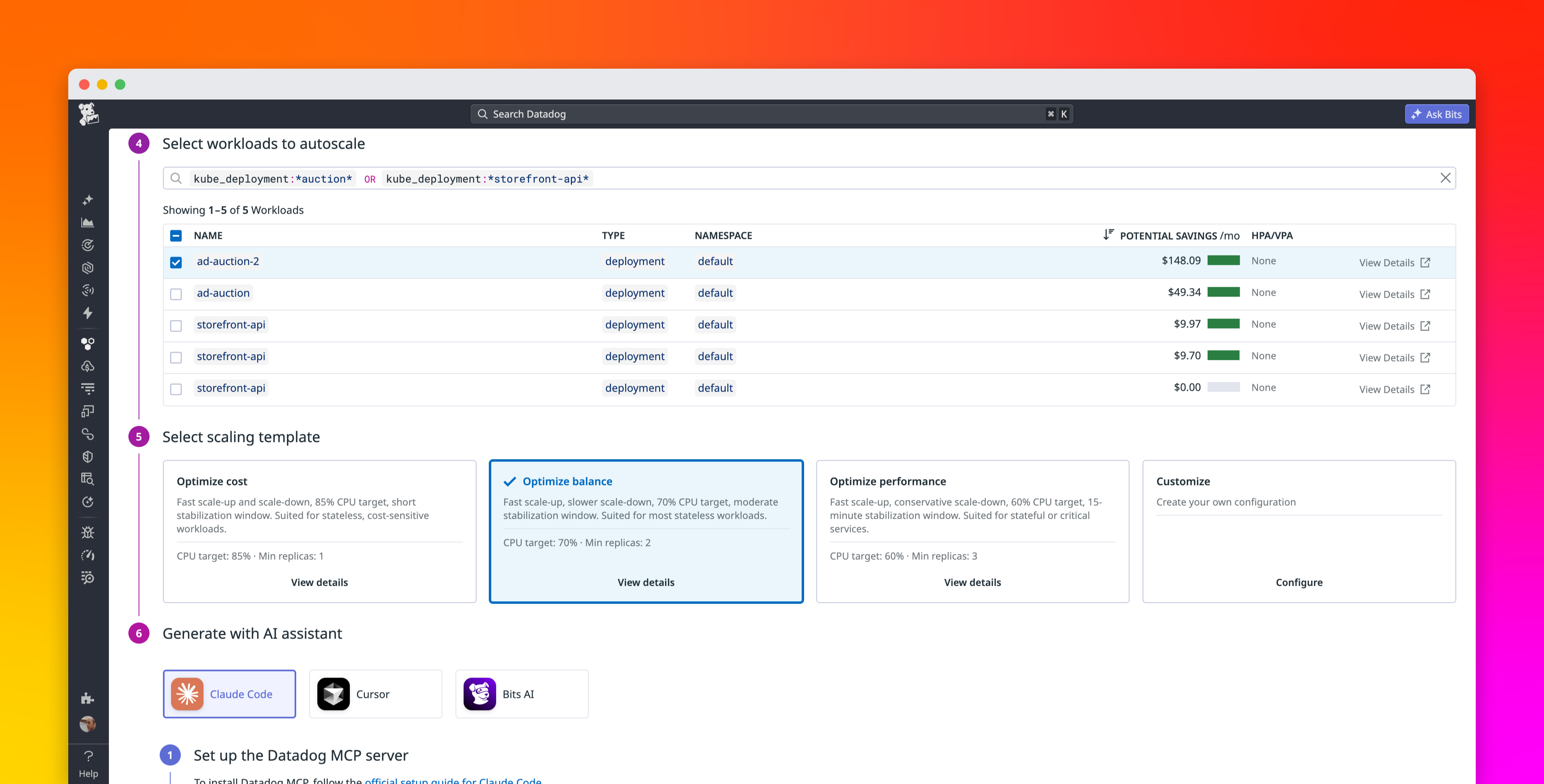
The Datadog Model Context Protocol (MCP) Server now includes a Kubernetes toolset that gives MCP-compatible AI agents read-only access to Kubernetes resource context in Datadog. Agents can query Kubernetes resources across your entire org and enrich query results with context from Datadog, all without needing direct access to your clusters. The toolset returns structured, scoped responses designed to fit within an agent’s context window.
This post covers how to use the Kubernetes toolset to:
- Search Kubernetes resources across clusters
- Inspect resource context without opening a console