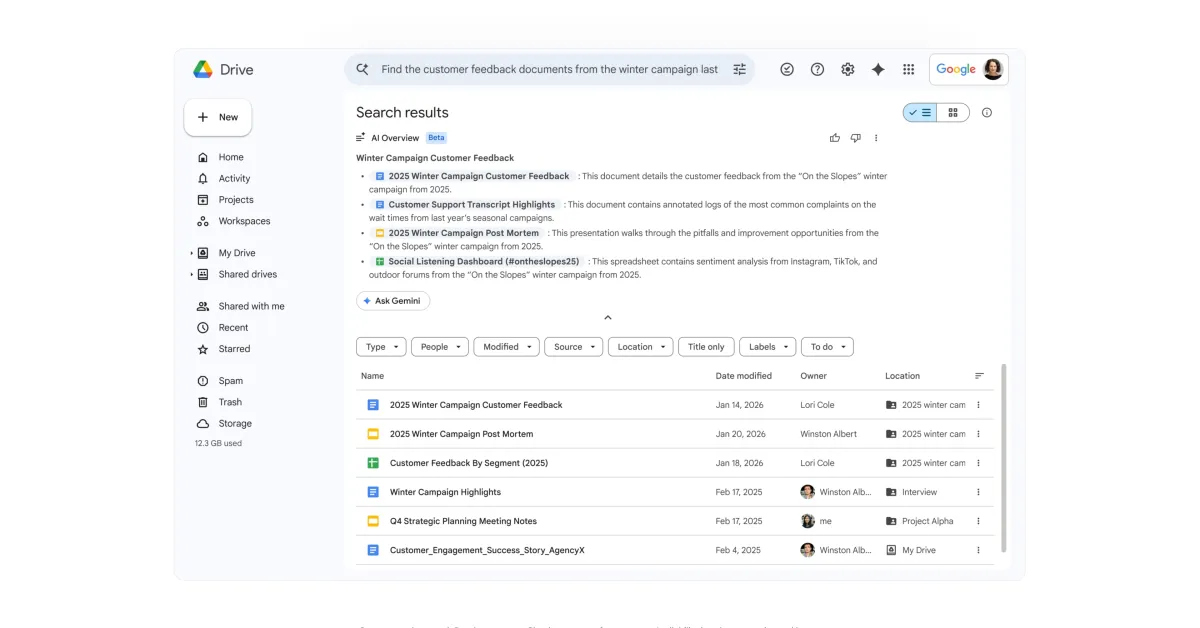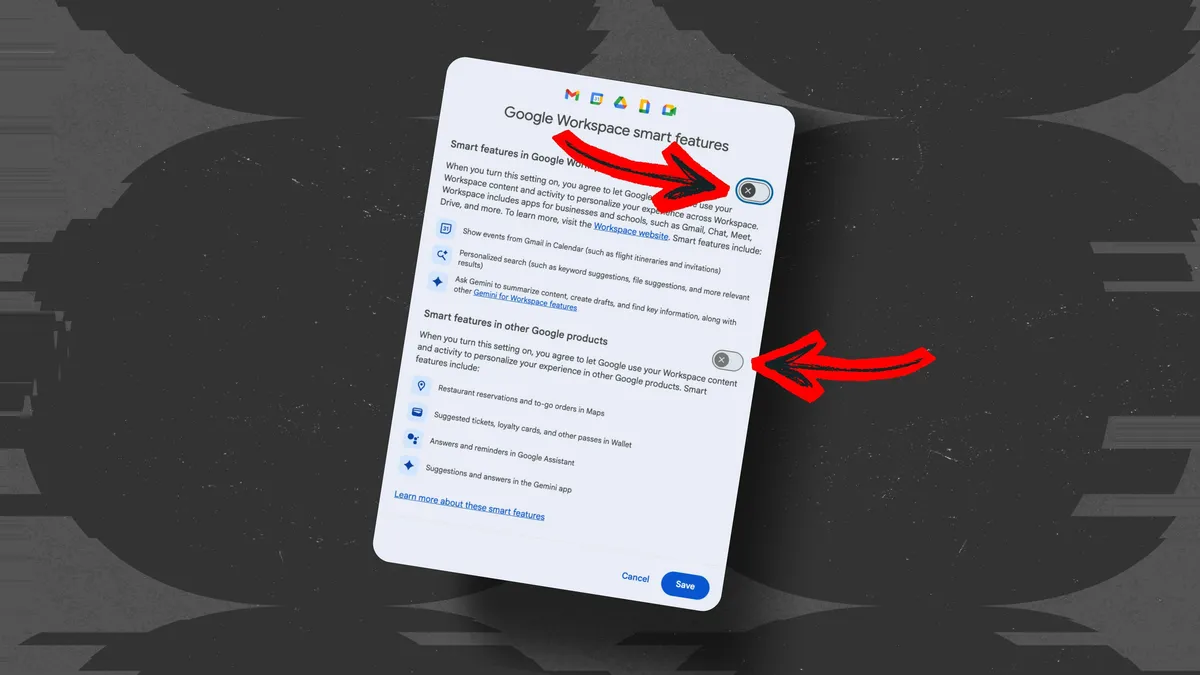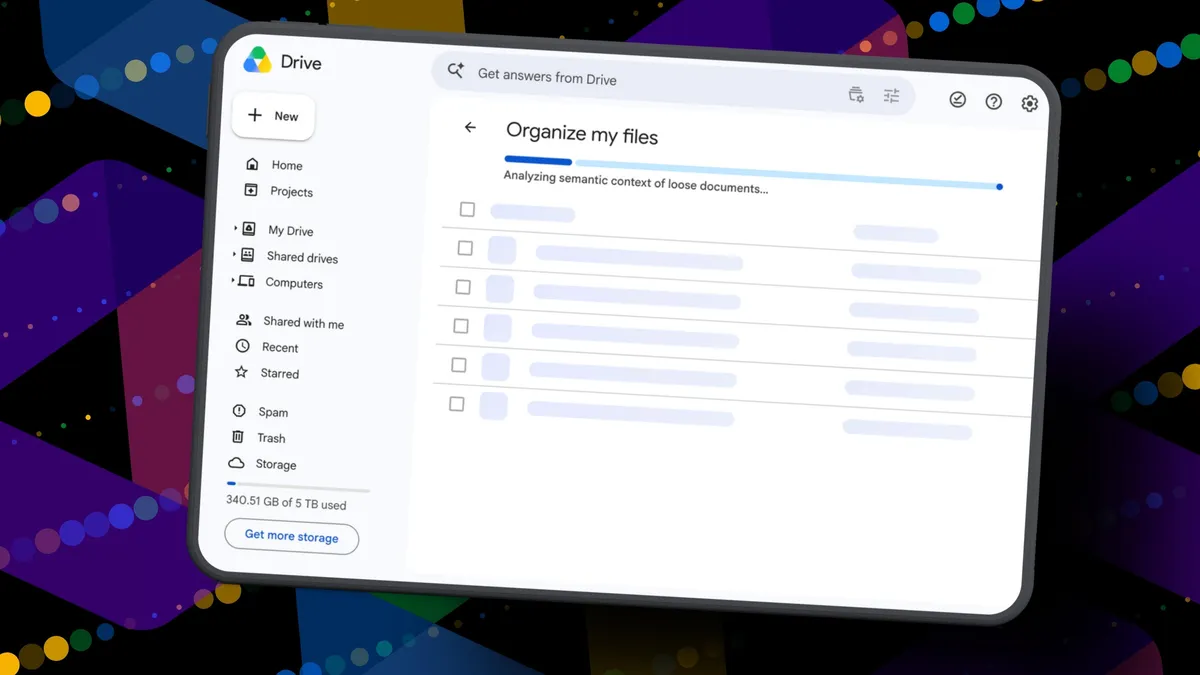
Elyse Betters Picaro / ZDNETFollow ZDNET: Add us as a preferred source on Google.ZDNET's key takeawaysGemini can suggest Drive file moves and new folders.Organize My Files requires Workspace or Google AI access.The tool is useful but still feels limited and unfinished.I'm an Apple person. I've owned an iPhone since 2007 and a Mac since before that, so of course I'm also a longtime user of iCloud Photos and iCloud Drive. I pay $10 a month for the 2TB iCloud+ plan because I have 488GB of data sitting there, including nearly 40,000 photos. Don't judge me. The real problem is that I'm also a heavy Google user, specifically Workspace apps.Also: I tested ChatGPT Plus vs. Gemini Pro to see which is betterAfter 14 years of using Google Drive, I have 340GB of data stored there from all the Google Docs, Sheets, Slides, and Gmail messages I've created, not to mention file uploads. So I pay $20 a month for Google AI Pro, which gives me 5TB of storage and access to Gemini AI. And because, apparently, I need all the subscriptions, I also pay $20 a month for ChatGPT Plus. I need to cut subscriptions I know... I need to cut subscription costs somewhere. I've wondered whether I should cancel ChatGPT or somehow, some way, reduce my Google usage enough to stop paying for extra Drive storage. Realistically, I do not think I could ever get my data down to the 15GB Google gives me for free. My Drive has become so daunting that I've mostly stopped trying to manage it. The funny part is that I am hyper-organized. My pantry has coordinated glass jars with labels. My daughter's toy room has a place for everything. My Google Drive, though? A dumping ground. What can I say? Pre-parenthood Elyse was not so organized. Also: Tired of AI Overviews? I found 9 Google Search alternativesBecause my Drive has never been in a good place, I have let files, photos, screenshots, PDFs, tax documents, drafts, downloads, and random digital debris accumulate with no real oversight for years. I keep putting off cleaning it. Recently, I had the idea that some AI service could connect to my Drive and help me quickly organize it with a few clicks. Then I remembered my Drive includes things like my house deed, a copy of my will, and my LLC business details, and suddenly giving a random third-party company broad access to my personal data felt like too much to bear. So here we are. My Drive is still messy, and my subscriptions are still multiplying. Joy. I sure do love that in this economy. Can 'Organize My Files' declutter my Drive? But today I spotted a quiet little launch from Google: its "Organize My Files" feature is now available. Can Gemini actually, truly help me declutter, organize, and simplify my Drive now? Apparently, it uses Gemini AI to suggest moving loose files in Drive into existing folders or creating new folders for related files. And I get to review everything before anything moves. Also: I tried Gmail's new Gemini AI features, and I want to unsubscribeIf this works, maybe one day I can move my data out of Drive and cancel my Google AI Pro plan for good. Maybe. One day. How Organize My Files works What you'll need: A Google account with a messy-as-hell Drive. Oh, and Google's "Organize My Files" feature is currently limited to Google Workspace and Google AI subscribers. Workspace smart features must also be enabled for it to appear in Drive. Elyse Betters Picaro / ZDNET Look toward the top of the file and folder list in My Drive for a new button called "Suggest File Moves." Google said it will appear in My Drive as well as in parent folders in Drive. Clicking Suggest File Moves opens a new Organize My Files window, where Gemini will begin analyzing loose files and suggesting ways to clean them up.Also: This Gemini setting made my AI results way more personal
I tried Google Drive's new AI cleanup tool to fix 14 years of storage clutter - here's the result
With Organize My Files, can Gemini clean up my messy Google Drive and save me money on storage? Let's see.
1,103 words~5 min read