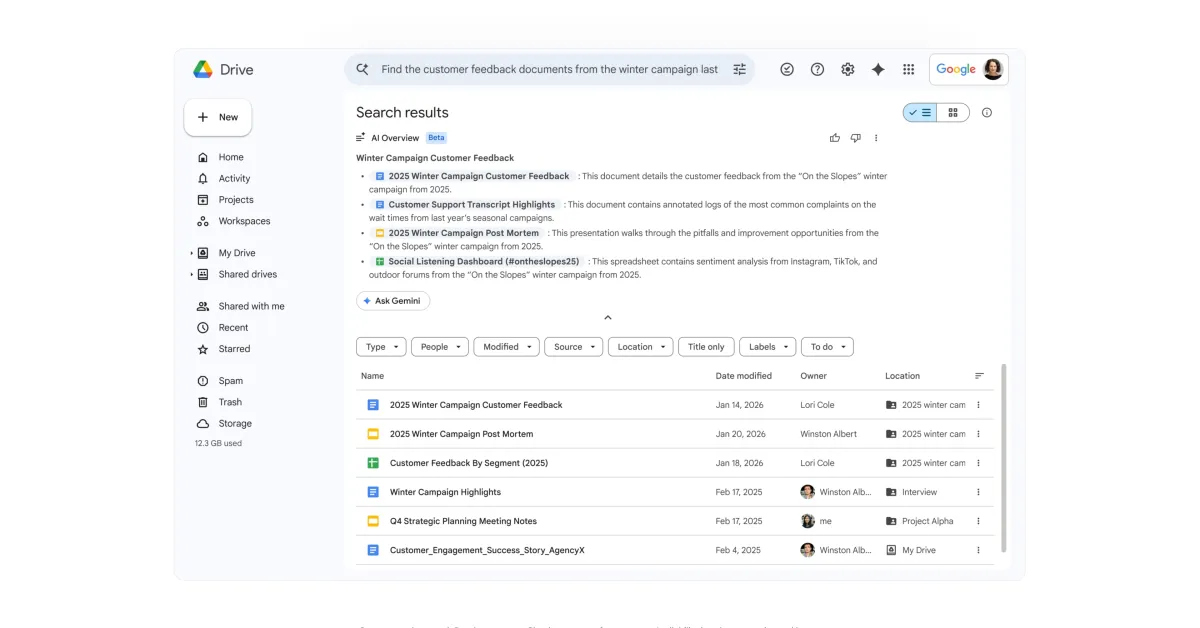
After debuting on the web earlier this year, Google Drive is bringing Ask Gemini and AI Overviews to mobile.
Ask Gemini brings the side panel to Google Drive for Android and iOS. Appearing to the right of the search bar, you can have “multi-turn conversations to efficiently explore and understand content across Drive, other Workspace apps, and the web.”
Tapping launches the fullscreen interface with a prompt box. The ‘plus’ menu lets you add files for context, as well as select “where Gemini can search.” This includes Drive, Gmail, Chat, Calendar, and web.
The hamburger button in the top-left corner opens your Conversation history.
Dedicated conversations: Engage in focused discussions about specific sets of files and folders. By grounding your questions in the relevant content, you get more precise, actionable answers.