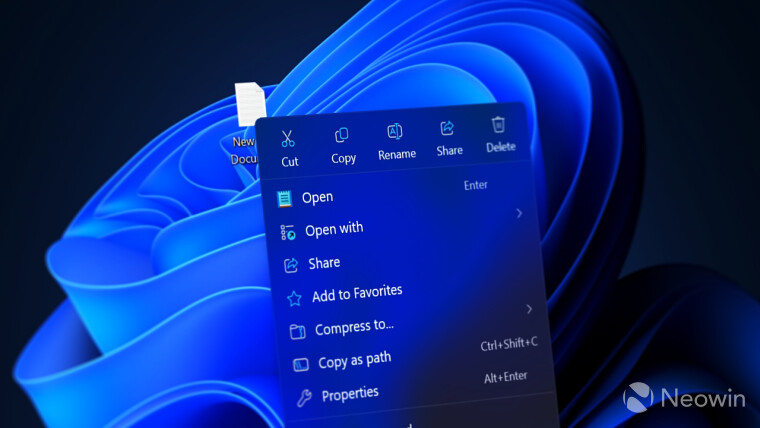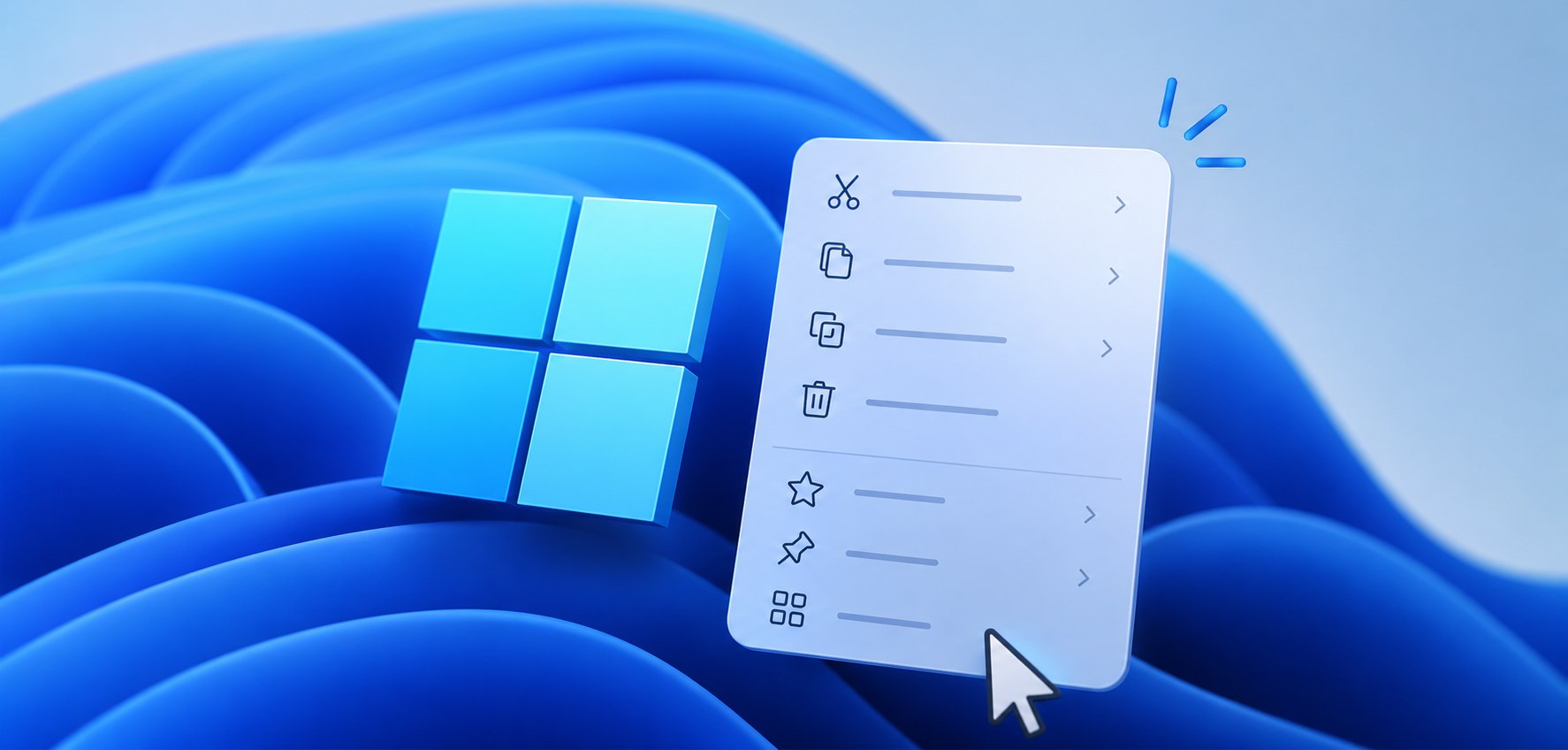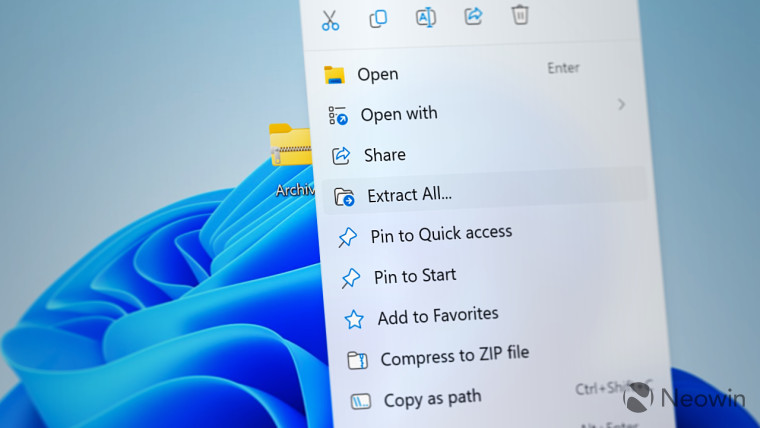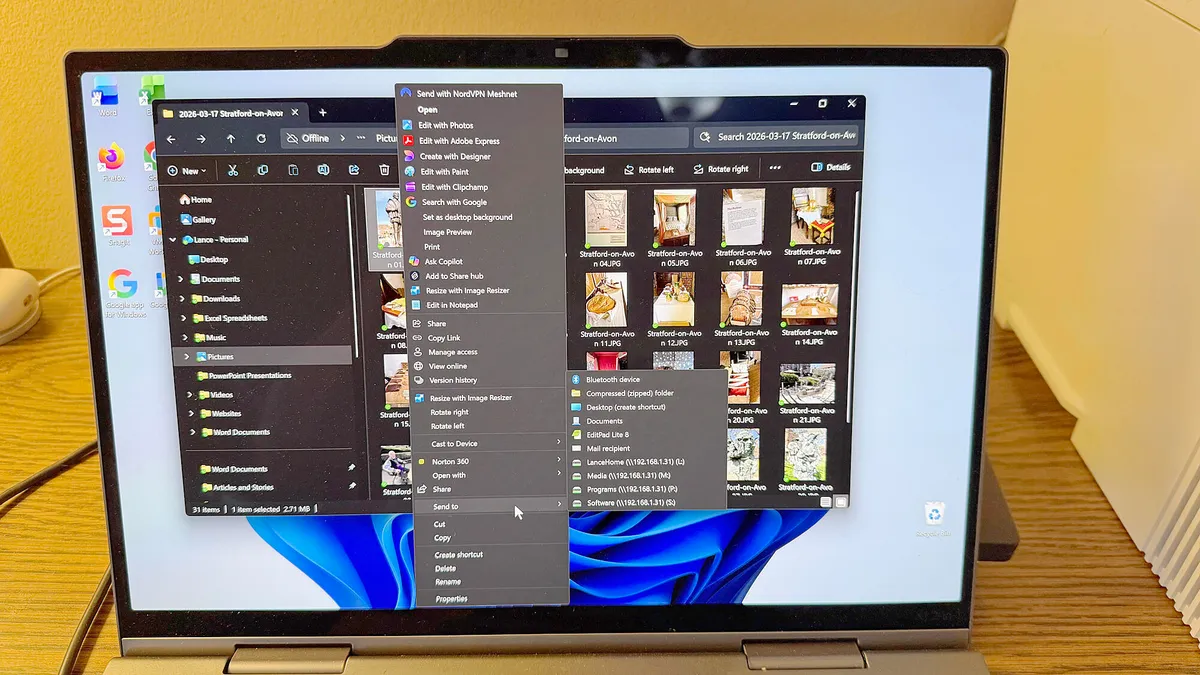
Lance Whitney/ZDNETFollow ZDNET: Add us as a preferred source on Google.ZDNET's key takeawaysA Microsoft VP is promising a refresh of the Windows right-click menu.The menu is supposed to become faster, simpler, and more configurable.Microsoft will hopefully share more details soon.The menu that pops up in Windows when you right-click in File Explorer or on the Desktop has always been problematic. In prior versions of Windows, the menu could easily balloon out of control with dozens and dozens of entries, making it almost impossible to navigate.Also: How to check your Windows PC for expiring security certificates - a big one ends in JuneWith Windows 11, Microsoft pared down the menu with a smaller, simpler, and modern layout. But this approach doesn't work well either, as it often excludes features and commands you frequently use. With another mouse click, you can view the older style menu, but that brings us back to the original problem.'Faster, simpler by default, configurable' Well, Microsoft seems to feel your right-click pain, as the company is apparently working on a major refresh of the menu. In a post on X, as spotted by Windows Latest, Marcus Ash, a corporate VP of Design and Research for Windows + Devices, shared a promising tidbit.Responding to a complaint in which a user displayed a screenshot of a lengthy right-click menu, Ash said: "Working on making context menus faster, simpler by default, configurable to what you use most. More will be shared on our approach soon."If true, this is certainly good news for all Windows users who struggle with the context menu. Yes, the menu often feels slow, so it could definitely use a speed boost. Yes, it can get too complicated and cumbersome, even with Windows 11's modern design, so it needs to be simpler. But the third promised item -- "configurable" -- is the one that makes me sigh with relief.Also: My new favorite Windows app made my PC safer and more reliable - and it's freeMy experience with the menu has also been frustrating. Right-clicking on a file, folder, or other item in the Windows 11 File Explorer opens the new modern menu. That's fine if all I need to do is copy, paste, or delete an item. The menu also suffices if I need to run a common command, such as opening a file with a different app or compressing a group of files. But far too often, I have to segue to the older style menu, and that's when I get lost in a virtual forest of commands.Back in 2021, Microsoft acknowledged the many flaws of the old-style context menu, pointing out that it had grown excessively long, included rarely used commands, placed similar commands too far apart, and made commands added by apps hard to identify. The solution was the modern menu unveiled in Windows 11. But again, the problem here is that this pared-down menu may omit commands you regularly use, forcing you to revert to the older style menu.Instead of this convoluted two-menu approach, we need to go back to a single menu. But that has to be one we can add and remove items from, depending on what we want and don't want to see.It's all about the contextYes, you can try to edit the menu yourself. But that currently requires grappling with complex Registry entries, which can do more harm than good. There are several third-party utilities that let you tweak the context menu. One tool I've played with is Context Menu Manager. But the challenge here lies in why this is called a context menu.Also: I've been studying Windows telemetry for a decade - here's the only setting I turn offContext means that the menu changes depending on the item on which you right-click. Select a disk drive, a network location, a folder, a file, or a group of files, and the menu is different for each of those. That makes it difficult to edit the menu to cover all the bases.I look forward to seeing more details from Microsoft on this revamp of the context menu. Hopefully, the days of navigating a lengthy, cumbersome, and confusing menu will soon be a distant memory.
Hate the right-click menu in Windows? Microsoft just promised to let you tweak it - soon
A top Microsoft VP is promising a faster, simpler, and more customizable context menu that appears when you right-click an item in File Explorer or on the Desktop.
694 words~3 min read