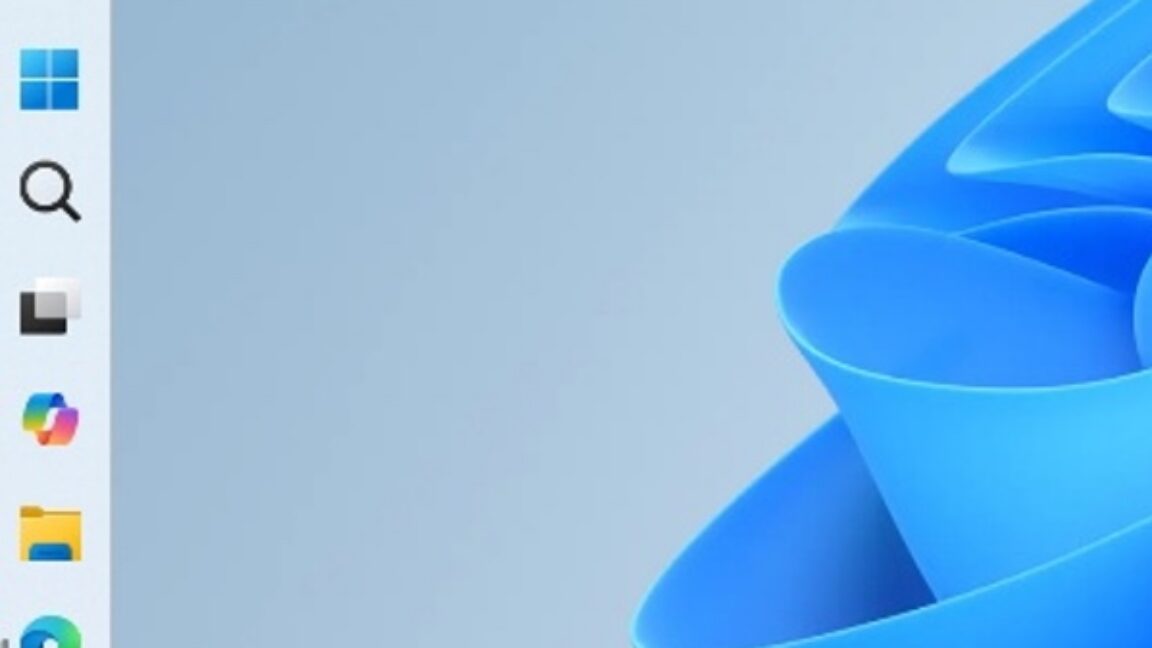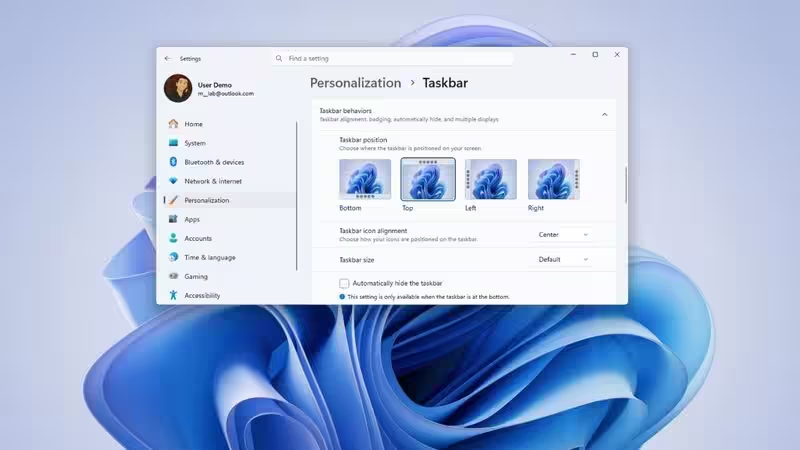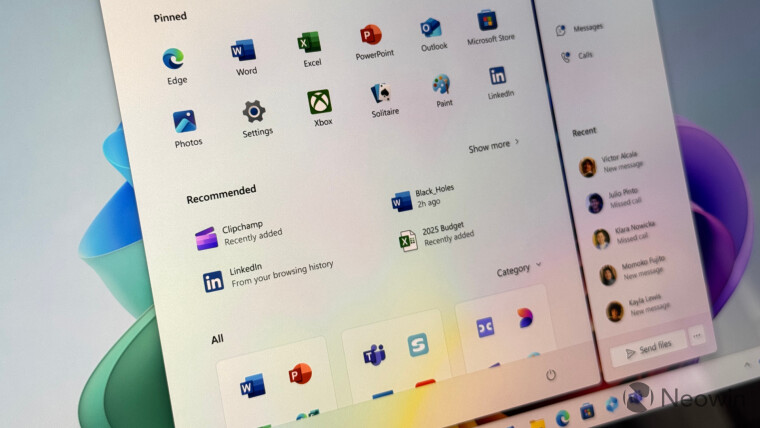
Not-so-long ago, something big happened at Microsoft. The company switched from shoving questionable features into Windows 11 to listening to feedback and implementing stuff that people had been asking for nearly half a decade. People coming from Windows 10 to 11 often complain about the taskbar and Start menu, and Microsoft is now scrambling to fix that. We recently published a closer look at the updated taskbar and its new features, and now it is time to look at the updated Start menu and its new customization options.
In 2025, Windows 11 received a major Start menu redesign. While the update addressed many complaints, certain quirks remain unchanged. You cannot resize the Start menu, use jump lists without recommendations, hide your username, and more. Microsoft recently promised to fix all that, and it took a few weeks to bring the first Windows 11 preview build with the promised changes.
New Start menu Settings
Build 26300.8553, which was released on May 29, 2026, introduces new Start menu features, which include the following:
Modular design: You can now enable or disable parts of the Start menu, including pinned apps, recommendations (this section is now called "Recent"), and the All Apps list. Heck, Microsoft lets you turn off everything, and when you do, opening the Start menu shows a message that says "All Start menu sections are off" with a link to the Start menu settings. You can also make it fully blank by keeping the Pinned section and removing all pinned apps.