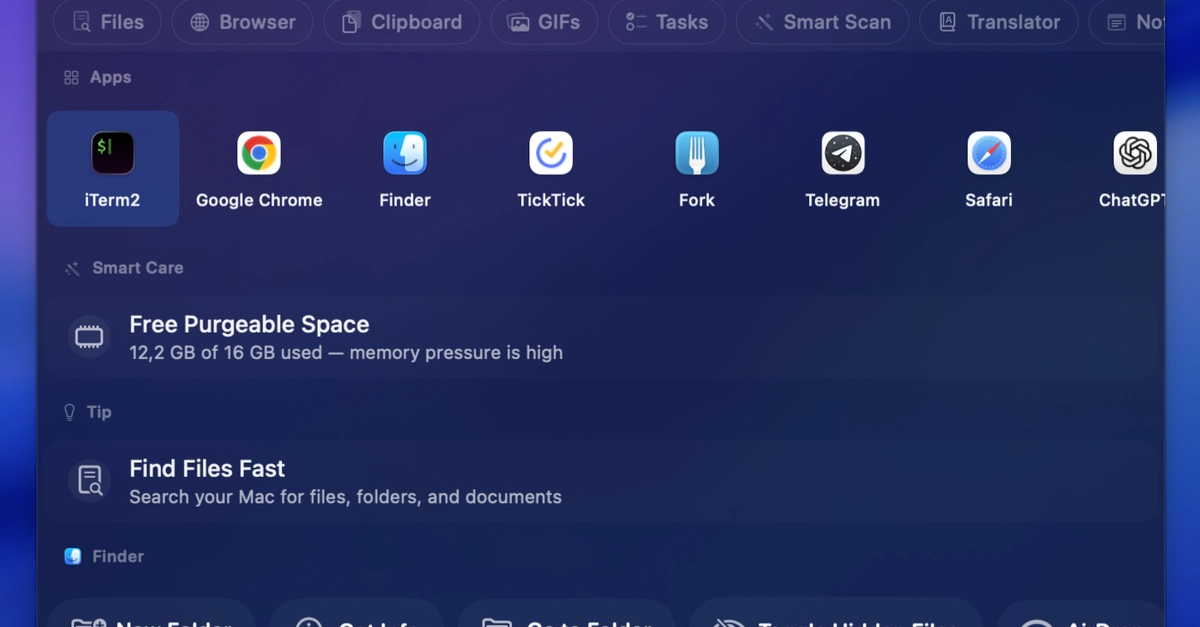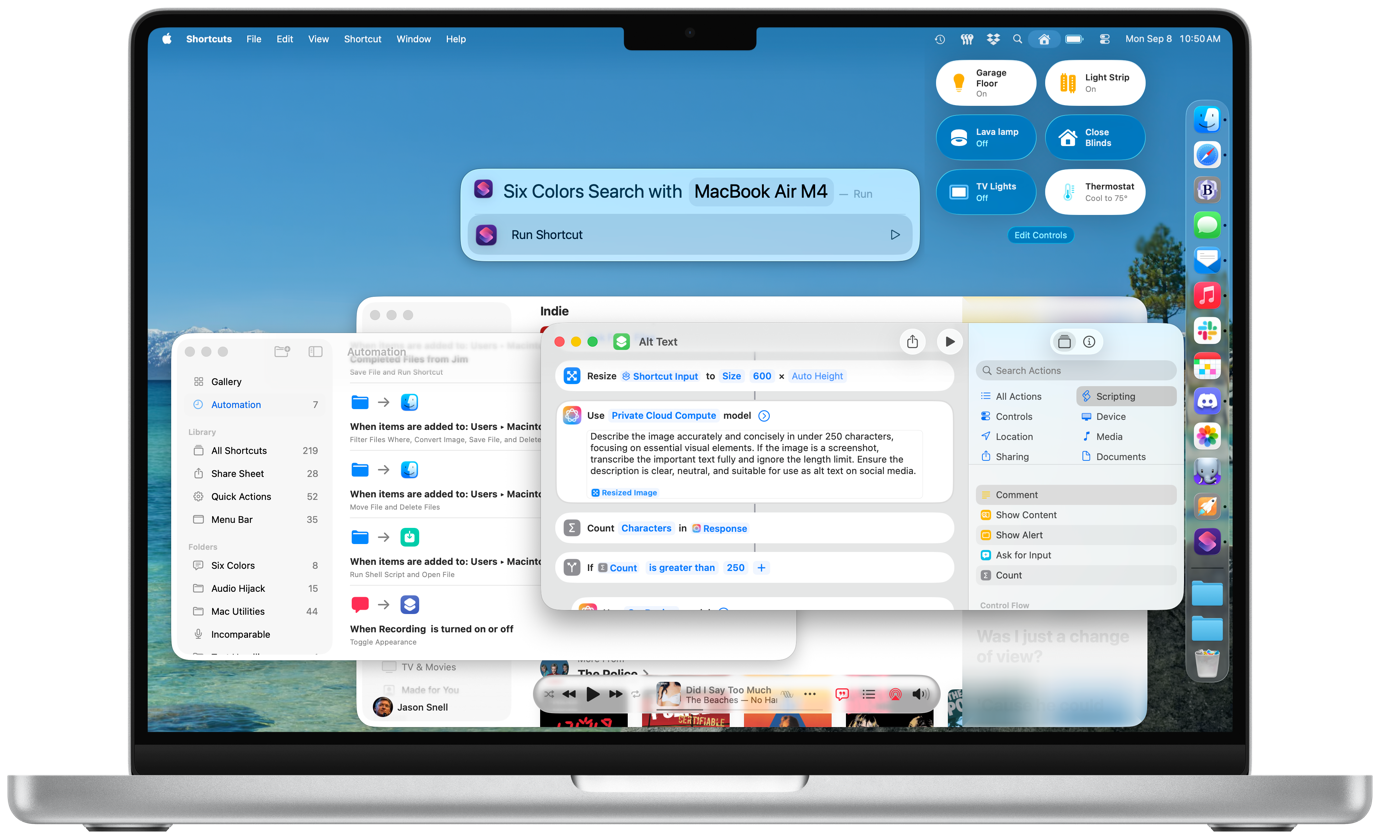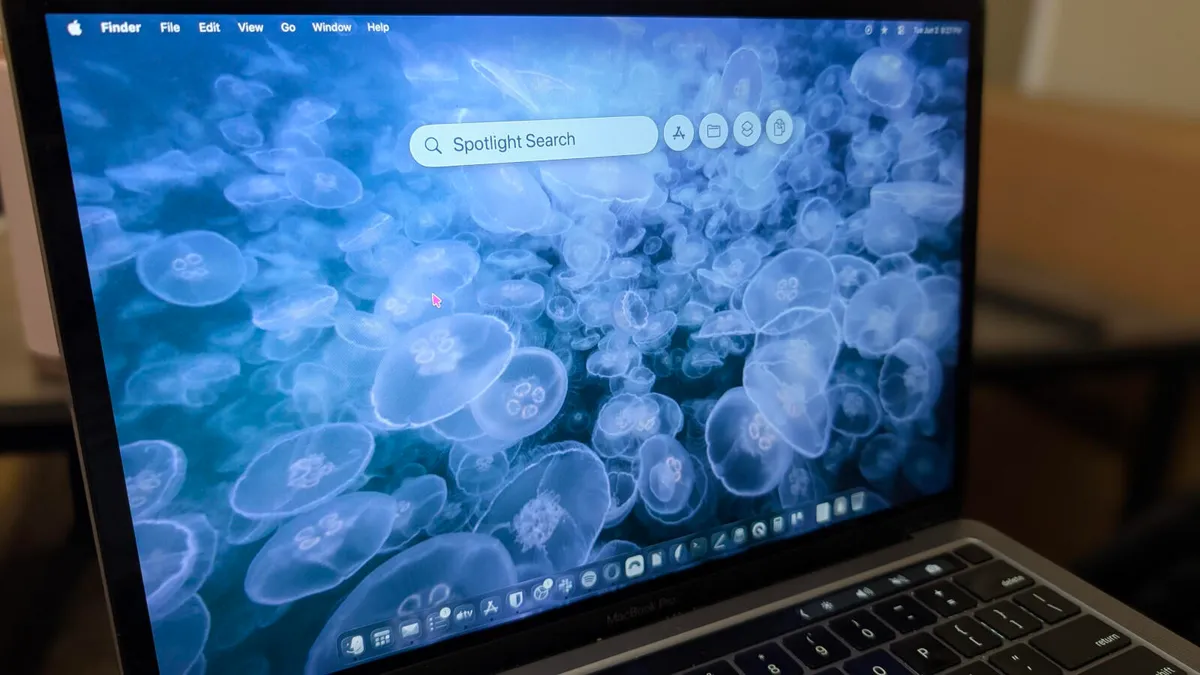
Jack Wallen/ZDNET ZDNET's key takeaways MacOS Tahoe Spotlight takes the search tool to new heights.The new Spotlight tool can do much more than you think.By using Spotlight, you'll work smarter and not harder.Prior to MacOS Tahoe, Spotlight was a search tool. You could call it up with the Cmd+Space keyboard shortcut, type whatever it was you were looking for, and there it was. Before Tahoe was released, I was using a tool called Alfred because it was more like the tools I'd been accustomed to, and the previous version of Spotlight couldn't hold a candle to those apps.That was then, but Spotlight in the here and now is a very different beast. Since the upgrade to Tahoe, Spotlight has fallen in line with what are usually called keyboard launchers. Also: How to make any MacOS app start at login - to save you time and clicksI've been using keyboard launchers on the Linux desktop for some time, and I find them an invaluable means of making my work far more efficient. You see, keyboard launchers are much, much more than desktop search tools, although they do that as well. Think of keyboard launchers as a special menu for actions that might normally take multiple steps to achieve. Here's an example I use almost daily.On my network, I have a few Samba (SMB) servers to which I can connect and save files to and from whatever machine I happen to be using. Prior to Tahoe, to do that, I would have to open Finder, hit the Cmd+K keyboard shortcut, type the IP address, and hit Enter. It's not a terribly lengthy process, but when I'm in a hurry, it can be a bit of a hassle. With Tahoe, I open Spotlight, type smb://192.168.1.176 (or whichever IP address I need to use), and hit Enter. That process is considerably faster than how I used to take care of the task.Essentially, what you're missing out on by not using Spotlight is efficiency and simplicity. After all, isn't the goal to work smarter, not harder? That's what Spotlight does for you.
6 ways I use Spotlight to get more out of my Mac - beyond basic search
Once you see what this MacOS tool can do, and Cmd+Space will become second nature.
790 words~4 min read