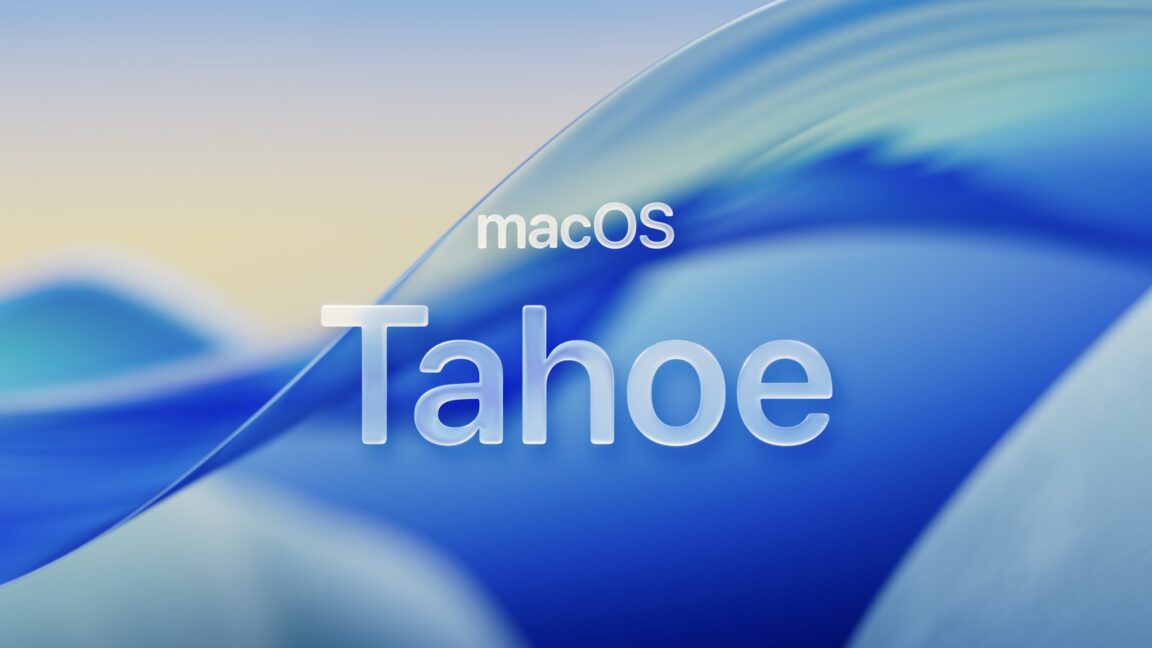
macOS 26 Tahoe is two things at once: It’s the broadest and most productivity-focused update for macOS in years, while also taking collateral damage from Apple’s broader design ambitions on its other platforms.
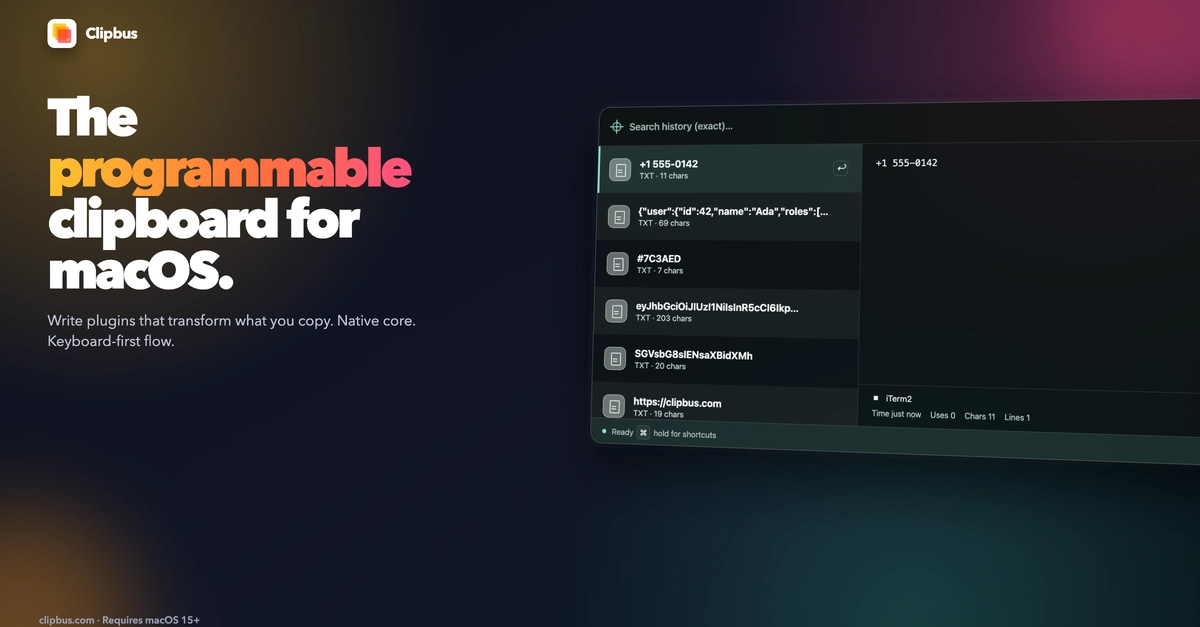
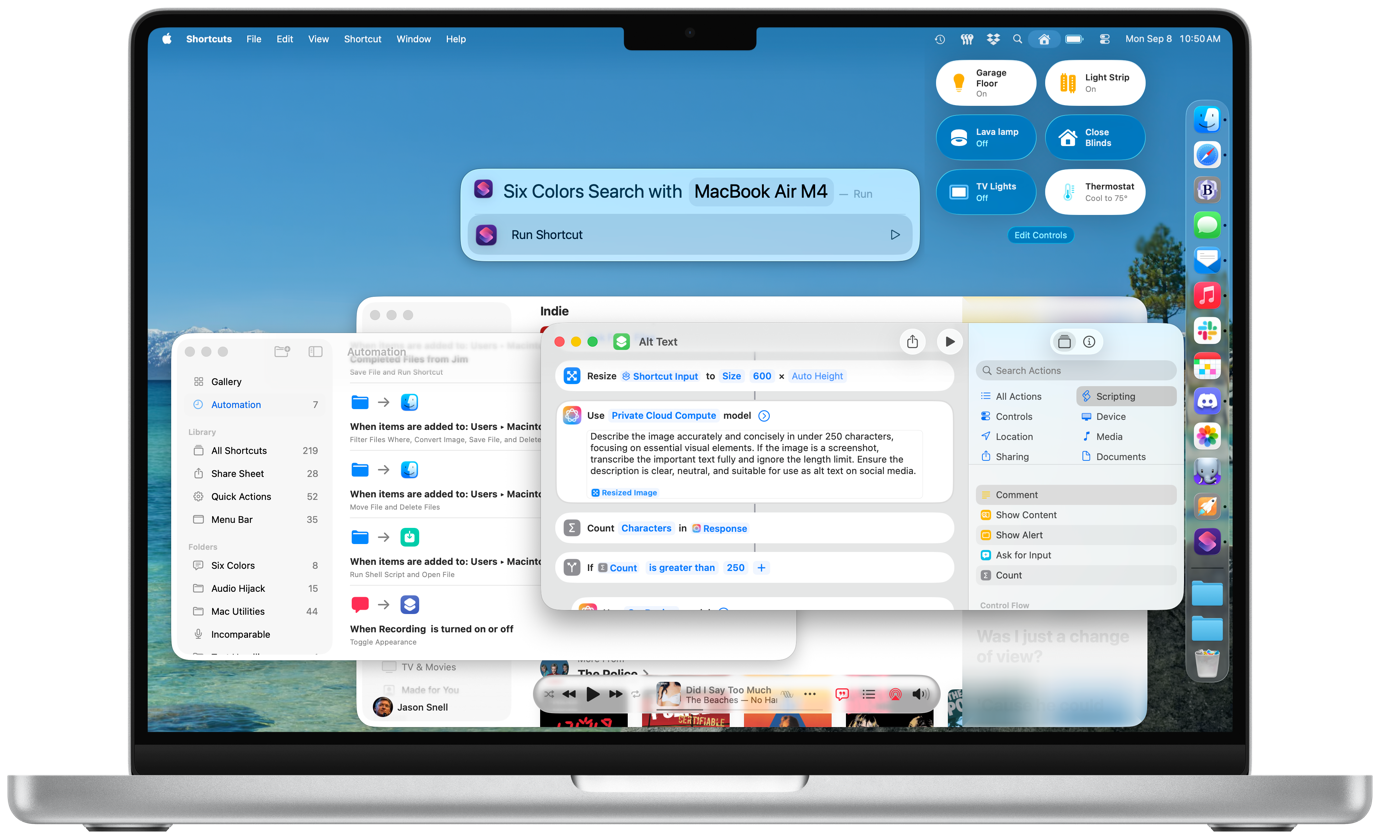
It features the biggest update to Spotlight ever, including direct access to app actions and Apple’s first-ever built-in clipboard manager. Shortcuts adds deep automation support and direct access to AI models, changing the game for many aspects of Mac automation productivity. These are features that will delight Mac users and help them work better.
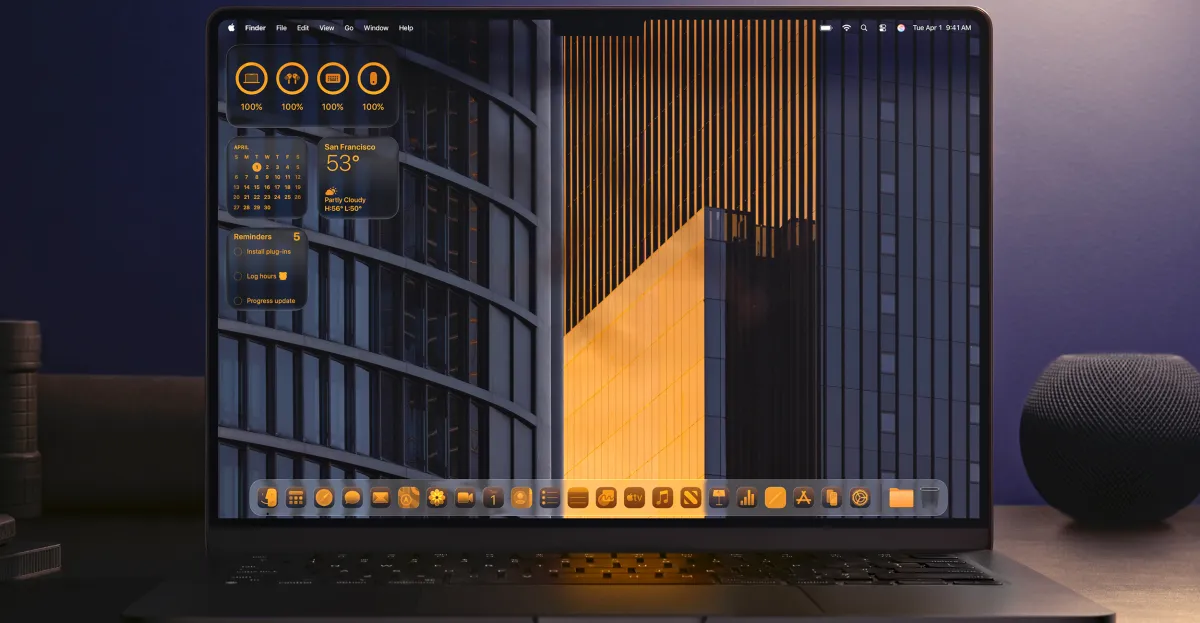
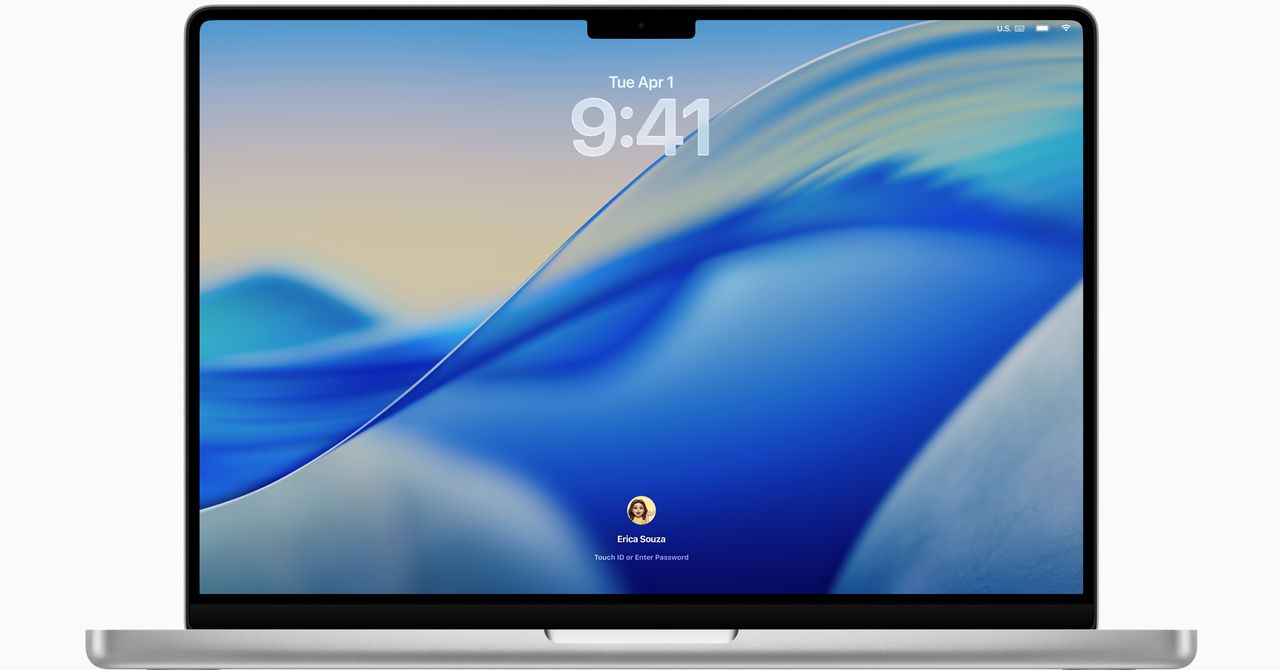
Unfortunately, they’ll be productive while using a tweaked design that’s not nearly as prominent as it is on the iPhone and iPad, but still has to be labeled as a net loss for the Mac.
My eyes glaze over
I’ll cut to the chase: If you’re worried about upgrading to macOS 26 Tahoe because of Apple’s “liquid glass” design, don’t be—it’s mostly a minor reskinning that doesn’t really change how the Mac works, and after a few weeks, you mostly won’t notice it.