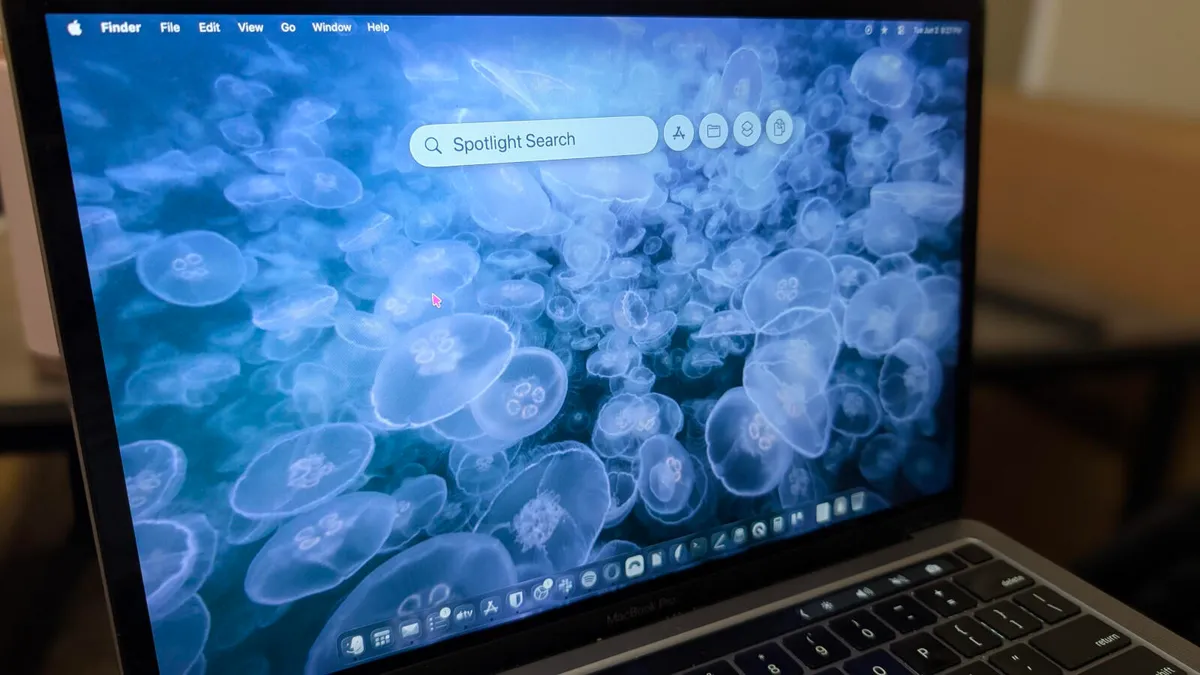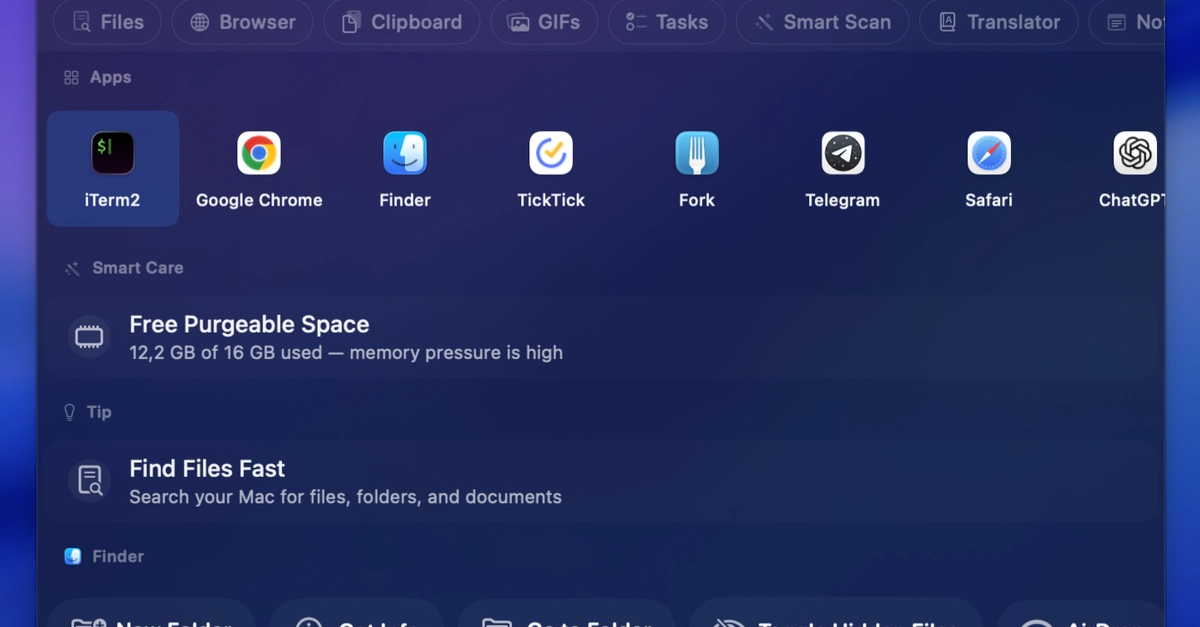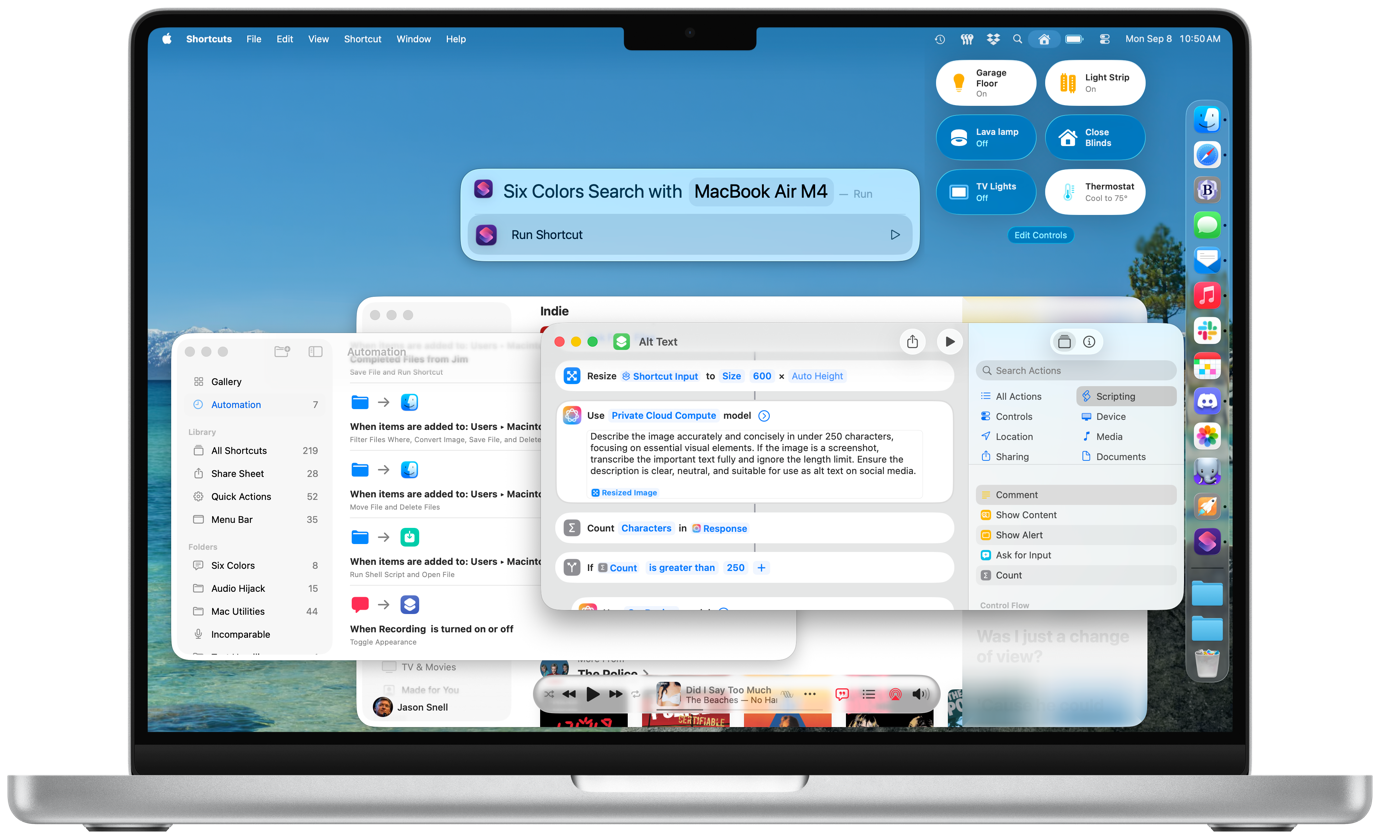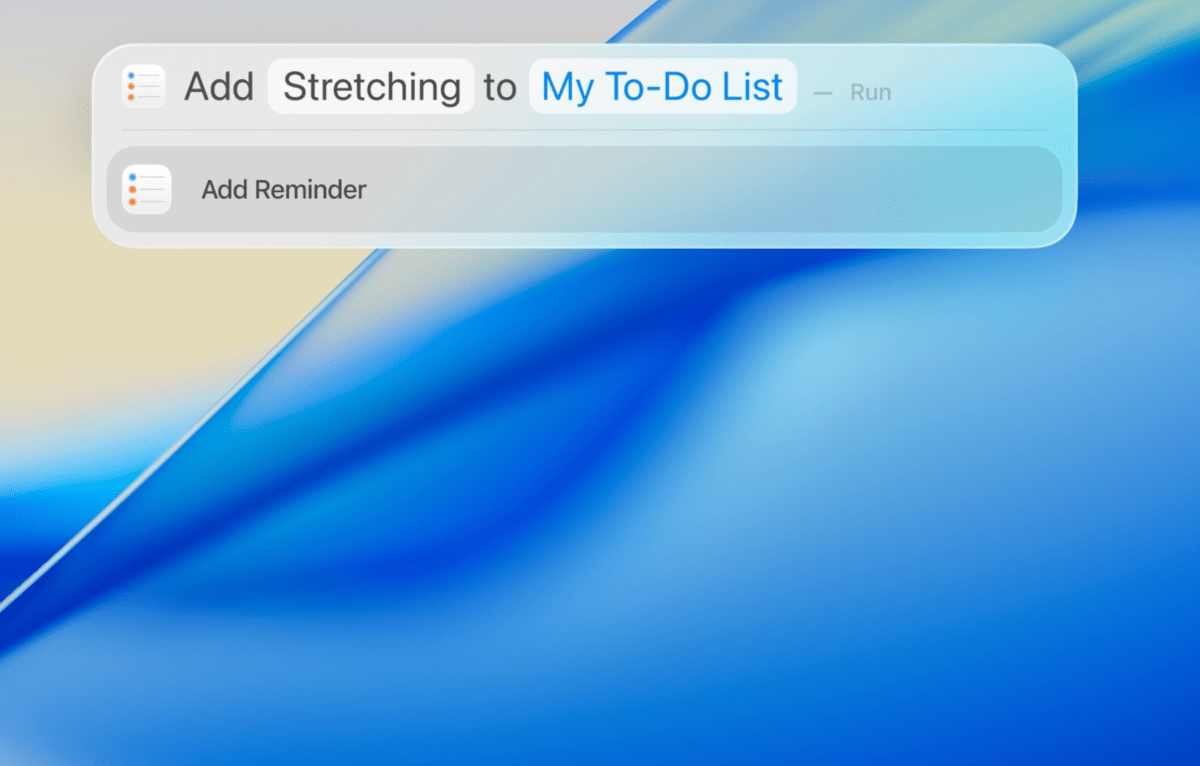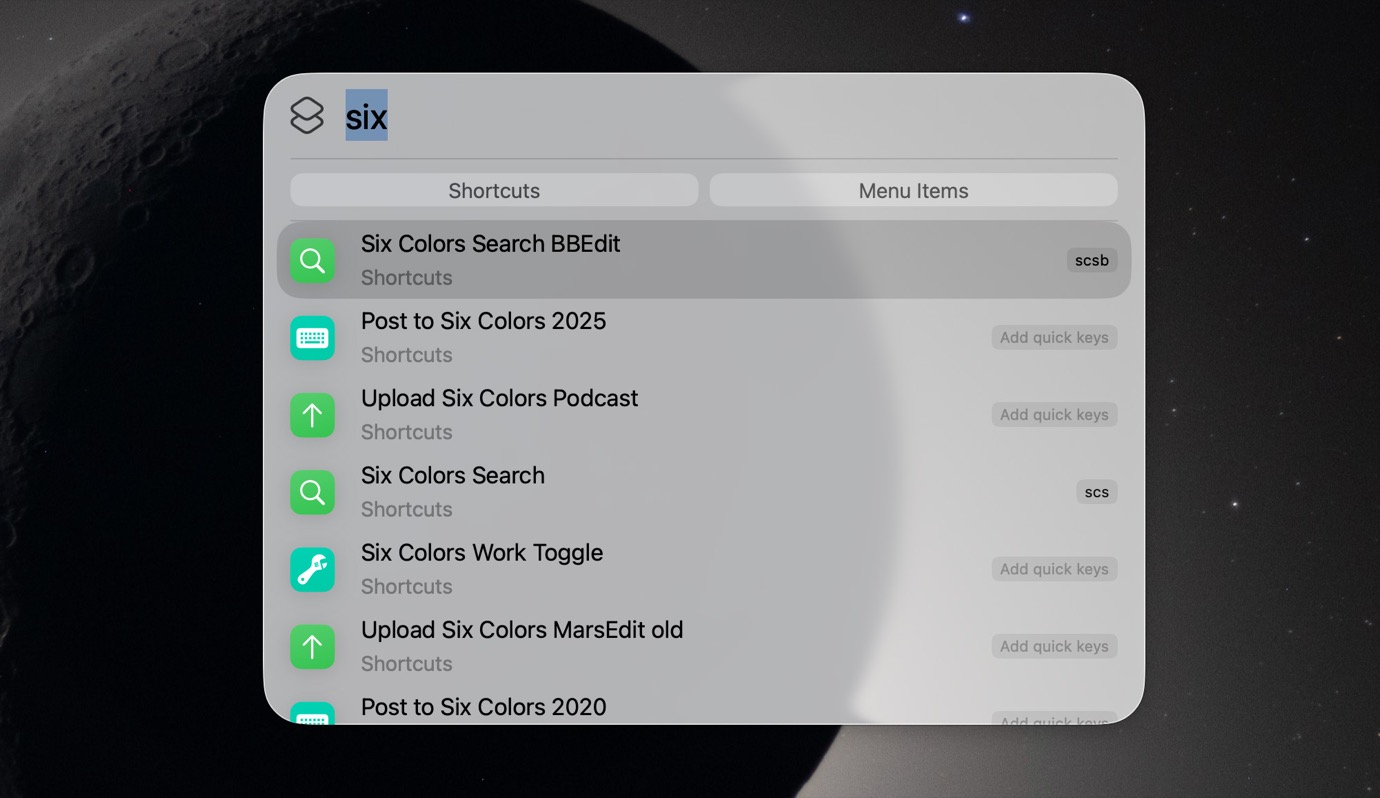
Spotlight will let you assign text shortcuts, but only to Actions.
As a part of the process of reviewing macOS Tahoe, I stopped using my longtime launcher LaunchBar and forced myself to use Apple’s new and improved version of Spotlight.
The surprising thing is, I never went back to LaunchBar. Spotlight in Tahoe was responsive, well integrated, and finally supplied me with the OS-native clipboard history feature I’ve wanted for years. While there were a few features from LaunchBar I missed—most notably, the ability to bring up an app in the launcher window and then drag a file onto it from the Finder—I was able to adapt quickly.
My friend Dr. Drang gave Spotlight in Tahoe a go recently and had a much worse experience, most notably reporting that it was terribly slow. He quickly retreated to LaunchBar (and, for clipboard history, Keyboard Maestro).
I have to agree with Dr. Drang here: I don’t know when, and I don’t know why, but over the last few months, as macOS Tahoe has gone from 26.3 to 26.4 to 26.5 beta, Spotlight has gotten progressively worse. It’s sometimes incredibly slow, making me wait to launch an app. Sometimes it misses entire categories of items. (I frequently launch items saved in my Safari favorites, and on several occasions, Spotlight just refused to show any of them.)