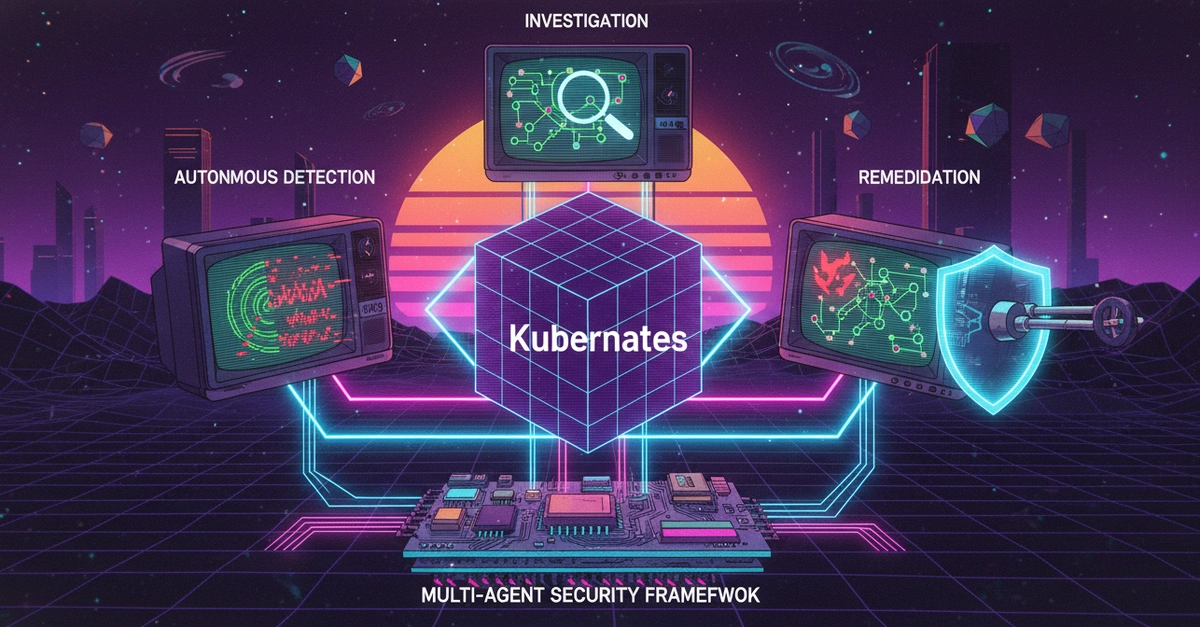
Finding out there is "suspicious activity" in your infrastructure is enough to make any DevOps engineer's heart rate spike. If you’re running containerized workloads, you need a way to see exactly what’s happening inside those isolated environments in real-time.
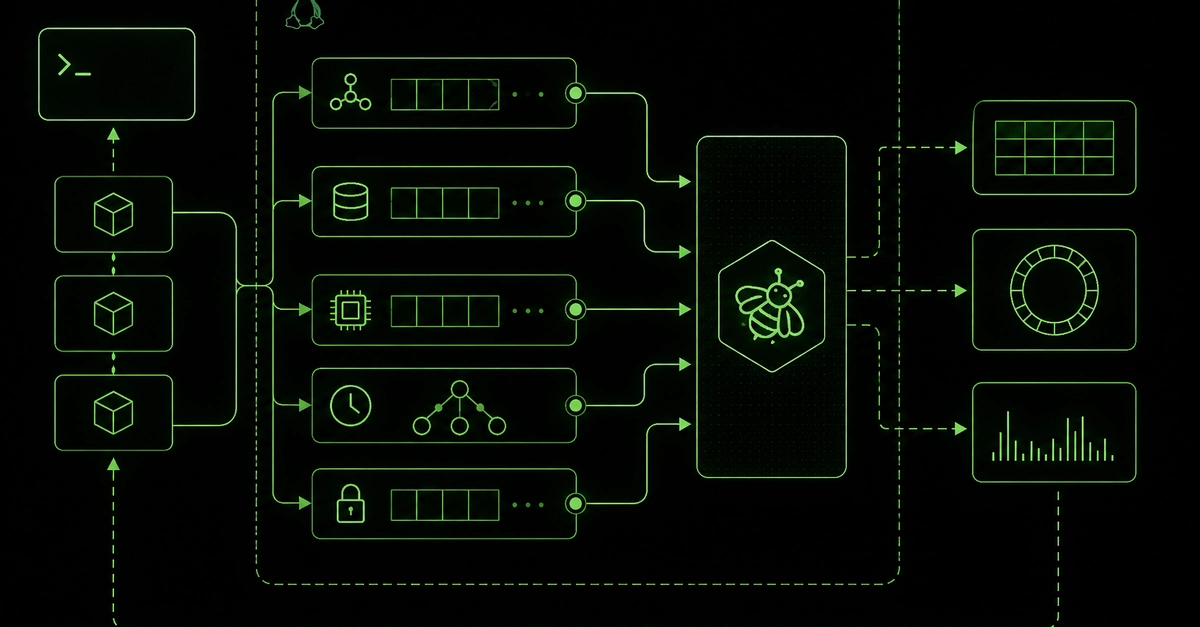
Falco, the open-source standard for cloud-native runtime security. In this guide, we'll walk through a hands-on scenario: investigating a suspicious Nginx container by detecting unauthorized spawning processes.
A team member reports odd behavior in a specific container. Our goal is to use Falco to monitor the execve system call—which is triggered whenever a new process is started—and log those events to a report for analysis.
Step 1: Create a Custom Falco Rule
Falco uses a flexible YAML-based syntax for defining security rules. We need to create a rule specifically targeting our Nginx container.