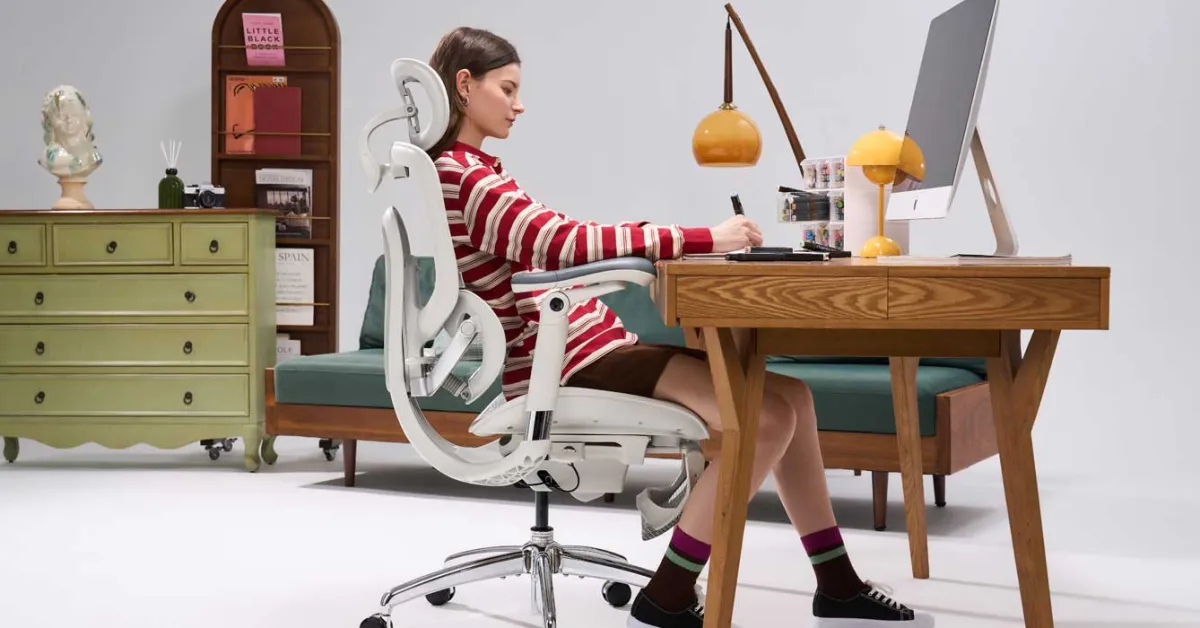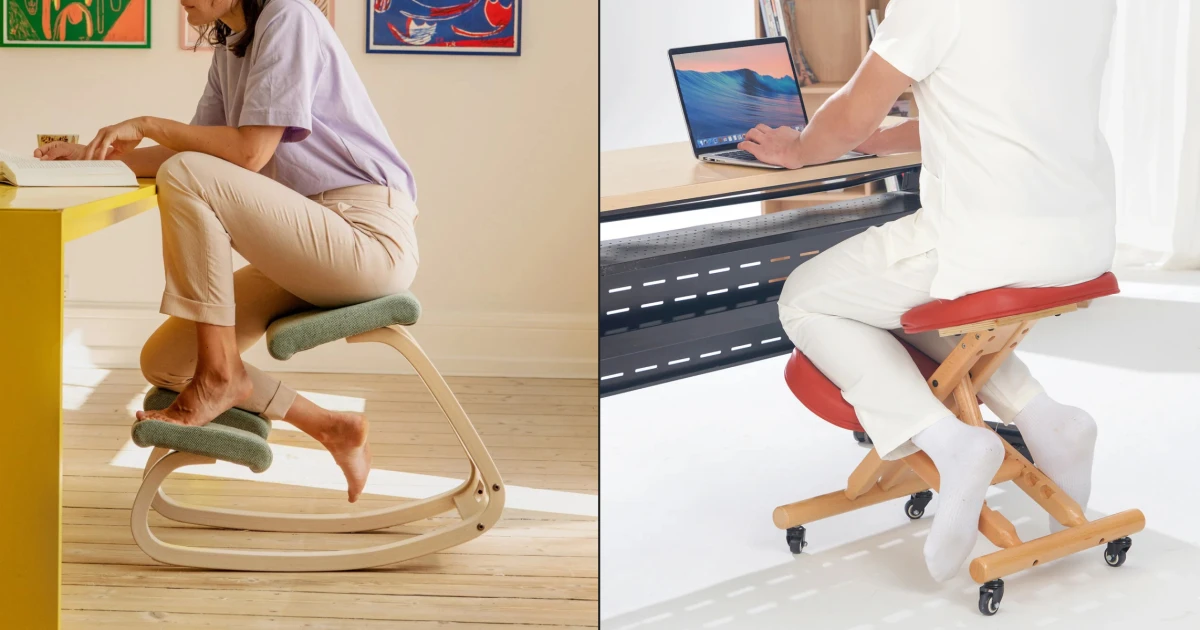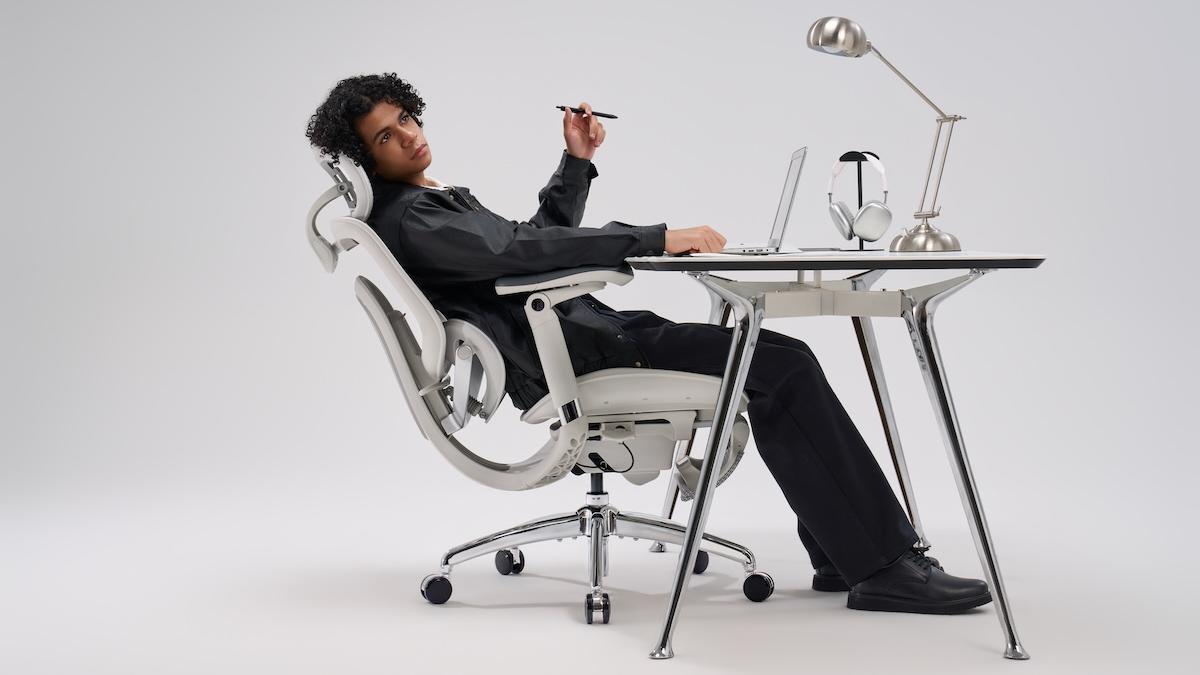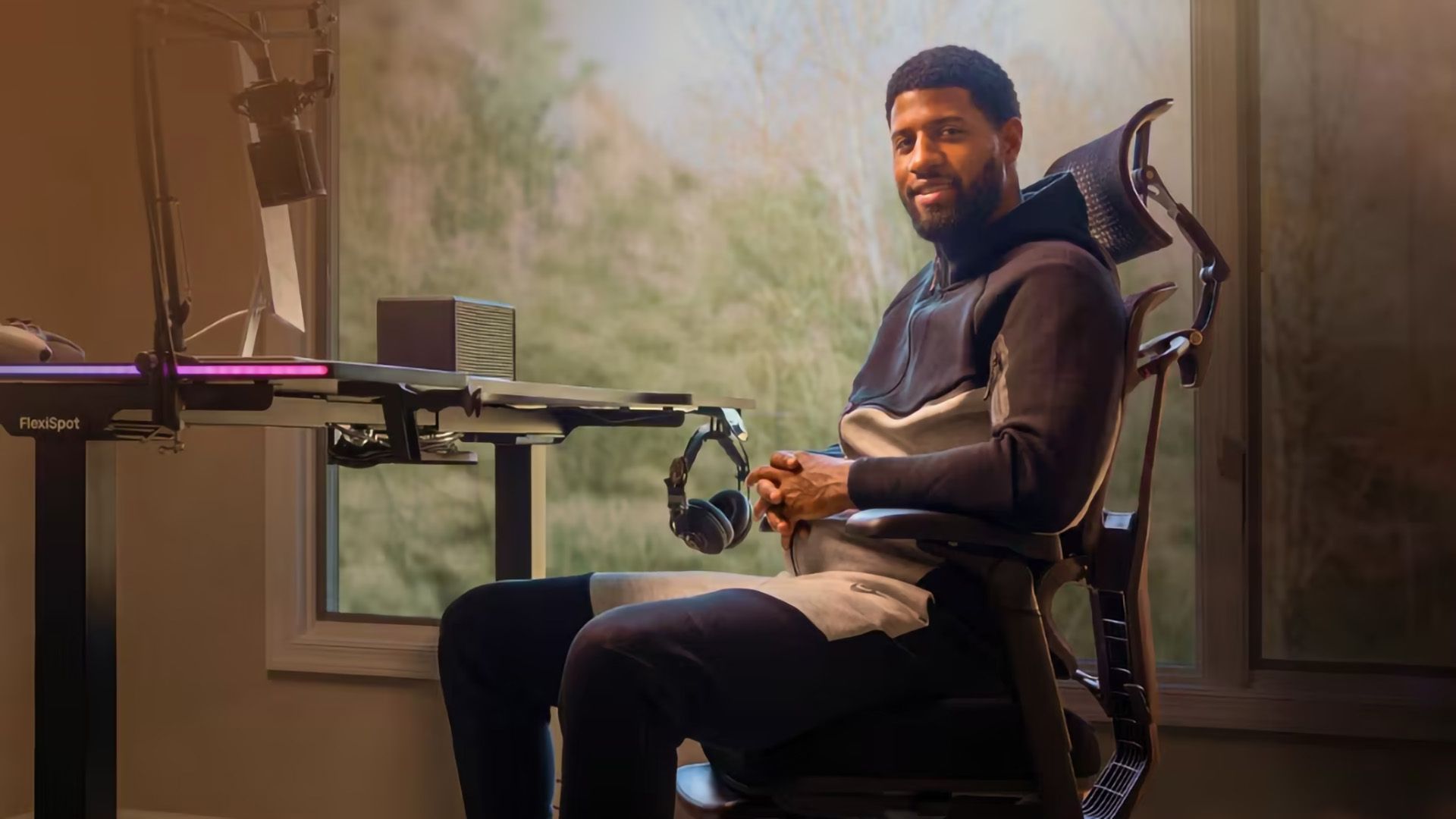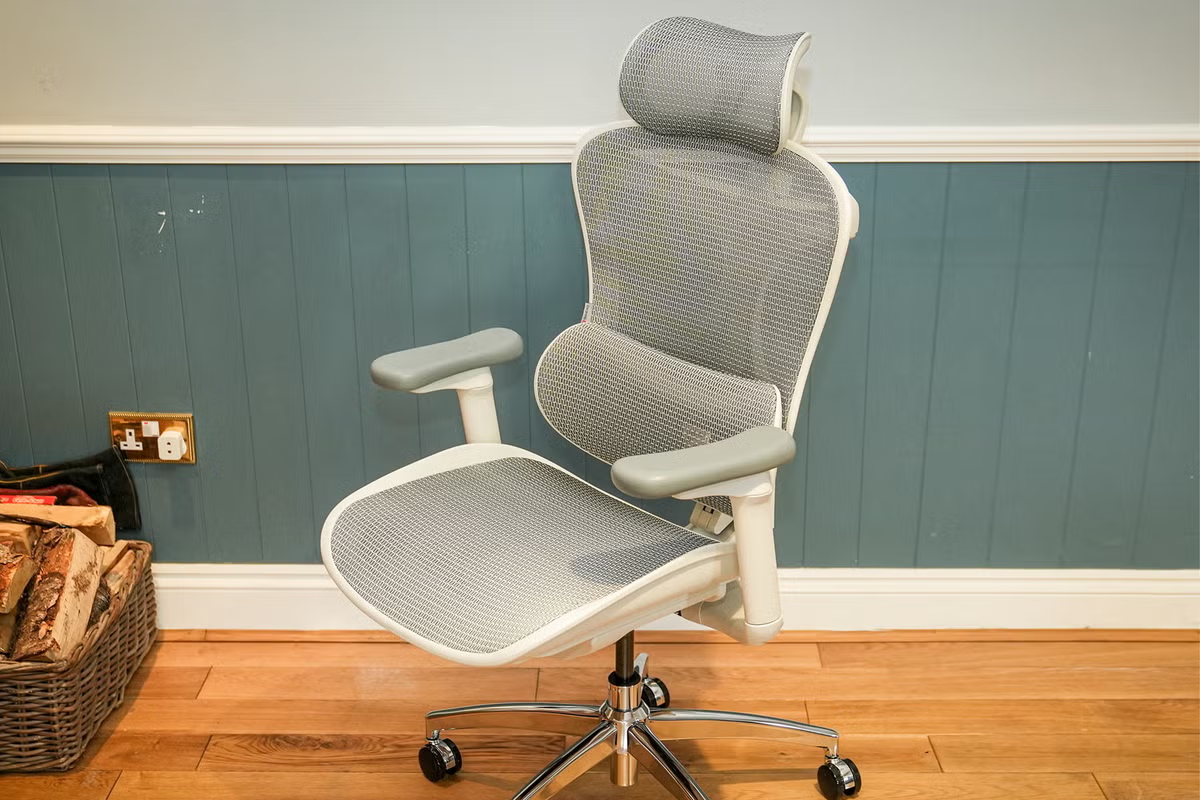
Your questions about ergonomic office chairs answeredWhat is the best ergonomic office chair?The HumanScale freedom is the best ergonomic office chair. While one of the more expensive chairs I tried, it wins out for its overall comfort, while its relatively simple aesthetic hides the complexity of its design.How I tested and selected the best ergonomic office chairsI set up each office chair in my home, where I spent many hours sitting and typing, and assessed each one. I considered lumbar support, adjustability, and the materials used. I also noted whether the brands offered repairs, upgrades, or lengthy warranties in case of wear and tear. Crucially, I wanted the chairs to be comfortable and have a positive impact on my posture. I consulted experts on what to look for and then used the chairs in the same environment you would: working from my home office. When testing and comparing each chair against the others, I considered the following:Lumbar support: The adjustment that fits into the small of your back was a major consideration for comfort, distinguishing everyday chairs from those you’d use occasionally. Adjustability: To fit your body size and shape, an office chair needs to have height, arm, and backrest adjustability. Some premium models enable you to adjust the seat depth for extra levels of comfort.Materials: While I personally prefer the aesthetic of a solid leather or fabric finish, mesh enables more air flow and may be more comfortable over longer periods of sitting. I also noted support and durability. Sustainability: Office furniture is designed to be used on a daily basis, so you expect it to withstand a lot of wear and tear. I checked which brands in this review offered repairs, upgrades, or length warranties. Setting up your office chair to avoid back painFirst off, the height of the chair must match the rest of your setup. It’s best to be relatively upright when you can, but feel free to recline the backrest every now and again. As a rule of thumb, you should be as close to your desk as possible. Then, ensure your computer screen is at the same level as your eye line. Preferably, you should be looking two to three inches below the casing on the top of the screen.Physiotherapist and director at The Swiss Touch, Laura Wilson, stresses the importance of movement throughout the day, no matter how good your ergonomic office chair may be. She says: “In an ideal world, you would stand up every 20 to 30 minutes, even if you’re just standing up and sitting down, or literally just walking around the office and sitting back down again….The same with a standing desk, you don’t want to be standing for too long, it’s all about frequent movement.” How adjustable should my office chair be? As a rule of thumb, the chair should enable you to sit with your feet placed flat on the floor, and there should be around 90 degrees between your hips and your knees, or a little bit more, says Wilson. If the chair doesn't adjust to allow this, or if your desk is too high for you to have your feet flat on the floor, you can always use a footrest. Look for chairs with adjustable lumbar support that can be fine-tuned to the natural curve of your lower back. The ability to recline slightly can take pressure off your spine, so it’s best to use a chair with adjustable tilt tension to control the resistance. As for armrests, these should be adjustable so that they allow your elbows to be in line with the desk. How to protect your carpet from office chairsAn office chair mat will create a level of protection between your chair and the floor, helping to reduce friction and damage to the carpet fibres. For chairs without wheels, chair coasters offer similar protection. How to clean an ergonomic chairFor chrome and plastic components, such as arm rests, you can simply wipe them clean – dampen a cloth with a mix of water and mild dish soap to tackle any stubborn marks, and be sure to dry the areas thoroughly afterwards.When it comes to fabric components, it’s best to avoid liquid cleaning solutions. Use the upholstery attachment on your vacuum cleaner to get rid of any dust or crumbs that have accumulated on the seat and backrest of your chair. If you happen to spill your coffee (or any other fluid) on the fabric of your ergonomic chair, soak up as much of the liquid as possible and use a suitable fabric cleaner to spot clean any remaining stains – it’s a good idea to test cleaning solutions on a small, inconspicuous area, to make sure the product won’t discolour the fabric of your chair. Why you can trust IndyBest reviews Alastair Jennings is a technology journalist with more than 30 years’ experience. He has carried out thorough, hands-on testing with countless pieces of kit, from cameras to laptops. Alastair reviewed the Bambu Lab H2D laser full combo 3D printer for The Independent, for instance. And as a journalist, he’s a WFH pro (he’s also tested the best standing desks), meaning he understands the twinges and annoyances that come with sitting on the wrong chair. After hours of use, these are the models that passed his tests. Meet the expertLaura Wilson: Physiotherapist and director at The Swiss TouchFor more ways to make working from home more comfortable, read our round-up of the best laptop stands.
6 best ergonomic office chairs for hours of comfort and support, tested by a tech pro
I’ve spent hours testing ergonomic office chairs from the likes of Humanscale, Flexispot and more
913 words~4 min read