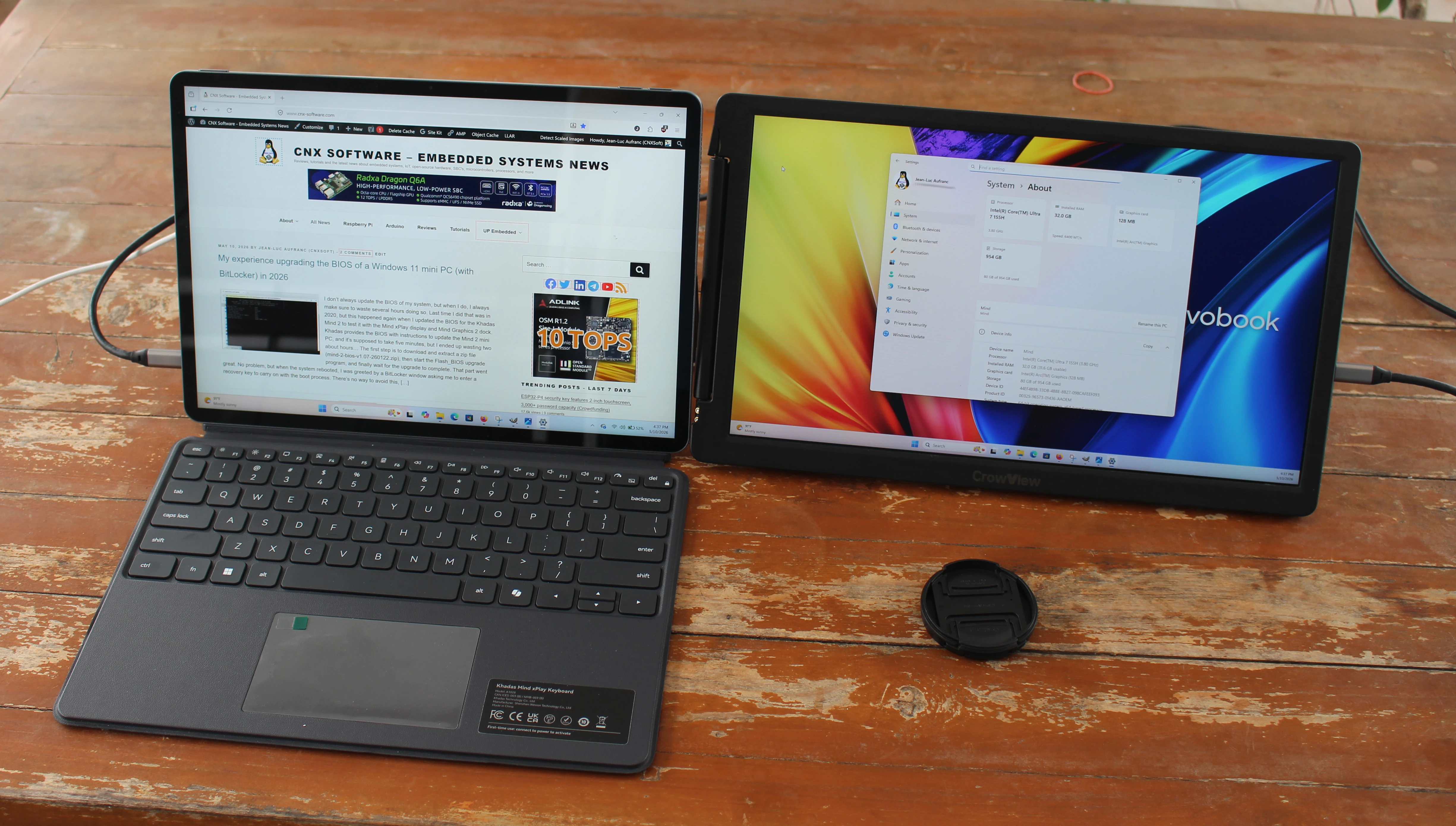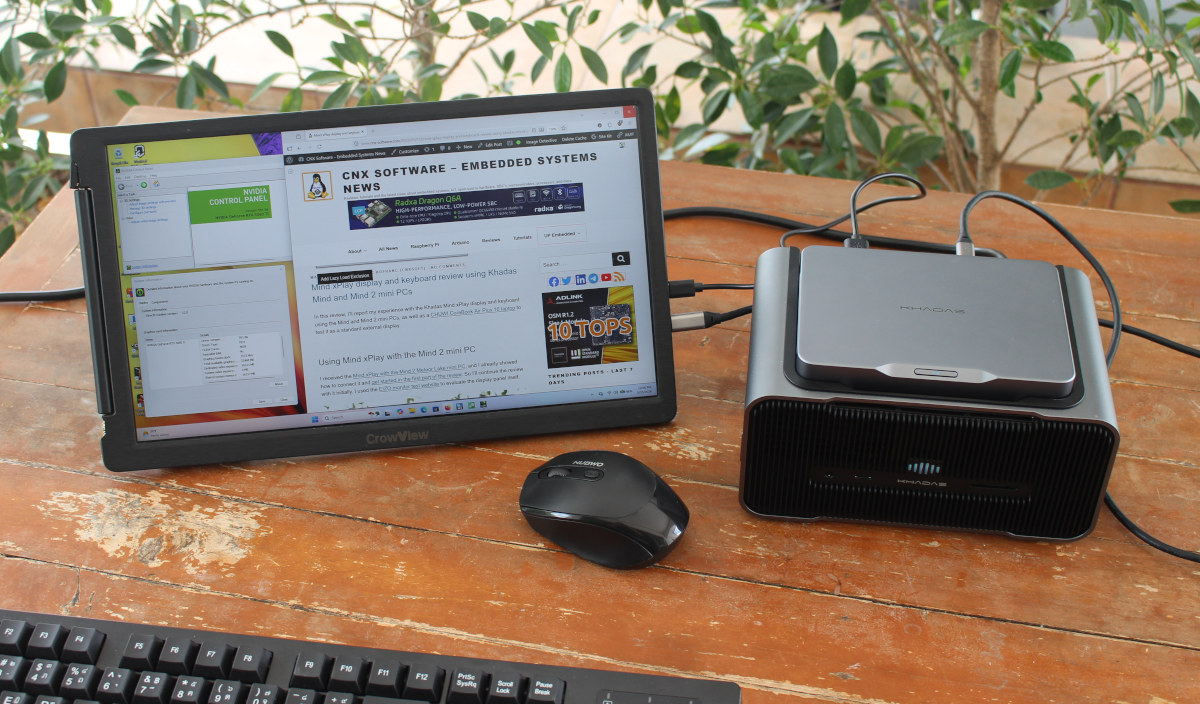
Earlier this month, I received the Khadas Mind 2 (Intel Core Ultra 7 155H) mini PC with two accessories connecting through the Mind Link (PCIe x8) connector: The Mind xPlay Display and Keyboard combo, and the Mind Graphics 2 dock, adding a range of interfaces and an NVIDIA GeForce RTX 5060 Ti GPU with 16GB of VRAM.After going through the specifications, an unboxing, and a partial teardown in the first part of the review, I tested the Mind xPlay using the Mind and Mind 2 mini PCs running Windows 11 and Ubuntu 24.04. I’ve now had time to test the Khadas Mind Graphics 2 dock with the Mind 2 mini PC running Windows 11, so I’ll report my experience with the NVIDIA GPU (3D graphics and AI), and test all features, including 2.5GbE networking, the built-in speakers, microphone array, and so on.A few gremlins and system infoWhen I first connected the Mind Graphics 2 dock to the Mind 2 mini PC, the NVIDIA GeForce RTX 5060 Ti graphics card was detected, but was disabled with a message reading “the device has been stopped because it has reported problems”. HDMI output from the dock didn’t work at all. To fix that, I connected the Mind 2 to the display through the USB-C DP port, and I went to the Mind app on the mini PC, upgraded the firmware of the dock to version 1.9, and more importantly, downloaded and installed khadas-nv-43-fix.zip from https://dl.khadas.com/products/mind-graphics-2/drivers/.That’s what the Device Manager window looks like without (left) and with (right) the Mind Graphics 2 dock.The microphone and speakers from the “Khadas Mind Graphics Speaker” show up, as well as the NVIDIA GeForce RTX 5060 Ti, the 2.5Gbps Ethernet port, and a few extra USB controllers, including a Realtek USB 3.0 card reader.GPU benchmarks using Khadas Mind 2 without and with the Mind Graphics 2 dockSince the NVIDIA GeForce RTX 5060 Ti is the star of the show, I’ll get right into it with GPU benchmarks using the Mind 2 mini PC in standalone mode. mostly testing the 2.25 GHz 8x Xe core Intel Arc graphics inside the Intel Core Ultra 7 155H SoC, and with the dock leveraging the NVIDIA graphics card.The following benchmarks will be used to evaluate both 3D graphics and AI performance:
Khadas Mind Graphics 2 review - A powerful NVIDIA Geforce RTX 5060 Ti eGPU dock for the Mind 2 mini PC - CNX Software
Review of the Khadas Mind Graphics 2 multi-function dock with an NVIDIA GeForce RTX 5060 Ti GPU, connected to a Mind 2 Windows 11 mini PC.
1,916 words~9 min read