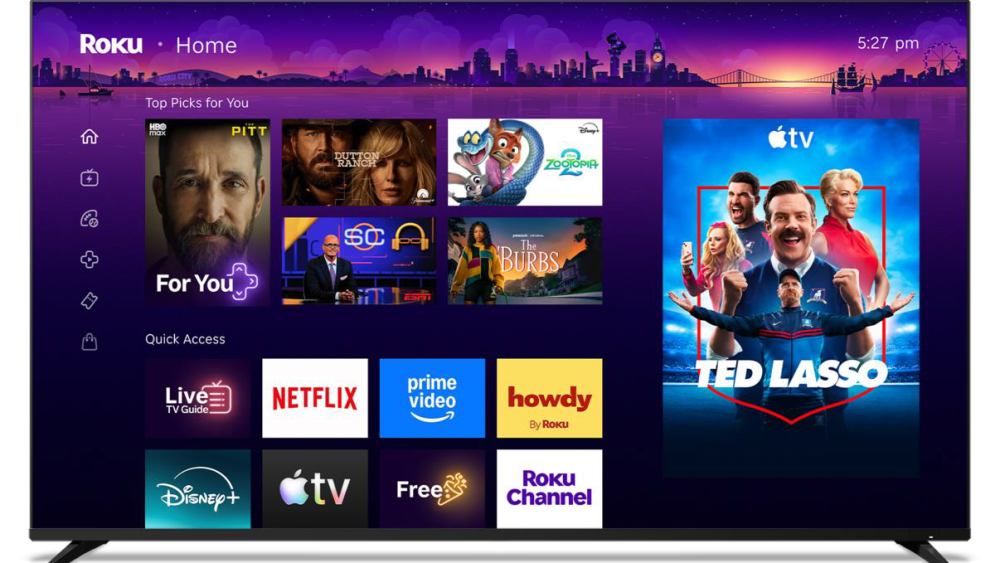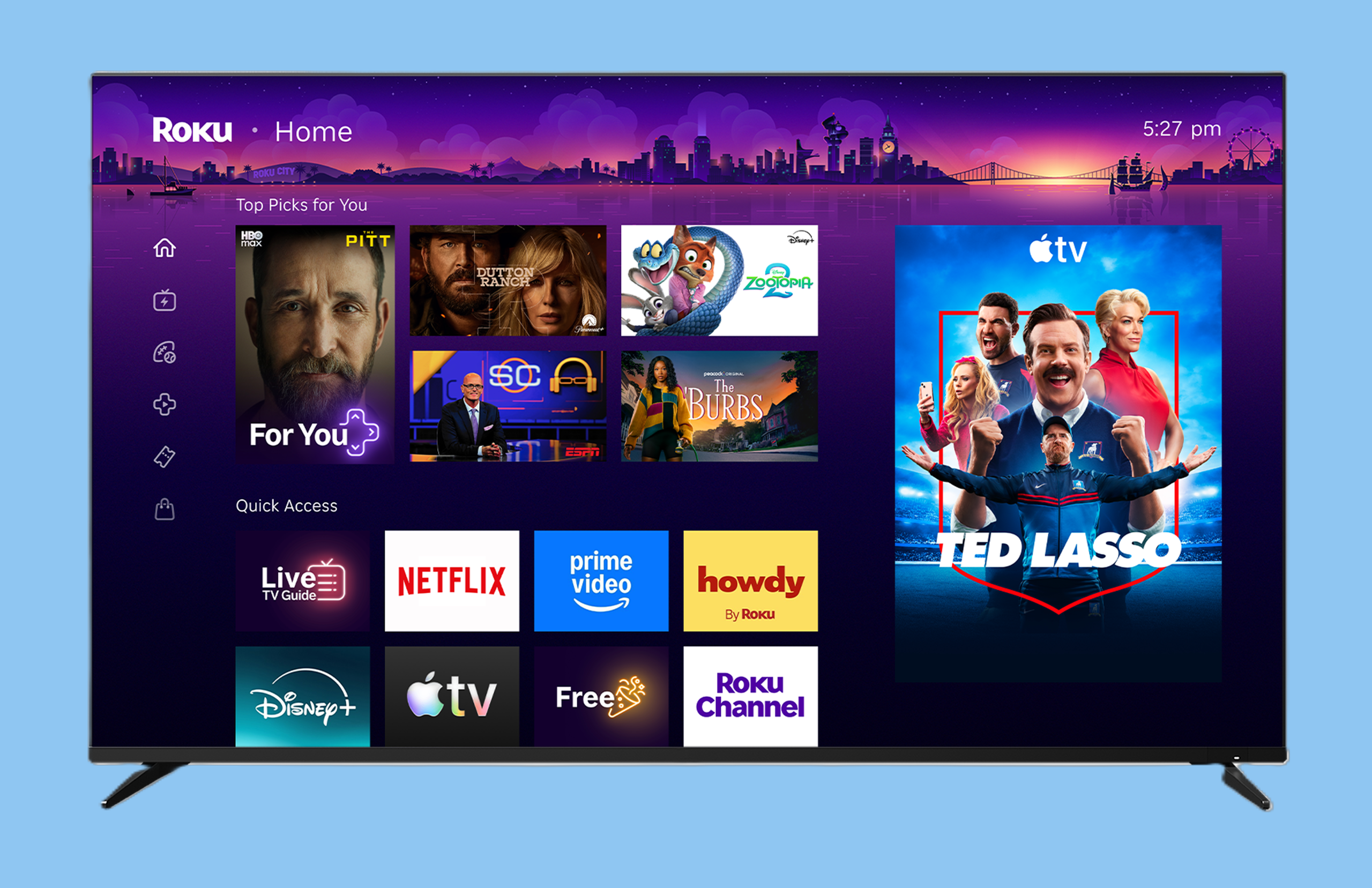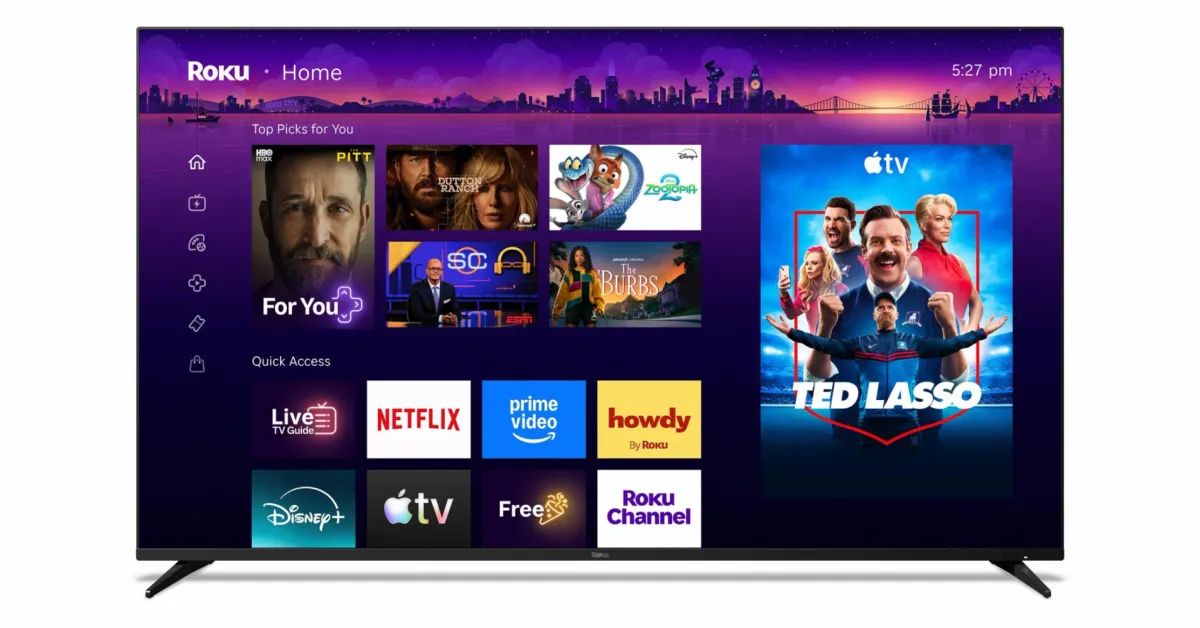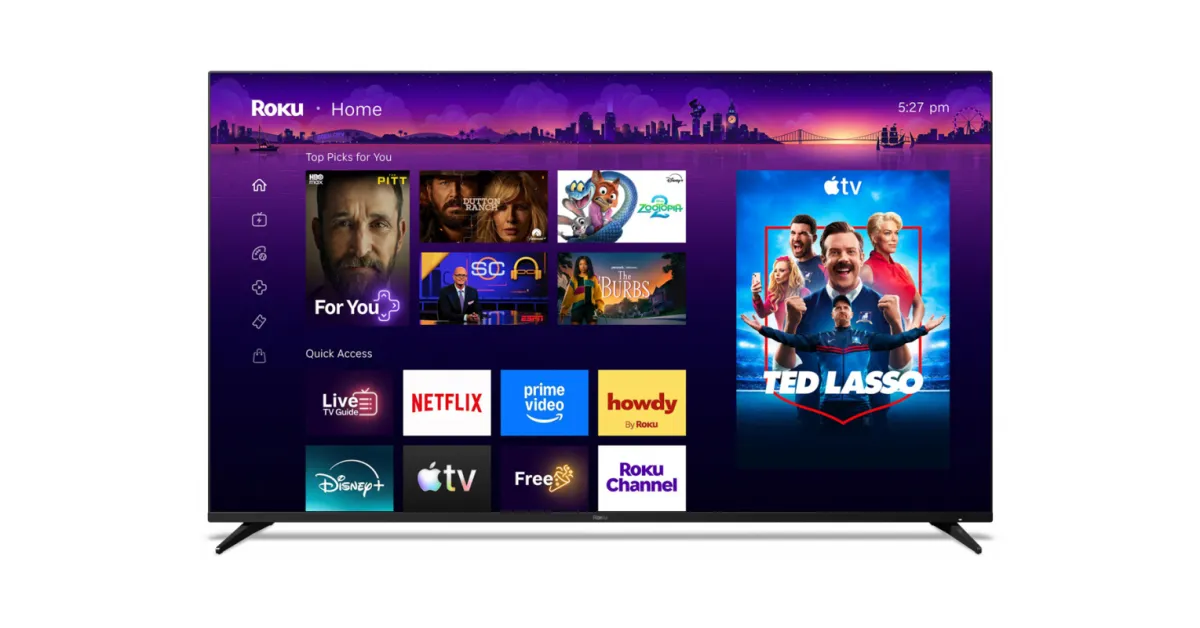
Roku ships an HTTP API on every device they sell. It has no authentication, no API key, no documentation page on a marketing site — but it powers every third-party Roku remote app on the App Store and Play Store. It's called ECP (External Control Protocol) and once you've seen it, you'll wonder why the rest of the smart-TV world isn't this simple.
I needed an in-browser remote for HiRemote's Hisense Roku TV landing page — the idea being a visitor who lands on the page can press buttons in the page itself without first installing the iOS app. Three quirks made it harder than the marketing-page version suggests; here's the actual implementation.
1. Discovery — SSDP is overrated, the user types the IP
Every Roku tutorial starts with "use SSDP multicast on 239.255.255.250:1900". This is true but useless from a browser: browsers can't send UDP. You can't run SSDP from JavaScript.
For a browser-based remote, the pragmatic solution is: ask the user for their TV's IP. On the iPhone app side we use Bonjour. On the web page side we just show a one-time input box, then localStorage it. Roku TVs always run ECP on port 8060, so once you have the IP, the base URL is fixed: