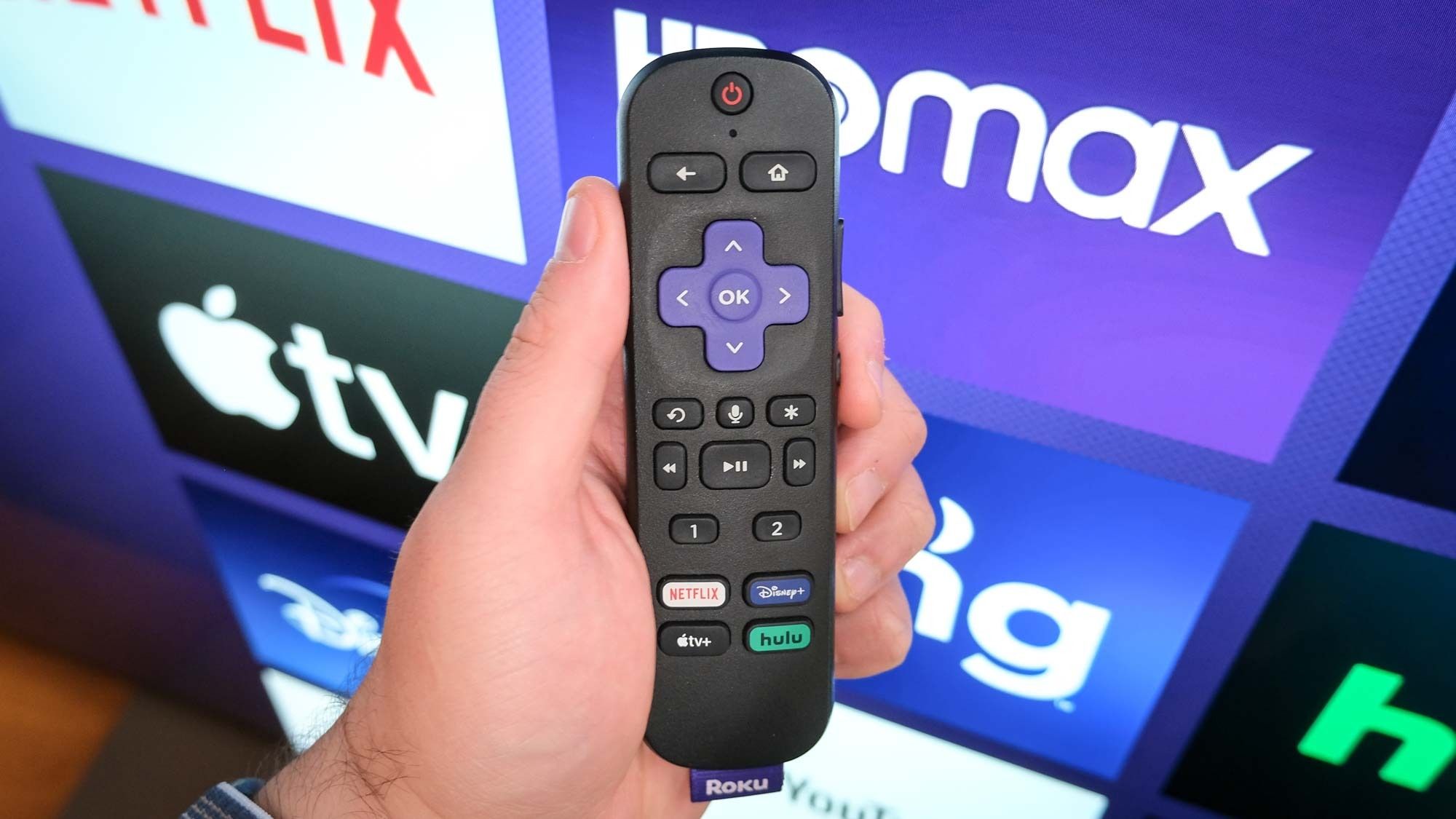
(Image credit: Henry T. Casey / Tom's Guide)
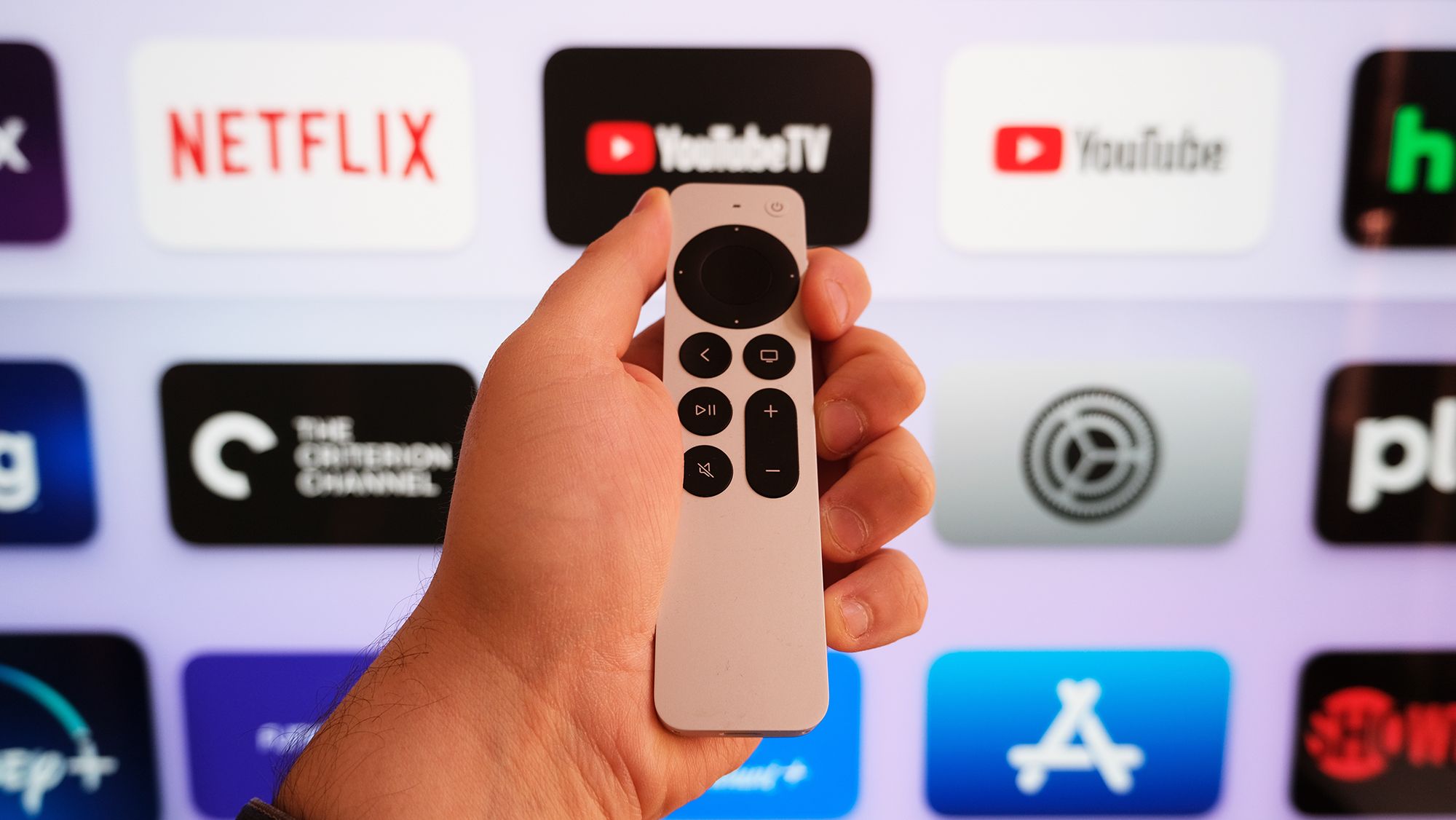
Most people use their Roku the same way every day: open an app, watch something, repeat. But that little remote hides some button combinations that unlock menus Roku never exactly advertised.Some are genuinely useful when something goes wrong, offering diagnostic detail that the standard Settings menu doesn't come close to matching. Others are just deeply satisfying to discover, the streaming equivalent of finding a hidden door in a house you've lived in for years.Whether you're troubleshooting a buffering issue or just curious what your device is actually doing under the hood, these five secret screens are worth knowing about.
1. Wireless secret screen
If your stream keeps stuttering or dropping out, this is where you want to start. The Wireless secret screen shows real-time signal strength, antenna info, glitch rates, and on-device logs — the kind of detail that actually helps you figure out whether the problem is your Roku, your router, or something in between. To access this, press Home x 5, Up, Down, Up, Down, Up.
2. Reset and update secret screen