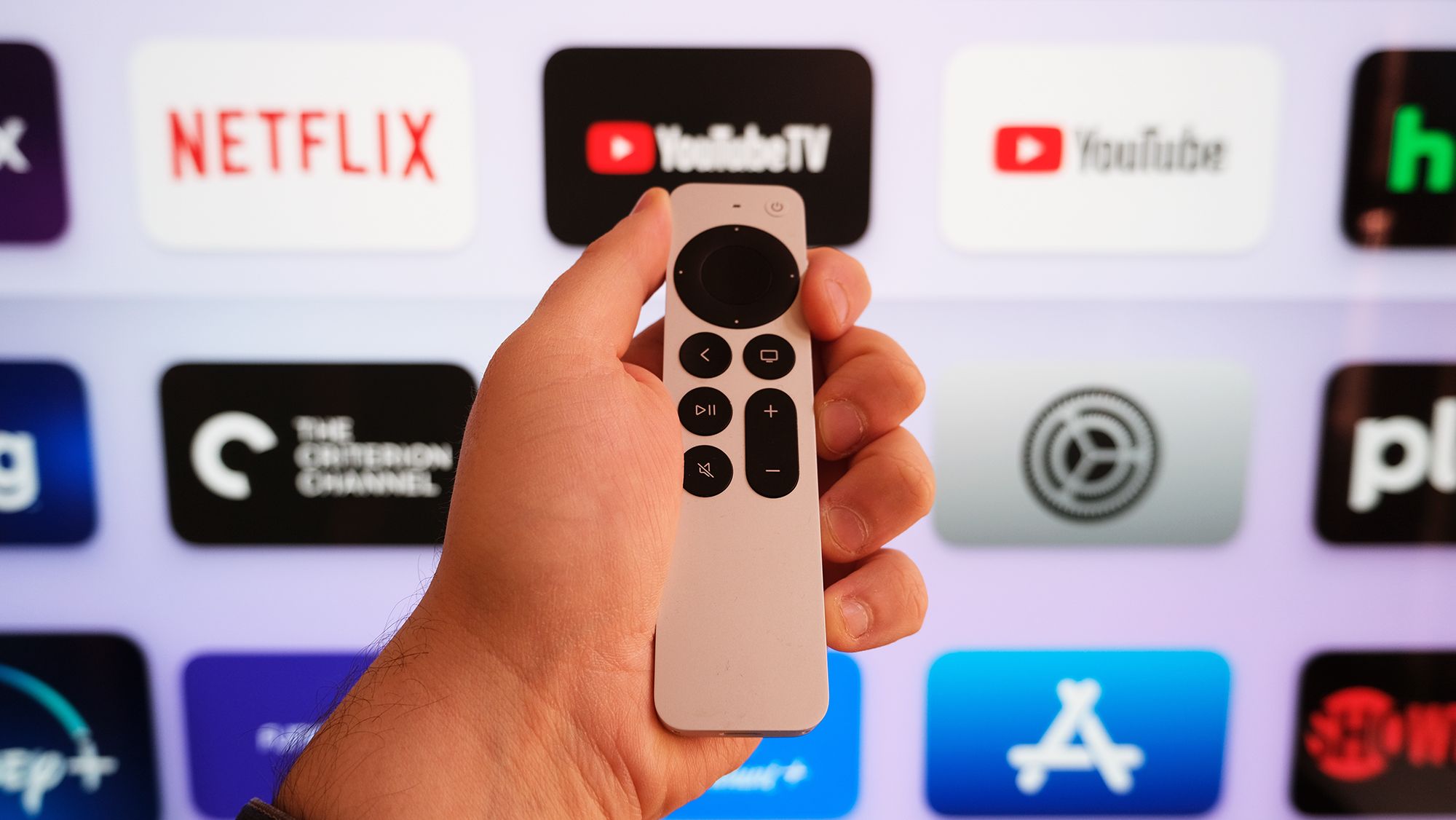
(Image credit: Henry T. Casey / Tom's Guide)
On the surface, the Apple TV remote looks almost too simple. It has the obvious buttons you expect: play, pause, back, and volume control. But behind that minimalist design, Apple buried several powerful shortcuts inside tvOS that most users never discover.Some of these hidden features solve genuinely frustrating problems like fixing a mid-episode freeze without having to pull the plug on your entire device. Others unlock accessibility tools or hand you advanced settings.If you want to stop wrestling with menus and start streaming smarter, here are the five hidden Apple TV remote features worth learning.
1. Force-close apps without restarting
When an Apple TV app misbehaves, most people unplug the entire device and wait for a restart. There's a faster way. If you double-press the Home button your remote pulls up a carousel of currently running apps. Each open app appears as a card you can navigate through. Once you've selected the problematic app, swipe upward to force-close it. The app shuts down immediately without affecting anything else running on your Apple TV.Closing them periodically keeps your streaming device responsive and prevents the creeping slowdown that happens over weeks of continuous use. It's especially useful if you're switching between multiple services and notice performance dropping.