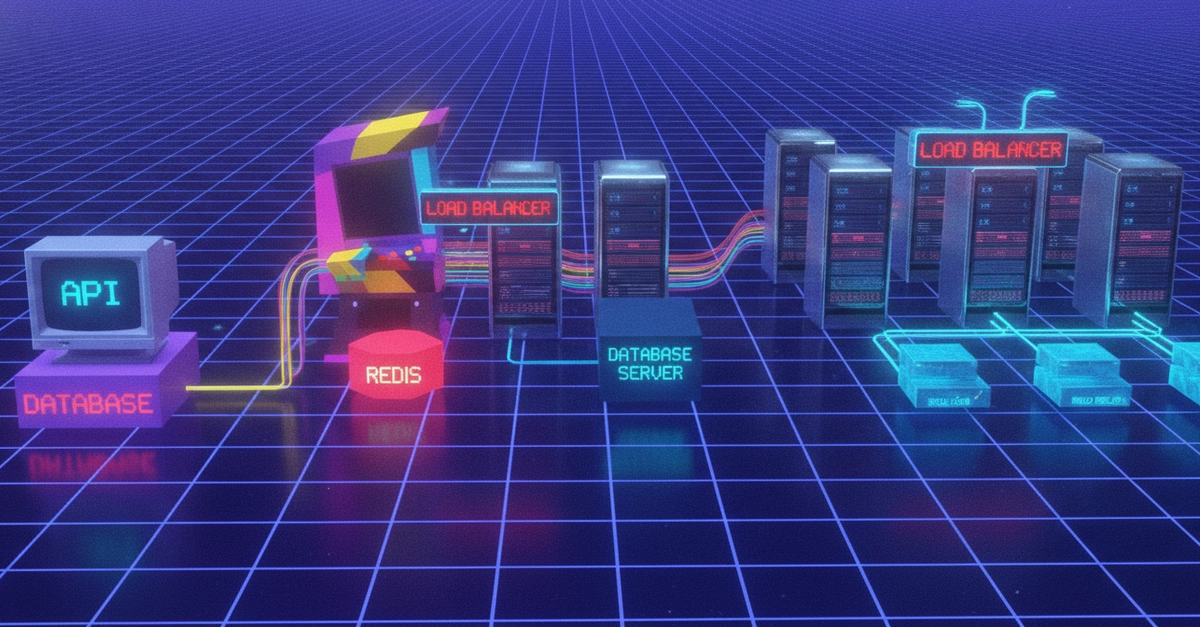
When your database starts slowing down, you face a choice: make your existing database bigger, or spread the load across multiple databases. Both approaches work. Neither is universally correct. The right answer depends on your workload, your budget, and where the bottleneck actually is.
This post walks through how to diagnose what is causing your database to slow down, when vertical scaling (bigger compute) makes sense, when horizontal read scaling (Read Replicas) is the better path, and how to make the decision with real numbers.
Your Supabase project starts on a Small compute instance. It handles your MVP, your beta users, and your first paying customers. Then, traffic grows and response times creep up. You need to scale.
Here is the quick version:
If this is you...Do thisDatabase is slow and CPU (user processes) is consistently above 70%Upgrade computeAnalytics queries are hurting productionAdd a Read ReplicaUsers in Europe or Asia have high latencyAdd a Read Replica in their regionI am maxed out at 16XL and need more read capacityAdd Read ReplicasMy workload is mostly writesUpgrade compute (replicas only help reads)I want the simplest solution with no code changesUpgrade compute