HomeAI · summaries
Storia in 16 fonti
You can (and should) opt out of letting people use your Instagram posts with Meta’s AI.
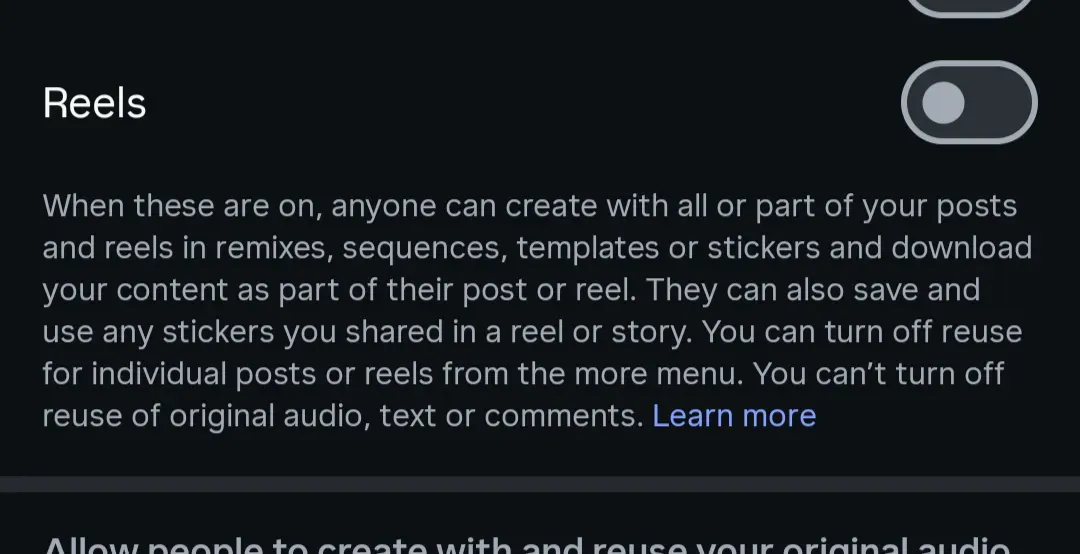
Go to your profile in the Instagram app and open the hamburger menu in the top right corner. Scroll down to “sharing and reuse,” then toggle off the sliders for “allow people to create with and reuse your content” for Posts and Reels. Then, below that, also turn off “allow people to create and reuse your original audio on Meta AI.” [Image: https://platform.theverge.com/wp-content/uploads/sites/2/2026/07/Screenshot_20260708-145327.png?quality=90&strip=all]
Confronto fonti
6 prospettive sulla stessa storiaTimeline cronologica
- ·
wired.com
Meta Now Lets Anyone Use Your Instagram Photos in AI Images—Unless You Opt Out
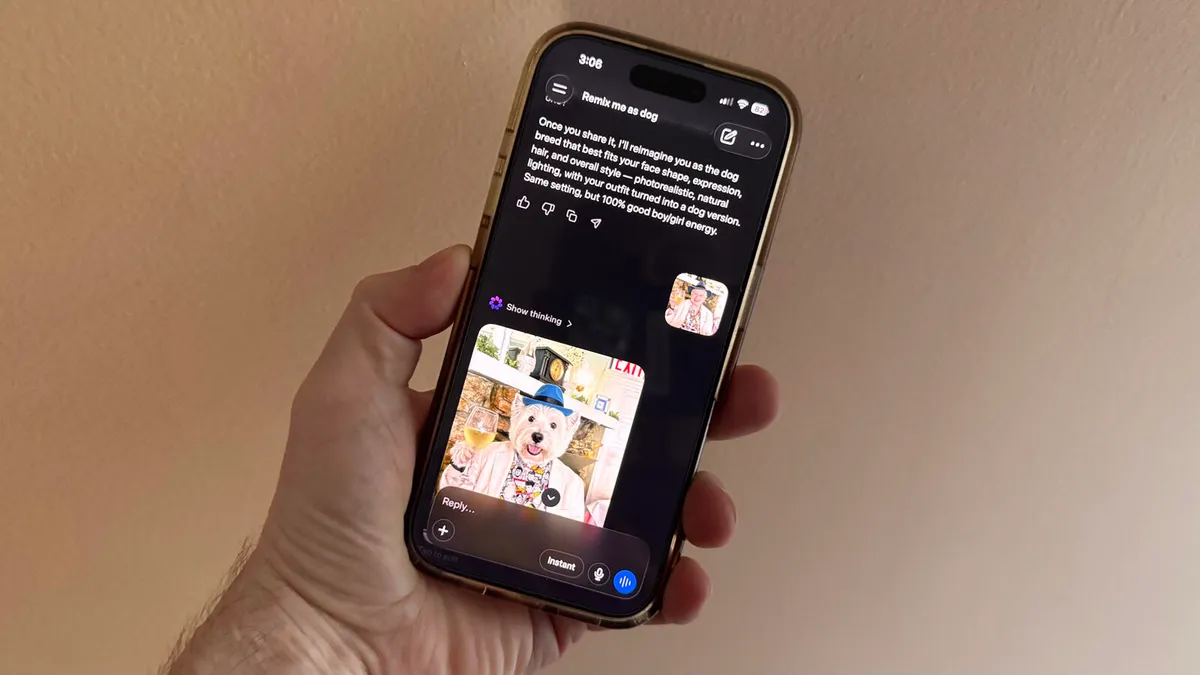
As part of Meta’s Muse Image model rollout, Instagram users with public accounts need to opt out to block AI generations of their content.
- ·
economictimes.indiatimes.com
Meta AI Can Use Your Instagram Photos By Default. Turn This OFF Now. | TechPulse
Meta AI Can Use Your Instagram Photos By Default. Turn This OFF Now. | TechPulse